EasyManua.ls Logo

Chamberlain LA400DCS - User Manual

Chamberlain LA400DCS
56 pages
Print Icon
To Next Page IconTo Next Page
Loading...
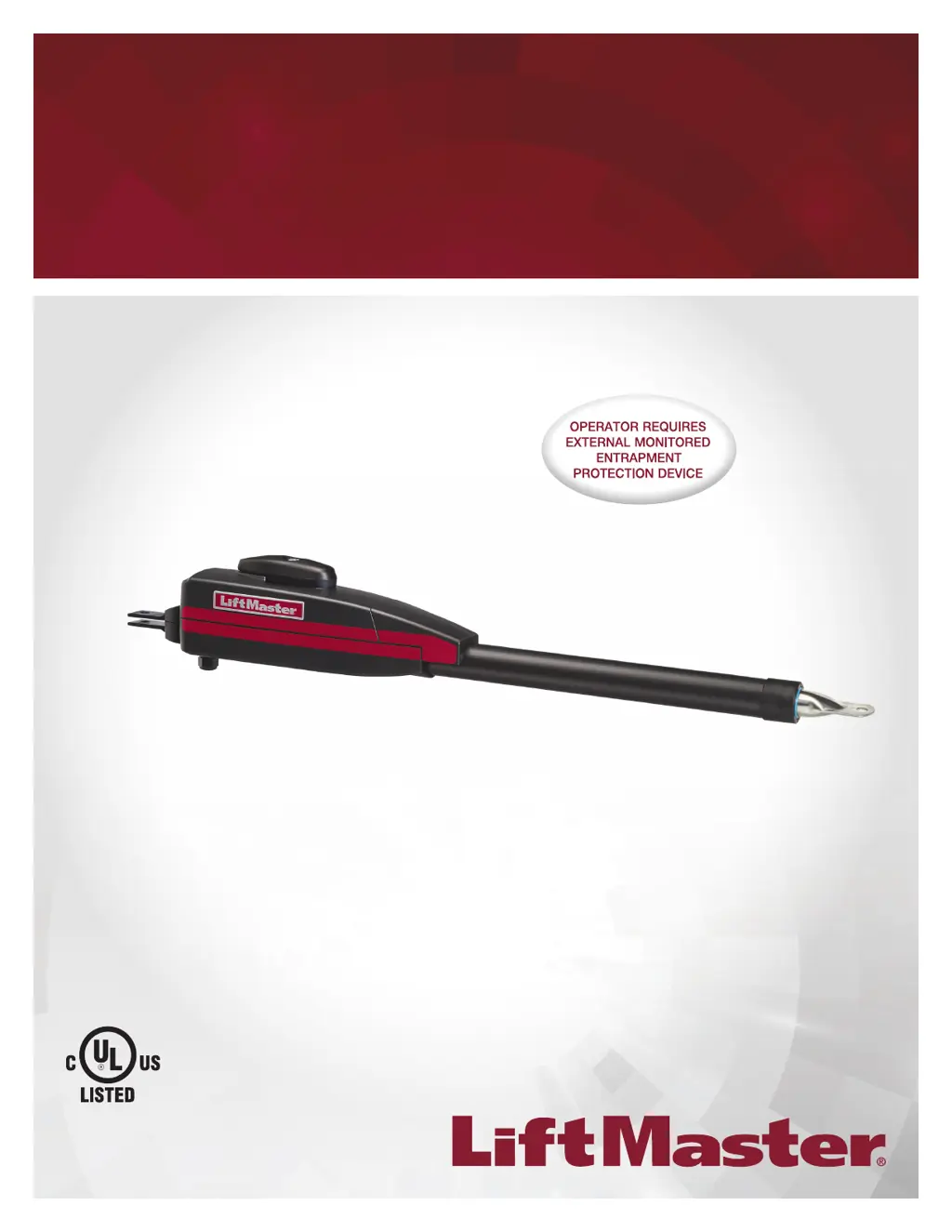
LA400PKGU Single Arm Package
LA400DC Primary 24 VDC Actuator Arm
for single swing gate applications
LA400DCS Secondary 24 VDC Actuator Arm
for dual swing gate applications
RESIDENTIAL DC
VEHICULAR SWING GATE OPERATOR
Model LA400
INSTALLATION MANUAL
LiftMaster
845 Larch Avenue
Elmhurst, IL 60126-1196
THIS PRODUCT IS TO BE INSTALLED AND SERVICED BY A TRAINED GATE SYSTEMS TECHNICIAN ONLY.
This model is for use on vehicular passage gates ONLY and not intended for use on pedestrian passage gates.
This model is intended for use in Class I, II, and III vehicular swing gate applications.
Visit LiftMaster.com to locate a professional installing dealer in your area.
This gate operator is compatible with MyQ
®
and Security+ 2.0
®
accessories.

Table of Contents

Other manuals for Chamberlain LA400DCS

Questions and Answers

  • R
    rachaeldavisSep 9, 2025
    What does Exit Loop Error mean on my Chamberlain LA400DCS Gate Opener?
    • T
      Tami PetersonSep 9, 2025
      If your Chamberlain Gate Opener displays an Exit Loop Error, it indicates a failure or missing loop. This applies only to LiftMaster Plug-in Loop Detectors. Check the loop wiring throughout the connection for shorts or open connections. There may be a short in the loop, or an open connection.
  • R
    ramirezglennAug 23, 2025
    What causes RPM / STALL Reversal (Operator 1) in Chamberlain Gate Opener and how to fix it?
    • R
      Rebecca StricklandAug 23, 2025
      If your Chamberlain Gate Opener shows an RPM/STALL Reversal, start by checking for any obstructions. If none are found, inspect the operator wiring and ensure the mechanical assembly is engaged and moves freely. If problems persist, consider replacing the APE assembly.
  • J
    Jacob HensonAug 25, 2025
    What to do if my Chamberlain LA400DCS shows Max-Run-Time Exceeded Error?
    • C
      calhounmatthewAug 25, 2025
      If your Chamberlain Gate Opener displays a Max-Run-Time Exceeded Error, check for any obstructions that may be preventing the gate from moving freely. After ensuring there are no obstructions, reprogram the limits.
  • M
    Miss Tina MoyerAug 26, 2025
    What to do if my Chamberlain LA400DCS Gate Opener displays Product ID Error?
    • R
      Robert CastroAug 27, 2025
      If your Chamberlain Gate Opener shows a Product ID Error, and you've recently replaced the control board, erase the existing limits, enter limit setup mode, and set the limits again. If the control board hasn't been replaced, disconnect power, wait 15 seconds, and reconnect power before changing the product ID harness.
  • L
    Lisa BakerAug 27, 2025
    What to do if my Chamberlain Gate Opener shows 'No battery at boot up'?
    • F
      fdavisAug 27, 2025
      If your Chamberlain Gate Opener indicates no battery at boot up, check the battery connections and ensure proper installation. Replace the batteries if they are depleted to less than 20V on a 24V system or less than 10V on a 12V system. Ensure you are not using a single 12V battery on a 24V system.
  • V
    Victoria KnightAug 29, 2025
    Why does my Chamberlain LA400DCS Gate Opener show battery overvoltage and how to fix it?
    • S
      Sean CollinsAug 29, 2025
      If your Chamberlain Gate Opener reports a battery overvoltage, it means there is too much voltage on the battery. Check the harness and ensure that you are not using a 24V battery on a 12V system.
  • K
    Kristi RogersSep 18, 2025
    How to fix 'Wireless edge battery low' on Chamberlain LA400DCS?
    • W
      woodskathrynSep 18, 2025
      If your Chamberlain Gate Opener indicates that the wireless edge battery is low, replace the batteries in the wireless edge unit.
  • K
    Kelly PrattSep 18, 2025
    What to do if Maglock not working correctly on my Chamberlain Gate Opener?
    • M
      Michael PhillipsSep 18, 2025
      If the Maglock on your Chamberlain Gate Opener is not working correctly, it might be wired incorrectly. Ensure the Maglock is wired to the N.C. and COM terminals. Also, verify that the Maglock has power, but do not power it from the control board accessory power terminals. If shorting the lock’s NO and COM wires does not activate the Maglock, replace the Maglock or Maglock wiring, referring to the Wiring Diagrams for guidance.
  • M
    Misty SnyderSep 7, 2025
    What causes 'Close input (EYE/EDGE) communication fault from other operator' on my Chamberlain LA400DCS Gate Opener?
    • J
      Jo BrownSep 8, 2025
      If your Chamberlain Gate Opener shows a close input (EYE/EDGE) communication fault from another operator, check the inputs and communication method between the operators, whether it's a wired bus or radio. Ensure the operator is powered. You might need to erase the wireless communication and reprogram the two operators.
  • L
    Lisa SolomonSep 4, 2025
    How to fix main control board failure on Chamberlain LA400DCS?
    • M
      Melissa HarrisSep 4, 2025
      If the main control board of your Chamberlain Gate Opener has experienced an internal failure, try disconnecting all power, waiting 15 seconds, and then reconnecting the power to reboot the system. If the issue persists, the main control board may need to be replaced.

Chamberlain LA400DCS Specifications

General IconGeneral
TypeSwing Gate Opener
Maximum Gate Weight850 lbs
Maximum Gate Length16 ft
Battery BackupYes
Safety FeaturesObstruction sensing
Smart Phone ControlYes
Control TypeWireless Remote Control, Keypad (Optional), Smartphone App (with purchase of internet gateway)

Related product manuals