EasyManua.ls Logo

Chamberlain LiftMaster Professional SW420 - User Manual

Chamberlain LiftMaster Professional SW420
36 pages
Print Icon
To Next Page IconTo Next Page
Loading...
CONTROLLER
BOARD
GL
MODEL SW420 IS FOR VEHICULAR PASSAGE GATES ONLY AND
IS NOT INTENDED FOR PEDESTRIAN PASSAGE GATE USE.
INTENDED FOR PROFESSIONAL INSTALLATION ONLY.
VISIT WWW.LIFTMASTER.COM TO LOCATE A PROFESSIONAL
INSTALLING DEALER IN YOUR AREA.
THIS MANUAL IS TO BE LEFT WITH THE PROPERTY OWNER.
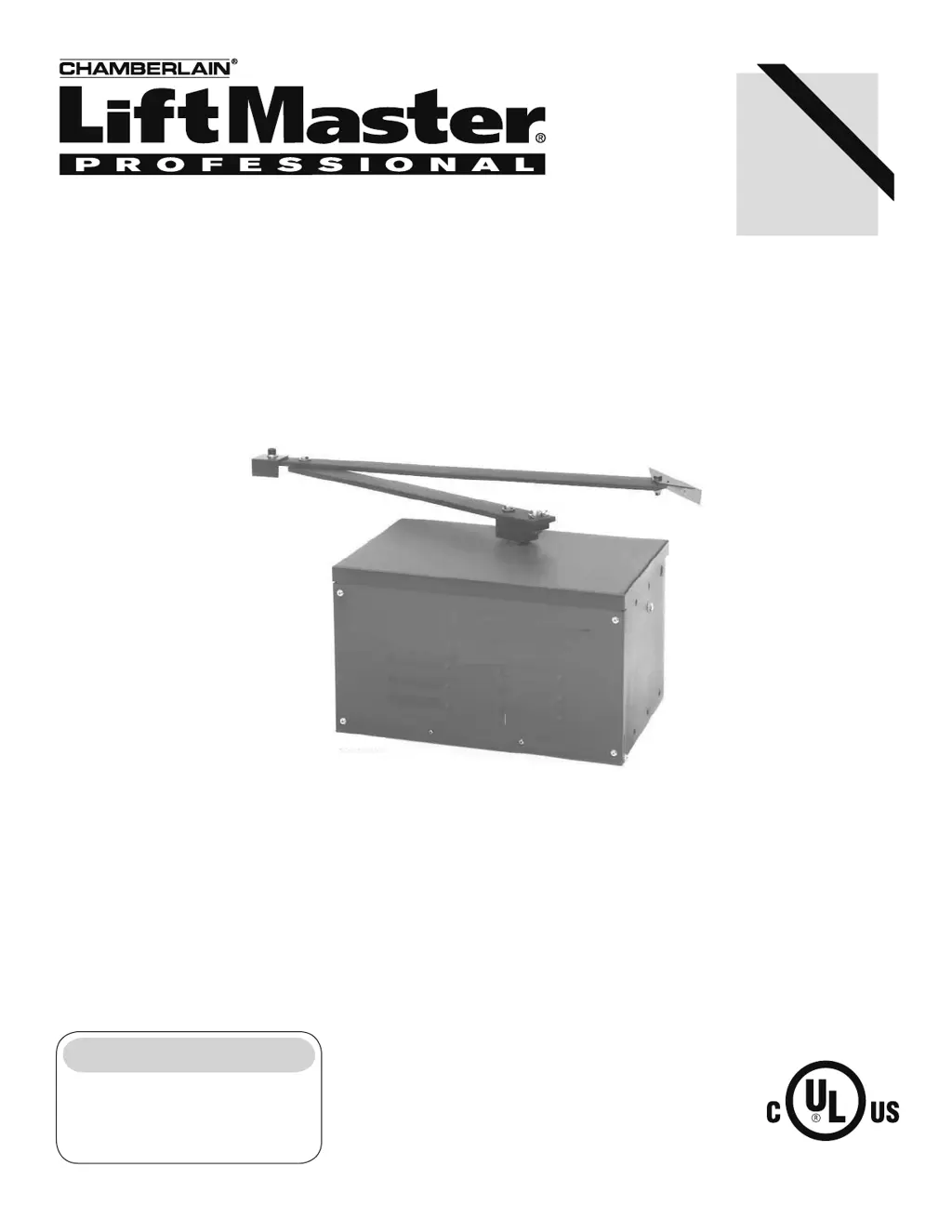
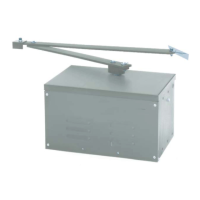
MODEL SW420
LIGHT DUTY SWING GATE OPERATOR
Serial # ________________________
(located on electrical box cover)
Installation Date __________________
2 YEAR WARRANTY

Other manuals for Chamberlain LiftMaster Professional SW420

Questions and Answers

  • D
    Diana CuevasSep 23, 2025
    What to do if the thermal overload inside the Chamberlain LiftMaster Professional SW420 motor has overheated?
    • M
      Matthew PierceSep 23, 2025
      If the thermal overload inside the Chamberlain Gate Opener motor has overheated, wait approximately 15 minutes, then try running unit. It is recommended that the motor be replaced.
  • E
    Elizabeth HendersonAug 25, 2025
    Why does my Chamberlain Gate Opener run, then stop and reverse direction?
    • D
      Danielle WebbAug 26, 2025
      If your Chamberlain Gate Opener runs, but then stops and reverses direction, the issue could stem from several causes. The entrapment force pot might be incorrectly set; adjust it so the gate runs smoothly and reverses upon encountering an obstruction. The gate may be binding; disconnect it from the operator and manually swing it open and close to check for smooth movement. If binding occurs, repair the gate. Check red LEDs D29 and D31. The Hall Effect Sensor might be misaligned; adjust it to be within 20 thousandths of an inch of the magnets on the gearbox pulley without contact. If properly adjusted and the issue persists, replace the sensor.
  • A
    Amy ContrerasAug 26, 2025
    Why does my Chamberlain Gate Opener run slow and/or trip the internal overload?
    • S
      Steven MooreAug 27, 2025
      If your Chamberlain Gate Opener runs slowly or trips the internal overload, it may be due to low primary (high voltage) power. Measure the incoming line voltage at the unit’s on/off switch and the meter base or sub panel, ensuring the voltage at the operator is within 5% of its rating when running. Check the number of amps being drawn from the panel to ensure it doesn't exceed the panel’s rating. Also, verify that the correct wire gauge was used for the distance between the breaker and operator. Inspect the motor for overheating or damage; replace it if it's humming, grinding, or making excessive noise. Note that repeated motor problems indicate poor primary power.
  • L
    lsanchezAug 27, 2025
    What to do if Master or Second Chamberlain LiftMaster Professional SW420 is not functioning properly?
    • Z
      Zachary NguyenAug 27, 2025
      If the master or second operator of your Chamberlain Gate Opener is not functioning correctly, it may be due to a failure to cycle power after setup. The power to each unit must be cycled to initiate proper communication if the operators were previously in stand-alone mode. The communication wiring may be damaged or improperly wired for dual gate operation. Ensure that the communication wire is a twisted pair and is not run in the same conduit with any power wiring to avoid interference. Also, the master or second unit may not be programmed correctly, so review the program settings and check both units for proper programming.
  • B
    brownkevinNov 23, 2025
    What to do if my Chamberlain LiftMaster Professional SW420 Gate Opener fails to run?
    • G
      Gabriella HolderNov 23, 2025
      If your Chamberlain Gate Opener isn't running, several issues could be the cause. First, check if a stop control is properly installed across terminals J1-3 & J1-5 on the control board, and ensure the green LED (D17) is illuminated. A fault in the operator could also be the problem; inspect the yellow diagnostic LED. If it blinks six times, it indicates a communication failure between the master and second units. For a single unit, ensure a jumper is across terminals J5-1 & J5-2; for dual units, check the communication wiring. If the yellow light is solid, the board needs to learn the motor. Also, an active or malfunctioning accessory might be the cause. Check the red input status LEDs (D11-D31); if any are on, the accessory may be wired incorrectly or malfunctioning. Remove the accessory ...
  • D
    Darren JonesSep 14, 2025
    Why does my Chamberlain LiftMaster Professional SW420 draw too much current?
    • H
      hutchinsontonySep 15, 2025
      If many accessories are connected to and powered by your Chamberlain Gate Opener, the operator's control transformer may be drawing too much current. This operator can only supply approximately 2 amps @ 24 vac. Check all accessories for their current requirements.
  • K
    Kayla LamSep 12, 2025
    What to do if my Chamberlain LiftMaster Professional SW420 master or second operator isn't working correctly?
    • C
      Colton JohnsonSep 13, 2025
      If your Chamberlain Gate Opener's master or second operator isn't functioning properly, it could be due to a failure to cycle power after setup; the power to each unit must be cycled to initiate proper communication if the operators were previously in stand-alone mode. Also, the communication wiring may be damaged or improperly wired for dual gate operation; make sure that the communication wire that is used is twisted pair and not run in the same conduit with any power wiring, as this can cause interference. Finally, the master or second unit may not be programmed correctly.
  • B
    belinda24Sep 13, 2025
    Why do radio controls close the Chamberlain LiftMaster Professional SW420 Gate Opener gate from the open limit?
    • H
      Heather FloresSep 14, 2025
      If the radio controls are closing the gate from the open limit on your Chamberlain gate opener, the radio terminals R1-4 are likely factory configured for residential (Open & Close) radio function. To configure terminals R1-4 for residential radio function, perform the following modifications: 1. Locate and disconnect the end of the wire running to terminal J1-1 from R4. 2. Connect the end of wire removed from J1-1 to J1-6.
  • W
    wilsonmikeSep 4, 2025
    Why doesn't my Chamberlain Gate Opener activate the timer to close after the close photo eye is broken?
    • S
      Sarah MillsSep 4, 2025
      If your Chamberlain Gate Opener gate does not activate the timer to close after the close photo eye is broken, the close obstruction input is programmed incorrectly. It has been programmed to function with gate edges and not photo eyes. Reprogram the obstruction inputs to match the accessories installed on the operator.
  • J
    John CookSep 2, 2025
    How to fix Chamberlain LiftMaster Professional SW420 when programming changes do not affect the gate?
    • S
      Scott BarrettSep 2, 2025
      If programming changes do not affect your Chamberlain Gate Opener, check the save switch on switch S1-1. If the switch S1-1 is in the on position, any subsequent programming changes will not affect the gate. To make programming changes, switch S1-1 off, make the desired changes, and then switch S1-1 on.

Summary

UL325 Model Classifications and Safety Requirements

Entrapment Protection Types

Explains various entrapment protection systems recognized by UL325 for gate operators.

Entrapment Protection Requirements

Outlines the required primary and secondary entrapment protection for each UL325 class.

Safety Protection Device Locations

Safety Installation Information

General Safety Guidelines

Provides essential safety guidelines for installing gate operators to minimize hazards.

Swing Gate Safety Precautions

General Swing Gate Safety

Highlights critical safety measures to prevent injury or death from moving swing gates.

Installation

Post Mounting Procedure

Provides instructions for anchoring posts and mounting the operator using U-bolts.

Pad Mounting Procedure

Details how to prepare and mount the operator on a concrete pad using anchor bolts.

Pedestal Mounting Procedure

Explains how to anchor a pedestal and mount the operator onto it securely.

Control Arm Assembly Steps

Details the process of attaching the control arm, extension arm, and gate bracket.

Mechanical Disconnect Procedure

Explains how to disconnect the control arm from the drive hub for manual gate operation.

Wiring

Power Wiring Specifications

Provides guidelines for wire gauge selection based on distance for power wiring installation.

General Wiring Warnings

Lists critical safety warnings and recommendations for electrical connections and wiring.

Stop;Reset Button Wiring

Explains the required wiring for the Stop/Reset button control station.

Adjustment

Programming Radio Receiver

Guides on setting security modes and programming remote controls to the receiver.

Limit Switch Adjustment

Provides detailed steps to adjust the open and close limit switches for proper gate travel.

RPM Sensor Adjustment

Details the procedure for aligning the Hall Effect sensor for the entrapment protection system.

Obstruction Inputs

Explains how edge or photo eye inputs function for obstruction detection during open/close cycles.

Motor Learn Function

Explains the procedure for programming the operator to learn the motor's RPM profile for force control.

Program Settings

DIP Switch S1 Settings

Explains the function of DIP switch S1 for Timer-to-Close, Slide/Swing, and Right/Left operation.

Edge;Photo Open Selection

Configures the input for open obstruction protection using edge or photo eye.

Edge;Photo Close Selection

Sets the input for close obstruction protection using edge or photo eye.

Troubleshooting

Operator Fails to Run

Lists possible causes and solutions for the operator not responding to commands.

Operator Maintenance

Important Safety Instructions

Lists essential safety precautions to follow before and during any maintenance procedures.

Wiring Diagrams

Safety Accessories

Control Connection Diagrams

Chamberlain LiftMaster Professional SW420 Specifications

General IconGeneral
Motor TypeDC
Max Gate Length16 ft
Safety FeaturesObstruction Detection
Remote ControlYes
Battery BackupOptional

Related product manuals