危险废弃物
2.Video and Photo Download
03 Other Aspects
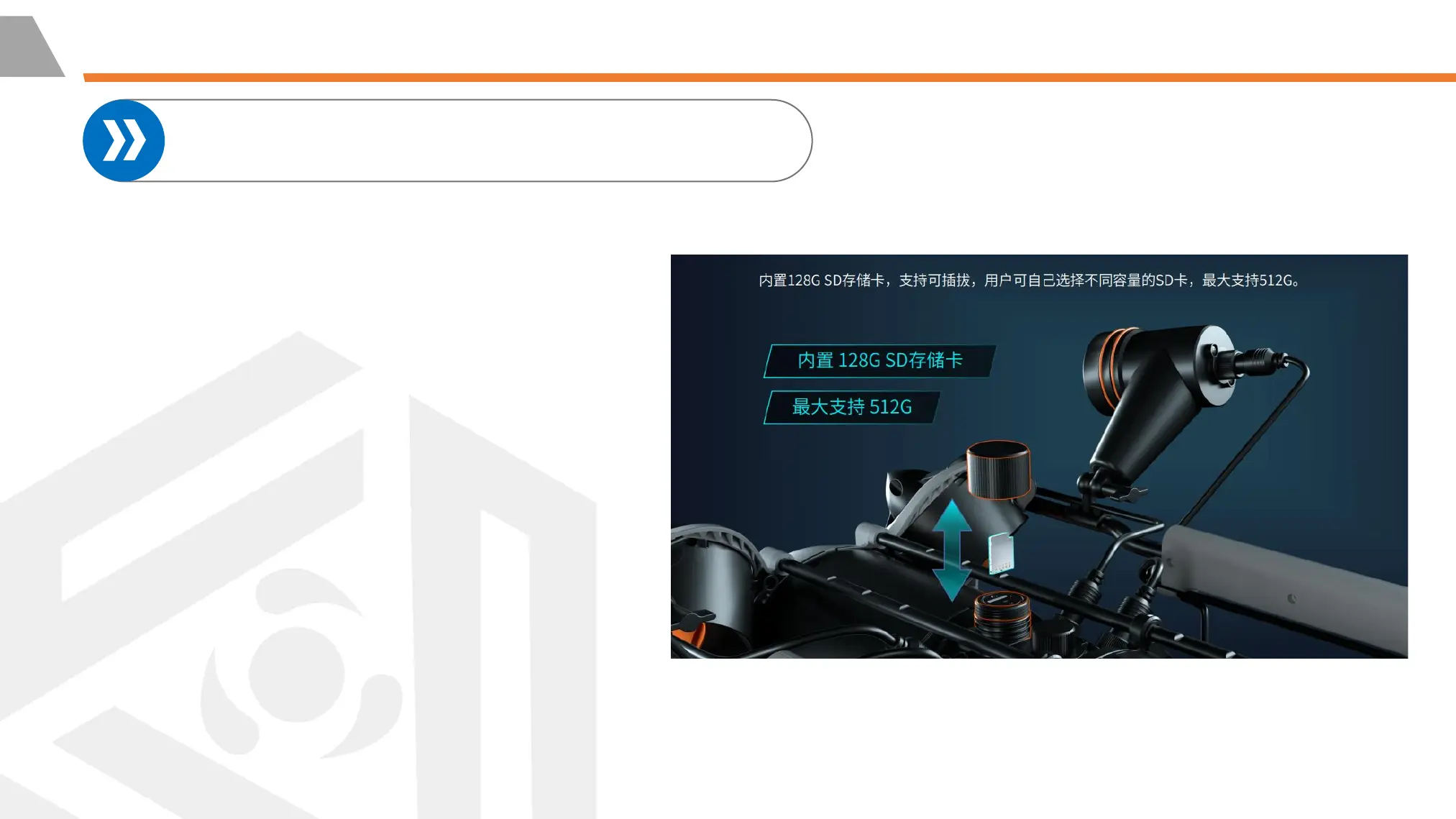
②Method 2: Micro SD card copy
1. Turn off the Remote Controller and
dry the ROV, especially the SD card
socket.
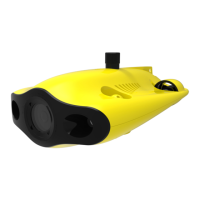
2. Unscrew the Micro SD card socket
cover counterclockwise and remove
the Micro SD card.
3. Read the SD card in a Card reader,
and copy the images with computer
※NOTE: Before removing/inserting the
Micro SD card, please make sure the ROV is
powered off and stays dry.



 To Next Page