2
01 Product Structure
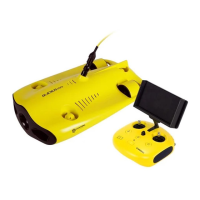
Remote Controller
02
2
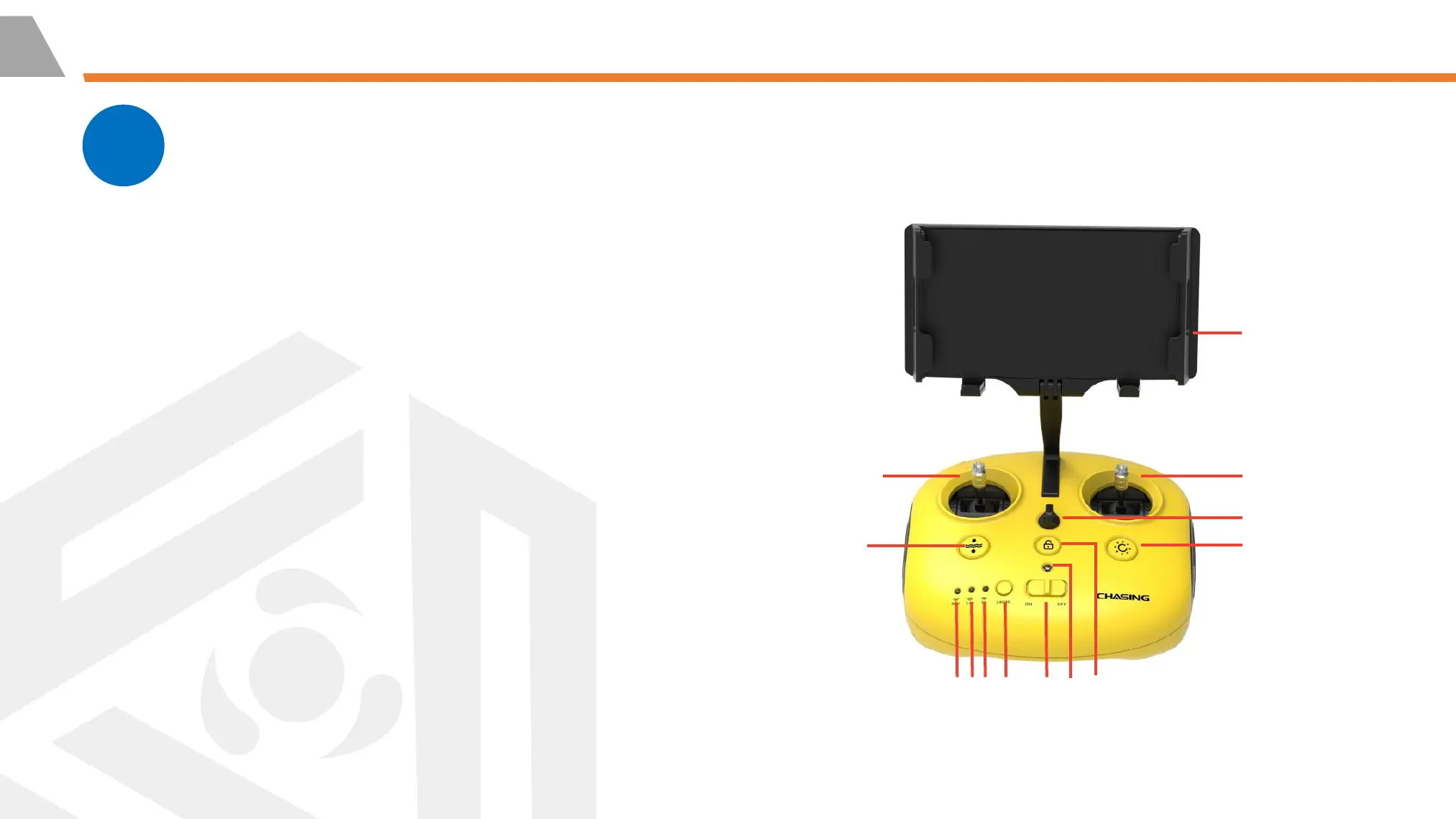
7. Unlock: Unlock/Lock, current state of the Thruster will show
on the App
8. Led Control: On/Off led light (0%, 1-99%, 100%)
9. Safety Buckle: Can be used with a safety rope to prevent
dropping
10. Right Control Stick: Used to control the naviga-
tion of the ROV
11. Left Control Stick: Used to control the naviga-
tion of the ROV
12. One-key reset: Short press to reposition
the ROV return to a horizontal state/
Long press to switch control mode The blue light is always on
when the ROV is in a non-horizontal position.
13. Phone/Tablet Clamp: Used to attach
phone/tablet to mounting bracket, supports mobile devices
up to 10.5 inches (pull the ends apart to put the device in,
press the button on the back to tighten the device)
2
1
3
5
4
6
7
8
12
9
10
11
13



 To Next Page