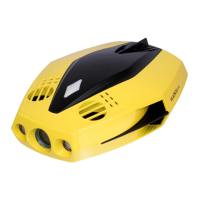
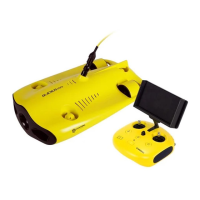
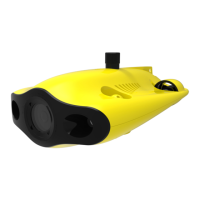
01 Product Structure
Remote Controller
02
2
14
15
16
17
18
19
20
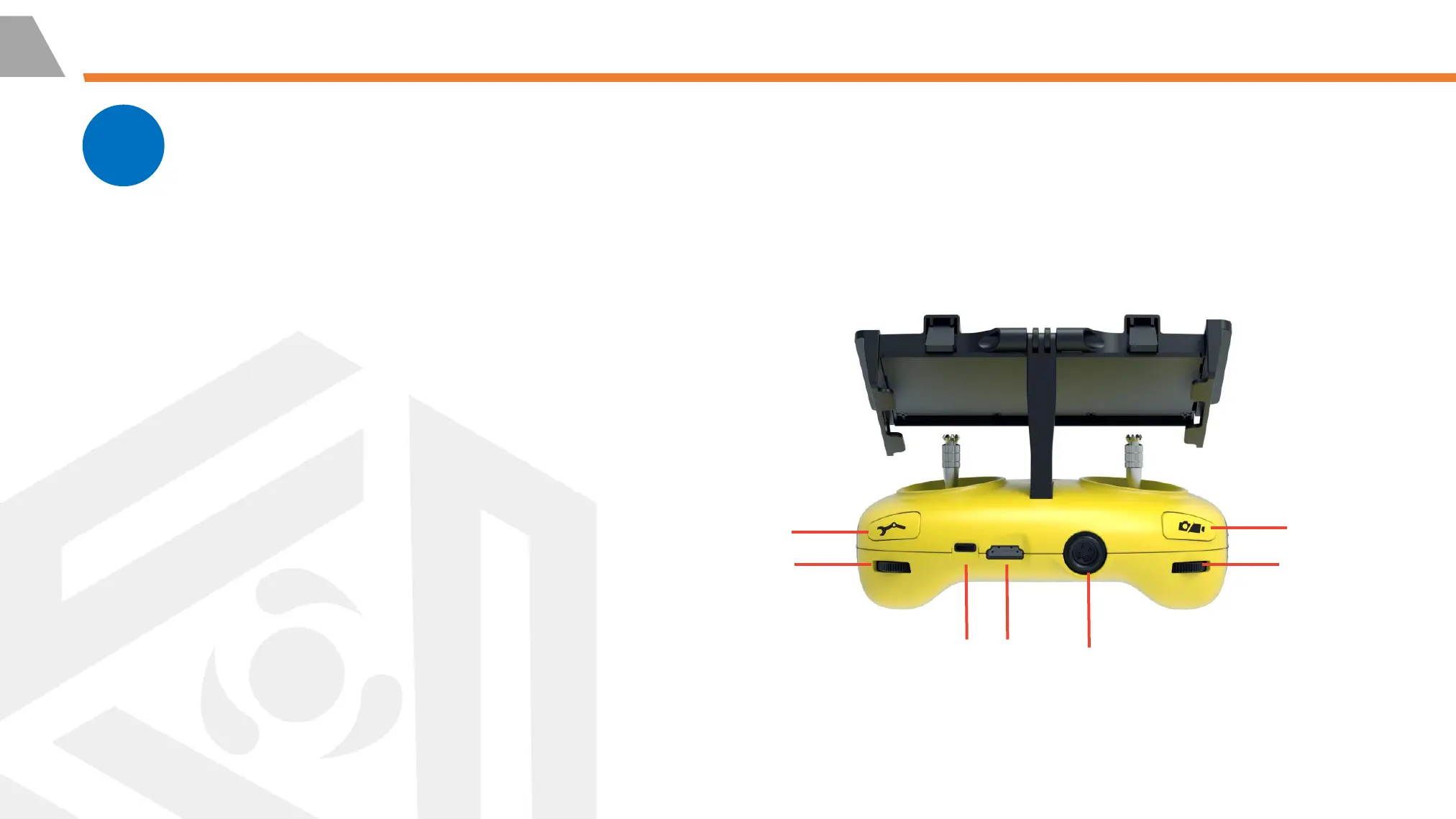
14. Robotic Arm Control: long press to
enable/disable the grabber claw function;
short press to switch the floodlight brightness level
15. Right Wheel: Adjust the roll
angle or control the opening and
closing of the grabber claw
16. Photo/Video: Short press to take photos,
long press to start / end recording video
17. Left Wheel: Adjust the pitch angle
18. Type-c Port: Wired connection with mobile
phone/tablet device
19. HDMI Socket: 1080P HD image real-time
output
20. Tether Connection Socket/Charging socket



 To Next Page