2
01 Product Structure
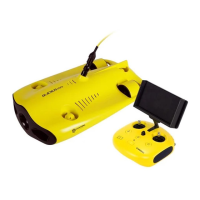
Remote Controller
02
2
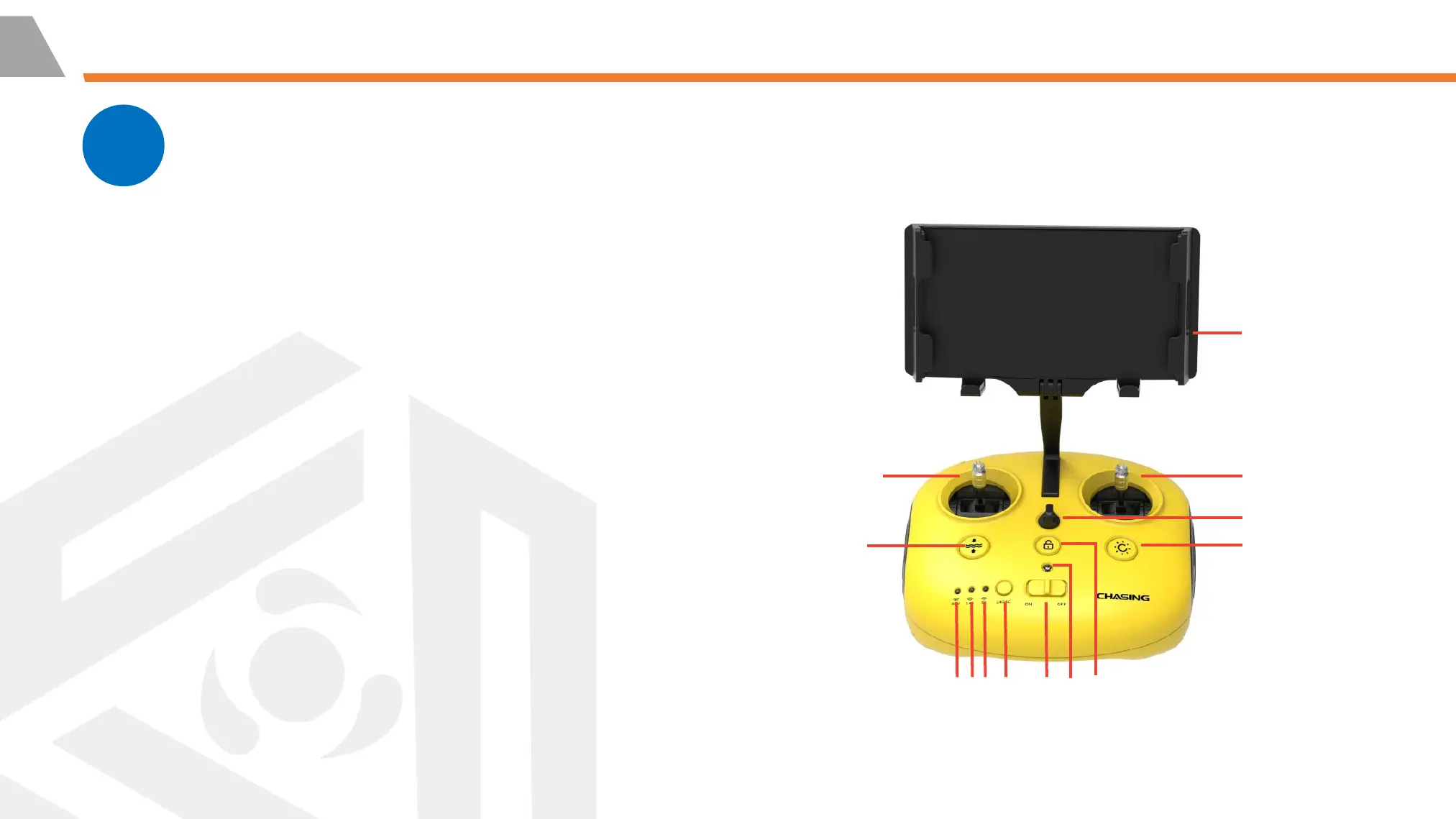
1-3. Signal Indicator: ROV/2.4G/5G
⚫ ROV: Indicates the communication status between the
controller and the drone (Steady light indicates successful
connection; Blinking light indicates disconnection.)
⚫ 2.4G: Wi-Fi indicator, always on when working
⚫ 5G: Wi-Fi indicator, always on when working
4. Wi-Fi switch button: Short press to switch 5Ghz/2.4Ghz Wi-
Fi
5. Power switch: Turns controller on/off (Unlocking: Blue light
on)
6. Power Indicator: Green (High power), Blue
(Medium power), Red (Low power)
2
1
3
5
4
6
7
8
12
9
10
11
13



 To Next Page