EasyManua.ls Logo

Chattanooga Intelect Mobile 2 - Page 68

Chattanooga Intelect Mobile 2
81 pages
Print Icon
To Next Page IconTo Next Page
To Previous Page IconTo Previous Page
Loading...
EXPLODED VIEWS AND SERVICE PARTS LISTS
EN
| Intelect
®
Mobile 2 - Service Manual 68
Verify the wattmeter indicates 0 W, tare if necessary
Set the power to min value (0.1 W) and start the
treatment
Verify the power is in the limit +/-15% (find value in
tab)
Set the power to max value
Verify the power is in the limit +/-15% (find value in
tab)
Check Pass/Fail the tracker sheet §7
Pause the treatment
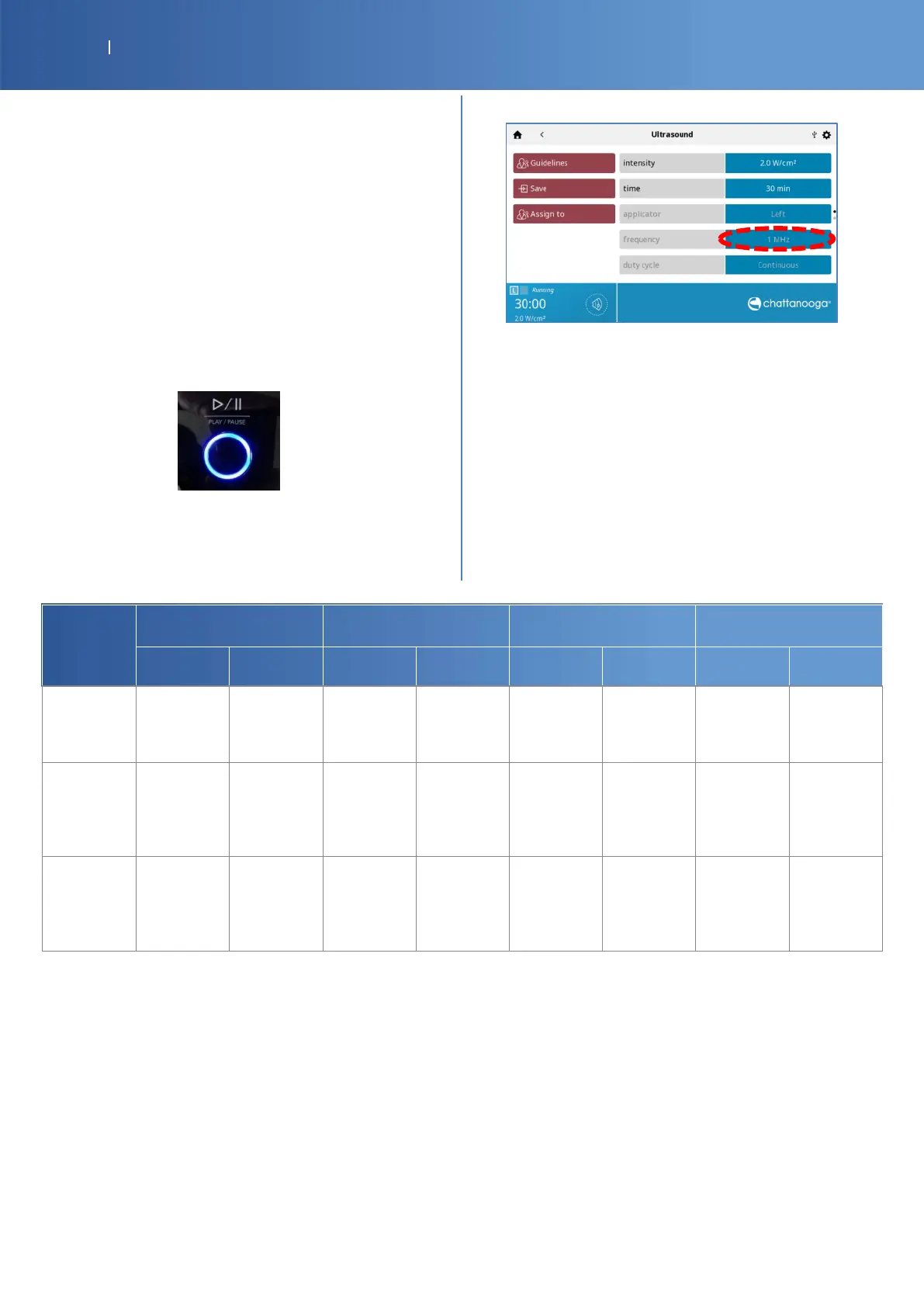
Select 1MHz frequency
Verify the wattmeter indicates 0 W, tare if necessary
Set the power to min value (0.1 W) and start the
treatment
Verify the power is in the limit +/-15% (find value in
tab)
Set the power to max value
Verify the power is in the limit +/-15% (find value in
tab)
Check Pass/Fail the tracker sheet §8

US
Applicator
Frequency
1 cm
2
2 cm
2
5 cm
2
10 cm
2
1 MHz
3 MHz
1 MHz
3 MHz
3 MHz
1 MHz
1 MHz
3 MHz
Effective
Radiating
Area ERA
INTL (cm2)
1
0.9
1.5
.5
2.7
2.5
2.5
2.7
Min Output
power in
Continuous
mode
(± 15 %)
0.1 W
(0.090.12W)
0.1 W
(0.090.12W)
0.1 W
(0.090.12W)
0.1 W
(0.090.12W)
0.1 W
(0.090.12W)
0.1 W
(0.090.12W)
0.1 W
(0.090.12W)
0.1 W
(0.090.12W)
Max Output
power in
Continuous
mode
15 %)
2 W
(1.7 2.3 W)
1.8 W
(1.5 2.1 W)
3 W
(2.5 3.5 W)
2 W
(1.7 2.3 W)
5 W
(4.2 5.8 W)
5 W
(4.6 6.2 W)
12 W
(10.213.8W)
6.8 W
(5.787.82W)

Other manuals for Chattanooga Intelect Mobile 2

Related product manuals