Basic Operation-
-
CHCNAV LT700 GIS RUGGED TABLET USER GUIDE | 2019-04 P a g e | 13
3 Basic Operation
3.1 Insert SIM Card and Power On
Refer to 2.6 Installation find the SIM card and TF card slot, and then insert the cards
into slots correctly.
Before powering on LT700, please make sure the battery has plenty of power. Then
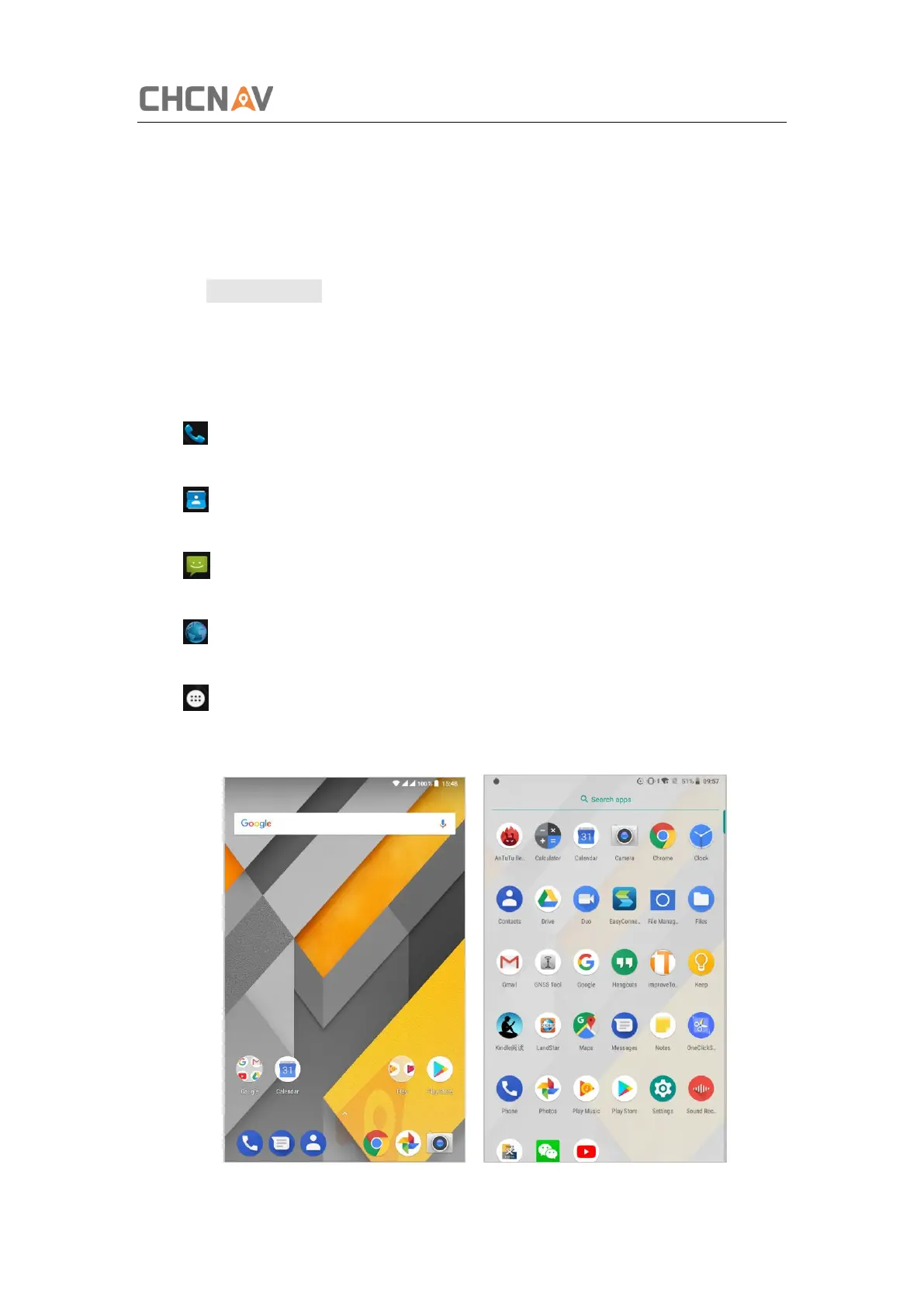
long press the power button to turn on LT700 and enter its home screen.
Click to make a phone call.
Click to access contacts information.
Click to open a message.
Click to open a browser.
Click to open the drawer to see all the apps that have been installed.



 To Next Page