Turn The Test Switch On-
-
CHCNAV LT700 GIS RUGGED TABLET USER GUIDE | 2019-04 P a g e | 28
5 Turn The Test Switch On
For the test settings or another advanced purpose, the customers can use the Test
Settings.
This chapter will give the guidance to the test setting panel and show how to turn the
test switch on.
5.1 Enter Test Settings Interface
According to the version of the OS, there are two methods for the device.
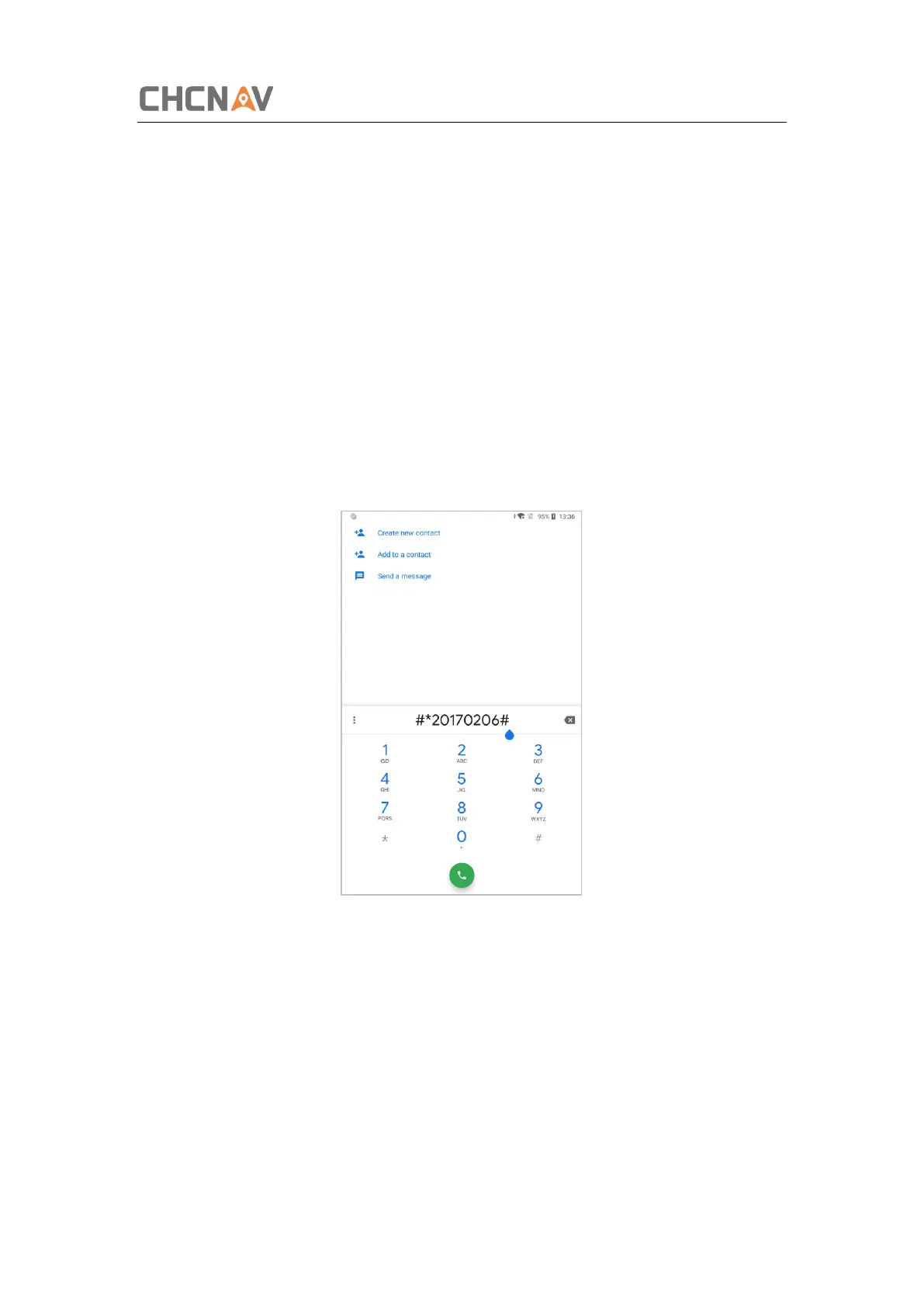
If the OS version is below 8.1, please enter the dialing panel and tap ‘#*20170206#’.
If the OS version is 8.1, please get into developer first via [Settings] – [System] –
[About Tablet], then tap [build number] 5 times until the system pups up the ‘you are
now a developer’. One step back, on the [System] screen, the [Developer Options]
option shows up.



 To Next Page