Install Third-Party Software-
-
CHCNAV LT700 GIS RUGGED TABLET USER GUIDE | 2019-04 P a g e | 26
4.1 Access The Cloud
In TopoXpress, there is a cloud server which can provide various online services such
as uploading and downloading layers, jobs, saving changes:
User: name for cloud login;
Password: password for cloud login;
Online: online cloud access, this mode periodically checks the cloud server;
Logout: log out from the cloud;
Offline: offline work for a specified period, this mode acquires access from the server,
and the software can be used offline until the period expires;
Period: defines the offline work period: 1 hour, 4 hours, 1 day, 7 days;
Date of expiration: displays the expiration date of the offline work.
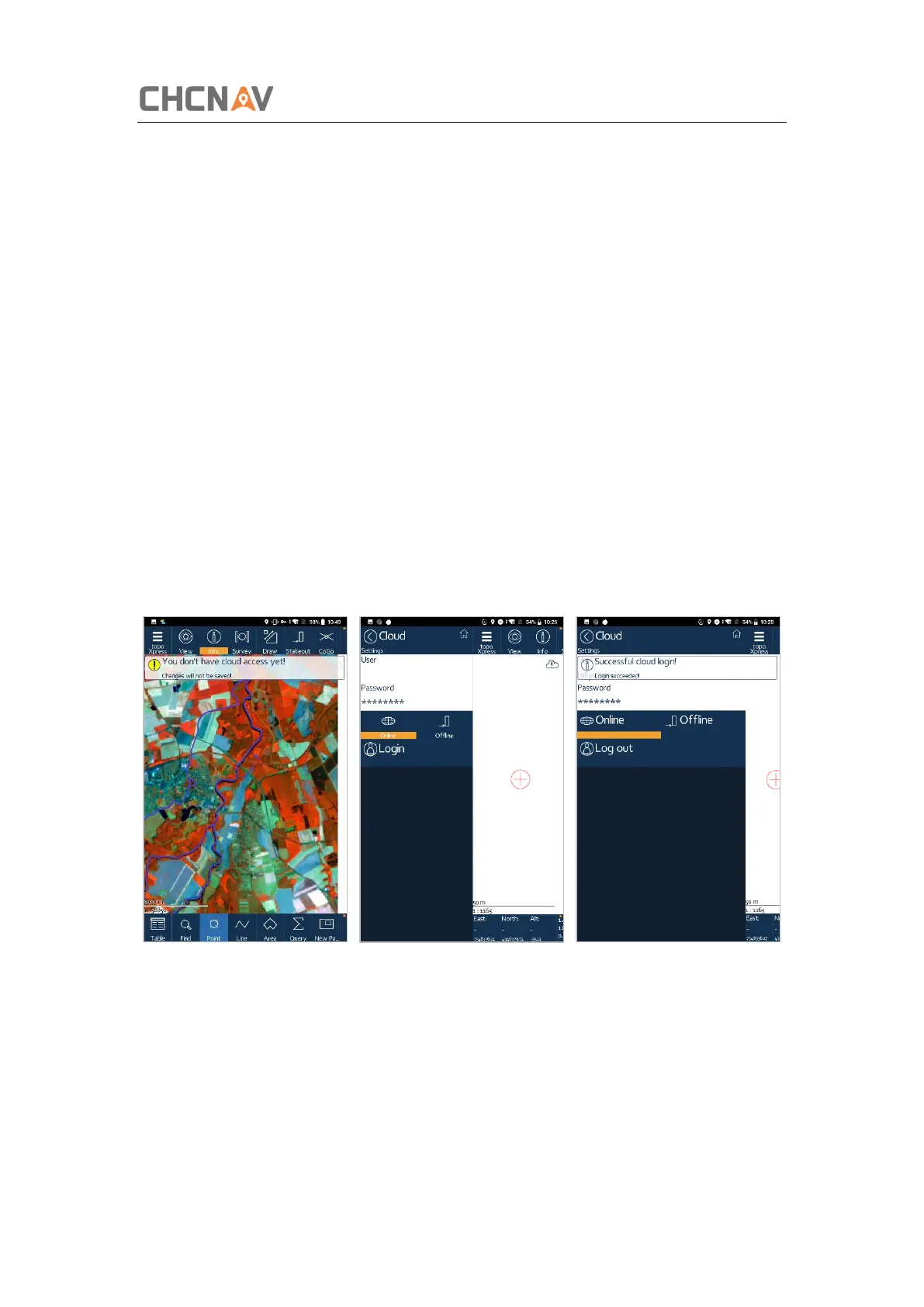
Tap [topoXpress] – [Settings] – [Cloud], and then, enter the username and password.
Tap the [Login], if the user and password are correct, the message box with ‘Successful
cloud login!’ pups out.



 To Next Page