Getting Started With GNSSTool-
-
CHCNAV LT700 GIS RUGGED TABLET USER GUIDE | 2019-04 P a g e | 34
7 Getting Started With GNSSTool
7.1 Connection
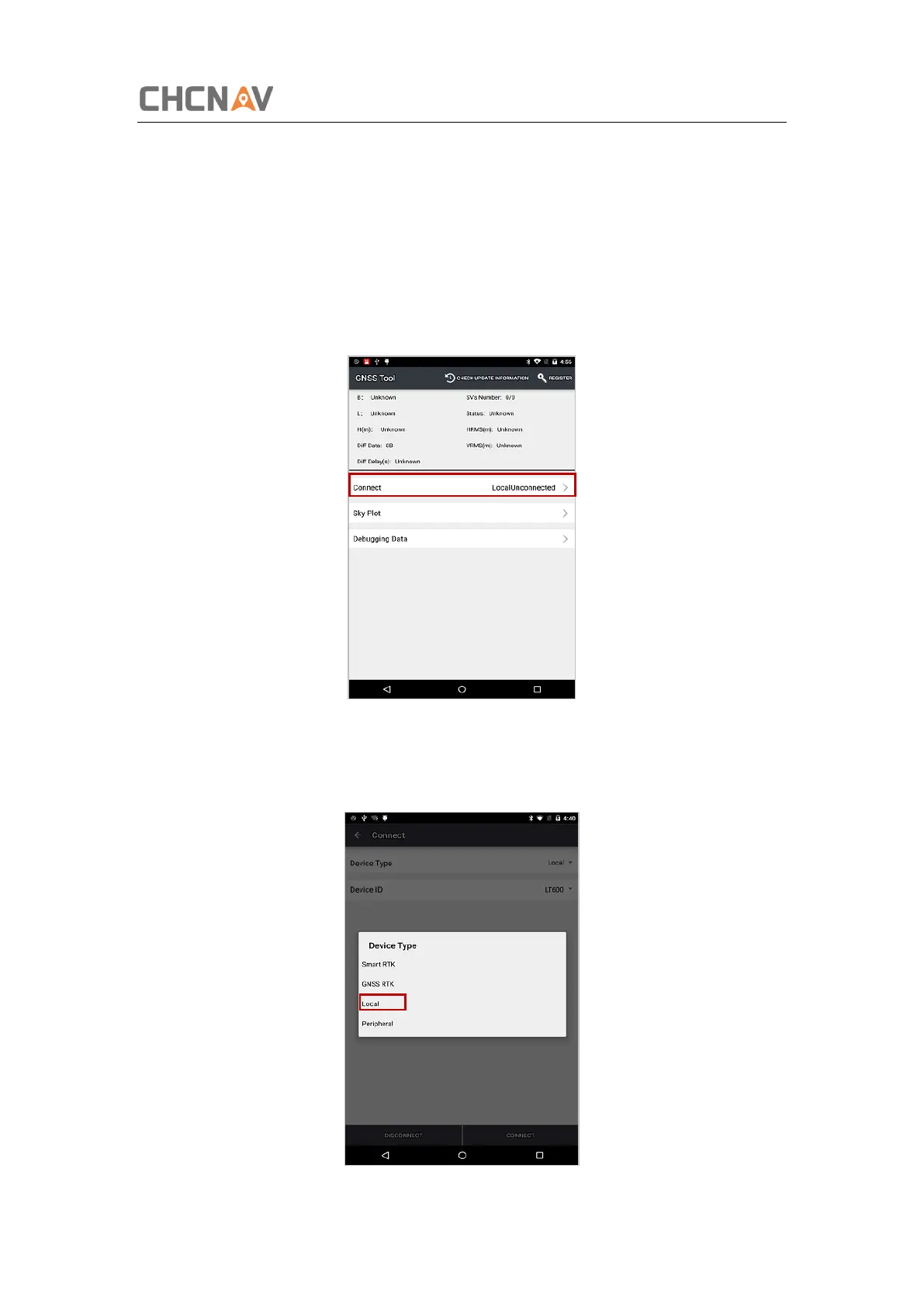
1. Open GNSSTool and click [Connect] menu and select [Device Type] and [Connection
Type] – [Device ID] in connect interface.
2. Device Type: There are 4 types of Device Type: Smart RTK, GNSS RTK, Local and
Peripheral. Here for LT700, we choose Local.



 To Next Page