Basic Operation-
-
CHCNAV LT700 GIS RUGGED TABLET USER GUIDE | 2019-04 P a g e | 20
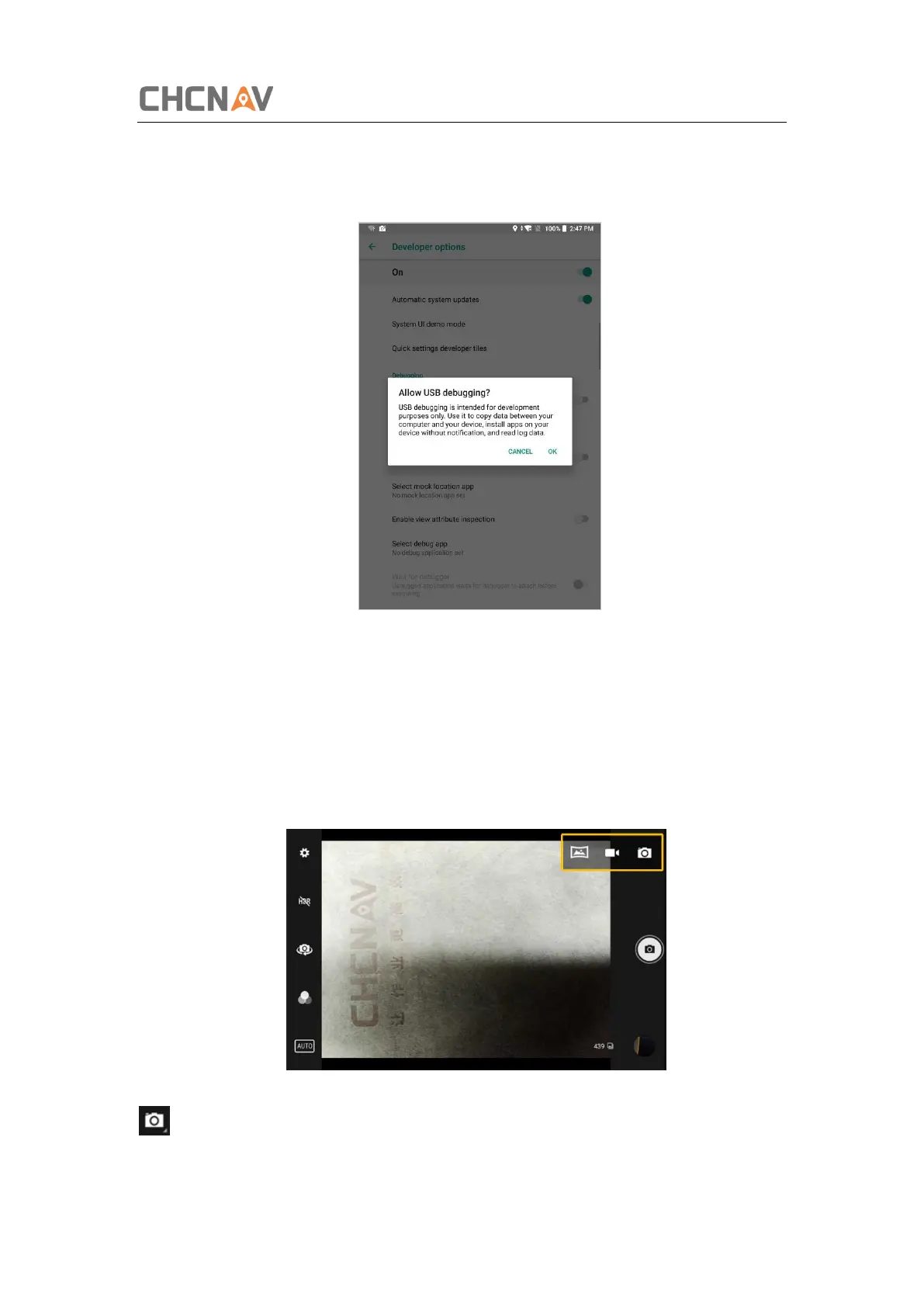
Click [Settings] – [System] – [Developer options] – [USB debugging] to make sure this
function is switched on. After USB data cable is connected with PC, wait until the Allow
USB debugging dialogue pops up, and then click OK.
You can also use third party software to manage the documents and data stored in
LT700 and install software like GNSS Tool into it.
3.8 Use Camera
Make sure that the battery is charged and installed in the receiver.
Click to select recording the video or panorama mode.



 To Next Page