Basic Operation-
-
CHCNAV LT700 GIS RUGGED TABLET USER GUIDE | 2019-04 P a g e | 23
For LT700, there are five options:
GPS+BDS: The device will use GPS, BDS and SBAS data to do the positioning;
GPS+GLONASS: The device will use GPS, GLONASS and SBAS data;
GPS: The device will use GPS, SBAS data;
BDS: The device will use BDS signal only;
GLONASS: The device will use GLONASS signal only;
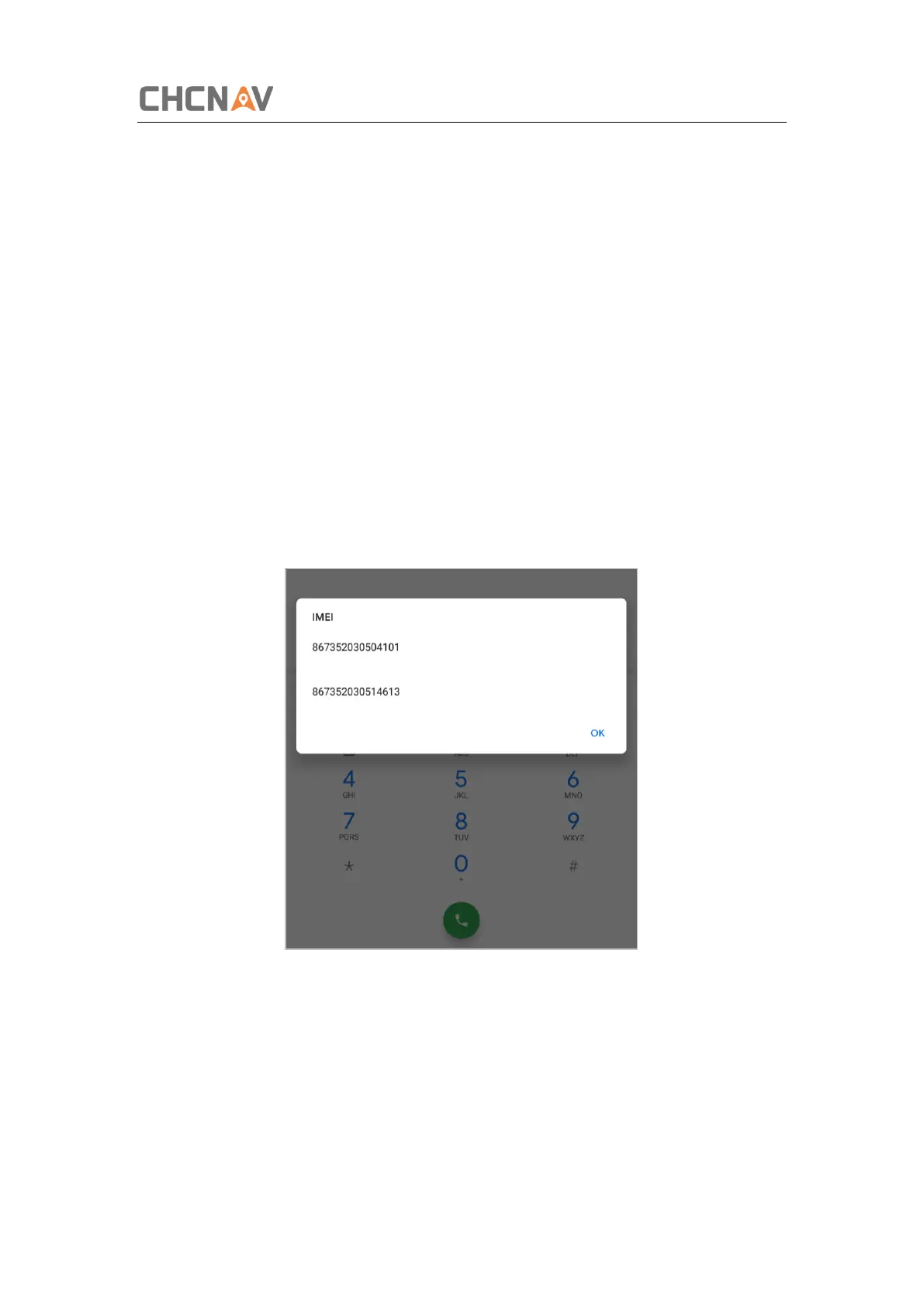
3.11 Check The IMEI Number of The Device
Turn the LT700 on and enter the dialing panel, tap ‘*#06#’, the IMEI numbers show up
automatically.
3.12 Edit F1/F2 Function Key
The F1/F2 Function Key can be edited to launch the APPs in the device.
Enter the edit interface vis [Settings] – [System] – [Gestures] – [F1 F2 Function Key].



 To Next Page