Basic Operation-
-
CHCNAV LT700 GIS RUGGED TABLET USER GUIDE | 2019-04 P a g e | 16
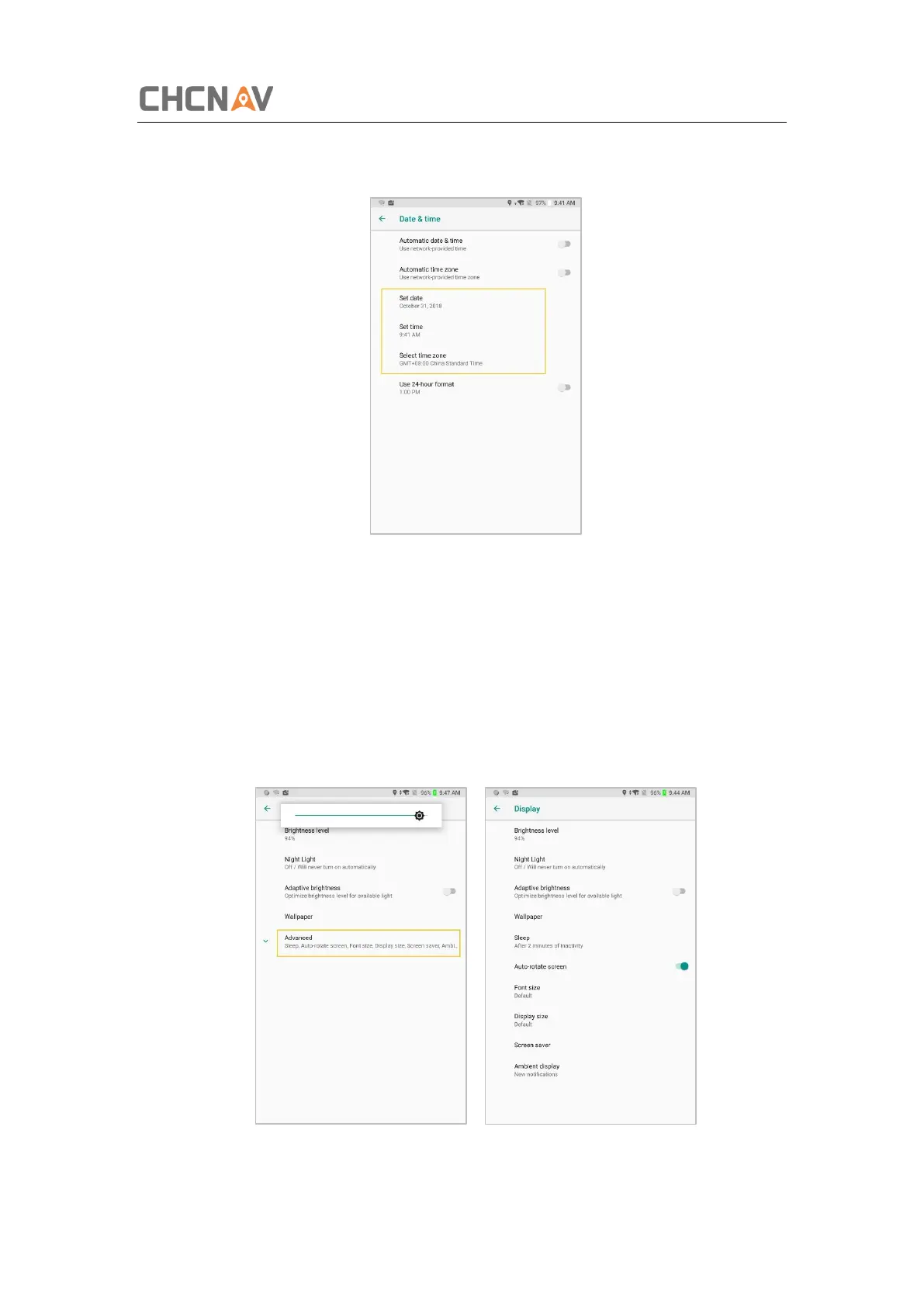
If you want to set date and time by yourself, please turn off the Automatic date & time
first and then click Set date and Set time to start your settings.
You can also customize your time zone and choose whether to use the 24-hour format
in this interface.
3.4 Display
Click [Settings] – [Display] to enter Display interface. Click Advanced to view all the
options.



 To Next Page