Configuring 2200 Appliance
16 | Check Point 2200 Appliance Getting Started Guide
6. The First Time Configuration Wizard runs.
Welcome
The Welcome page introduces the product.
Authentication Details
The default password gives you access to the appliance. For security purposes, change it to a
more secure password.
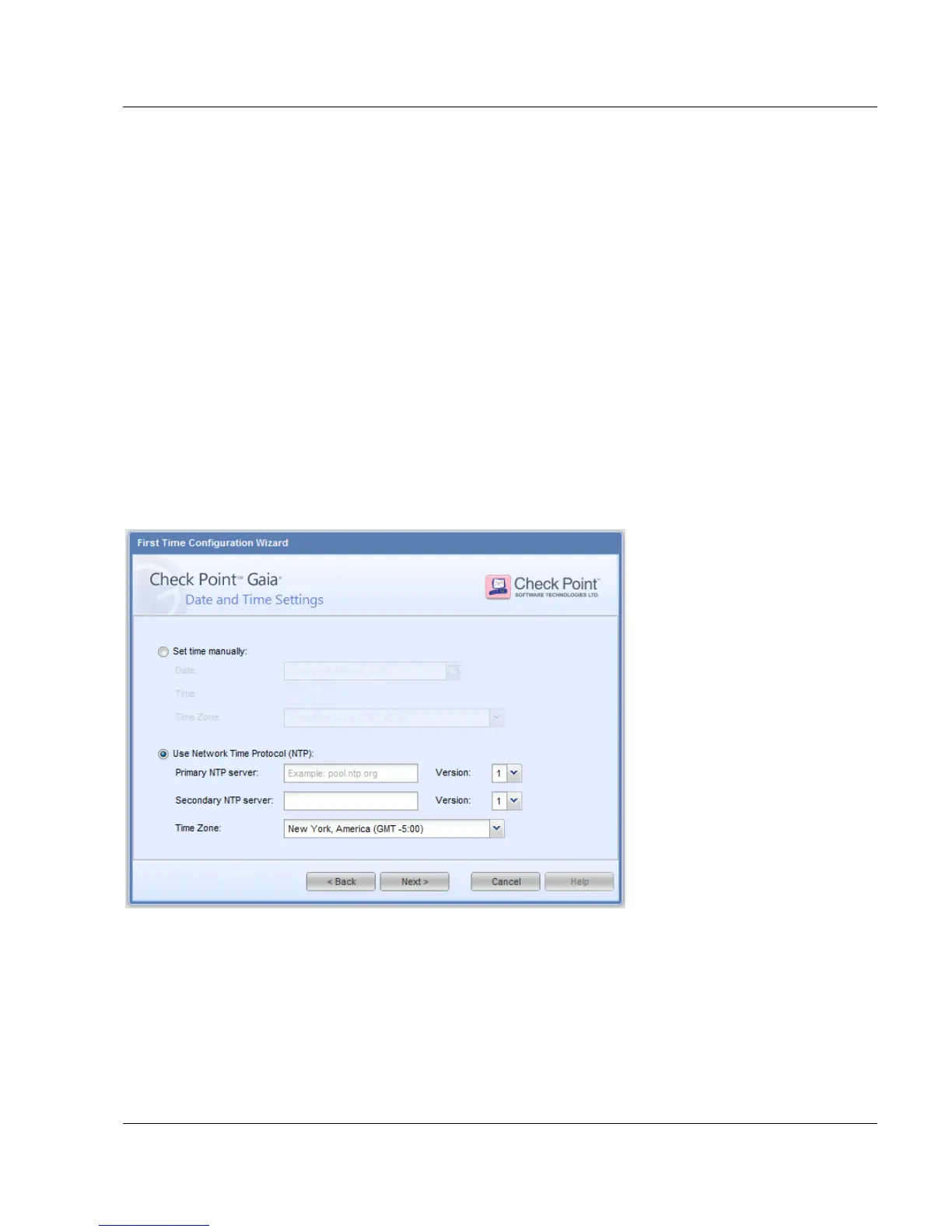
Date and Time Setup
Set the system time and date for the appliance:
Manually
From a time server, using Network Time Protocol (NTP)
Device Name
Set the host name, domain name, and DNS servers for IPv4 addresses. The host name must
start with a letter and cannot be named com1, com2....com9.
You can use the Gaia WebUI to configure IPv6 DNS servers.






 To Next Page