Configuring 2200 Appliance
Check Point 2200 Appliance Getting Started Guide | 17
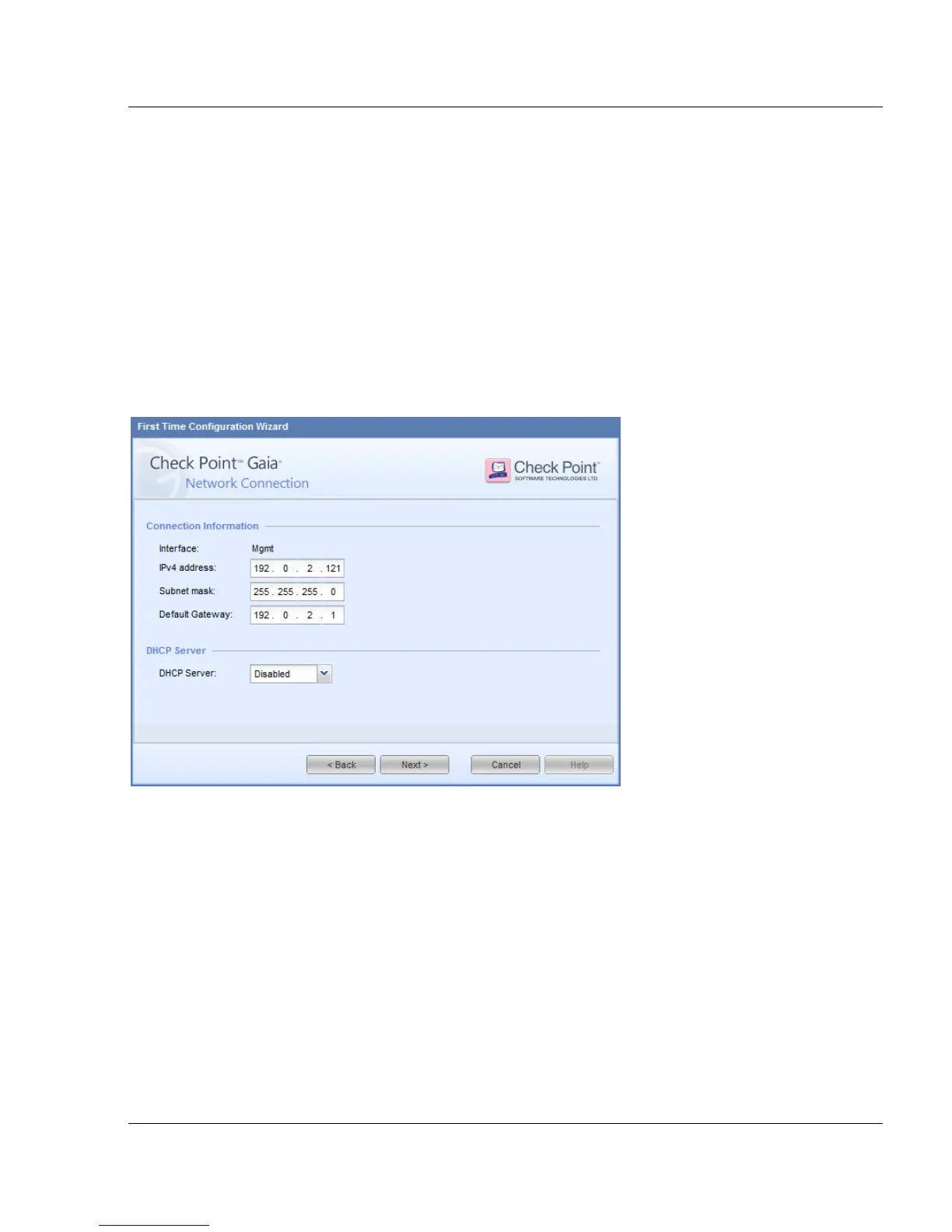
Network Connection
Connection Information - Configure the IPv4 interface information for the management
interface. You can change the Management IP address. Connectivity is maintained with an
automatically created secondary interface. After you complete the First Time Configuration
Wizard, you can remove this interface in the Interface Management > Network Interfaces
page.
DHCP Server - You can configure the Gaia appliance to be a Dynamic Host Configuration
Protocol (DHCP) server.
To define a DHCP server on the Gaia appliance MGMT interface:
1. In DHCP Server, select Enabled.
2. Define the IP Pool. This is the range of IPv4 addresses that the server assigns to hosts.
Products
Products
Select the Gaia products that are installed on the appliance.
Advanced
Use these options to configure an appliance that is a cluster member or in a High Availability
deployment.
Unit is part of a cluster - the options are:
ClusterXL - For more about ClusterXL configurations, see the applicable version of the
ClusterXL Administration Guide.






 To Next Page