6000 and 7000 Appliances Installing and Removing Memory
6000 and 7000 Appliances Replacing Memory|17
6900 Plus Appliances DIMM Configuration
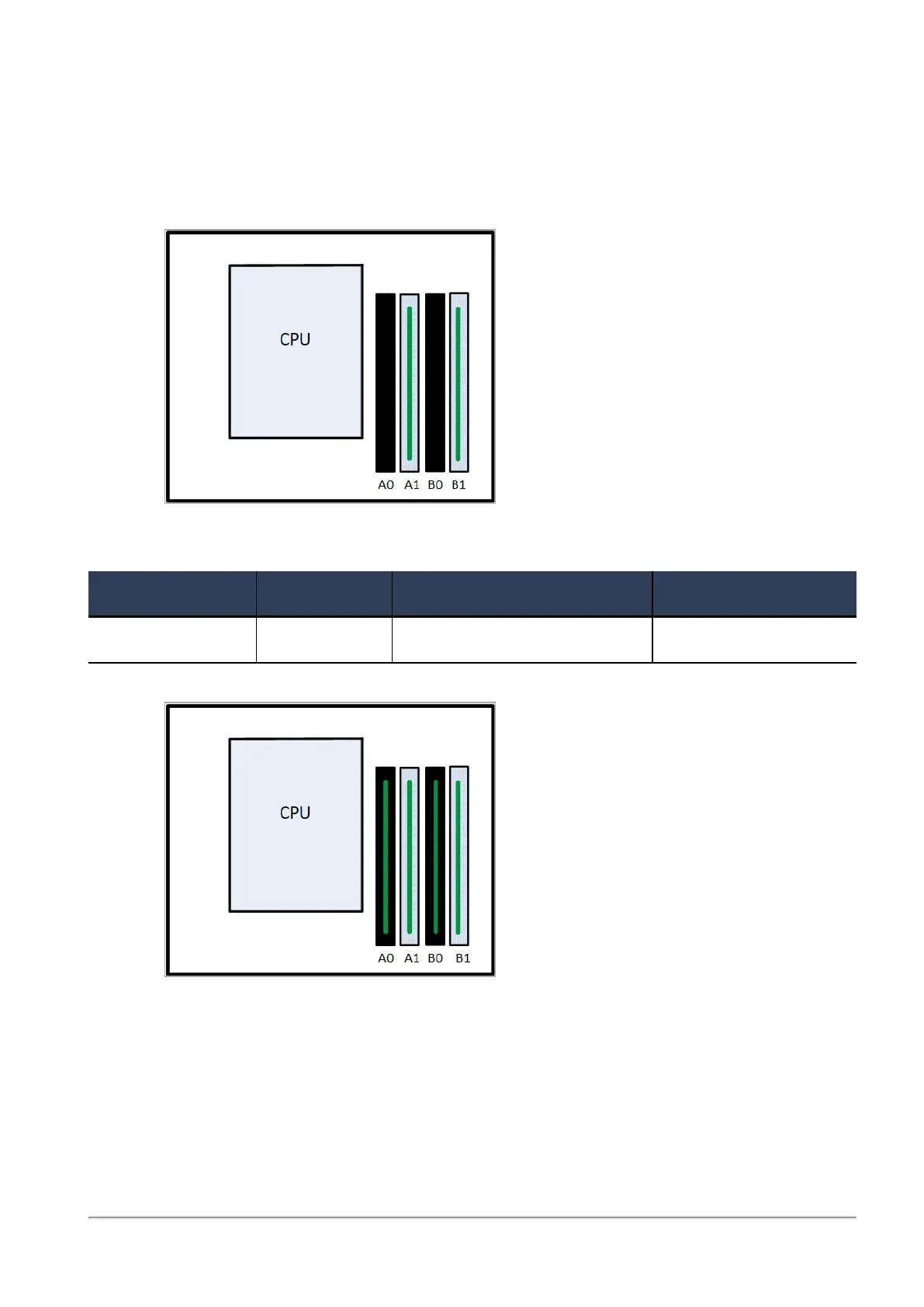
The 6900 Plus appliances have a default memory configuration of 32 GB with two 16 GB DIMMs in
memory slots A1 and B1. You can upgrade to 64 GB. Use the upgrade procedure below.
32 GB Default Configuration
Top View
(front panel of the appliance is at the bottom of the diagram)
To upgrade to Use DIMMs Procedure Slots
64 GB 4 x 16 GB Install four 16 GB DIMMs In all memory slots
64 GB Upgraded Configuration
Top View
(front panel of the appliance is at the bottom of the diagram)














 To Next Page