6000 and 7000 Appliances Installing and Removing Memory
6000 and 7000 Appliances Replacing Memory|23
Installing DIMMs
You can add more DIMMs to the memory sockets.
Important - The appliance contains sharp metal parts such as the heat sink fin and bracket
that can cause injury or damage the DIMMs.
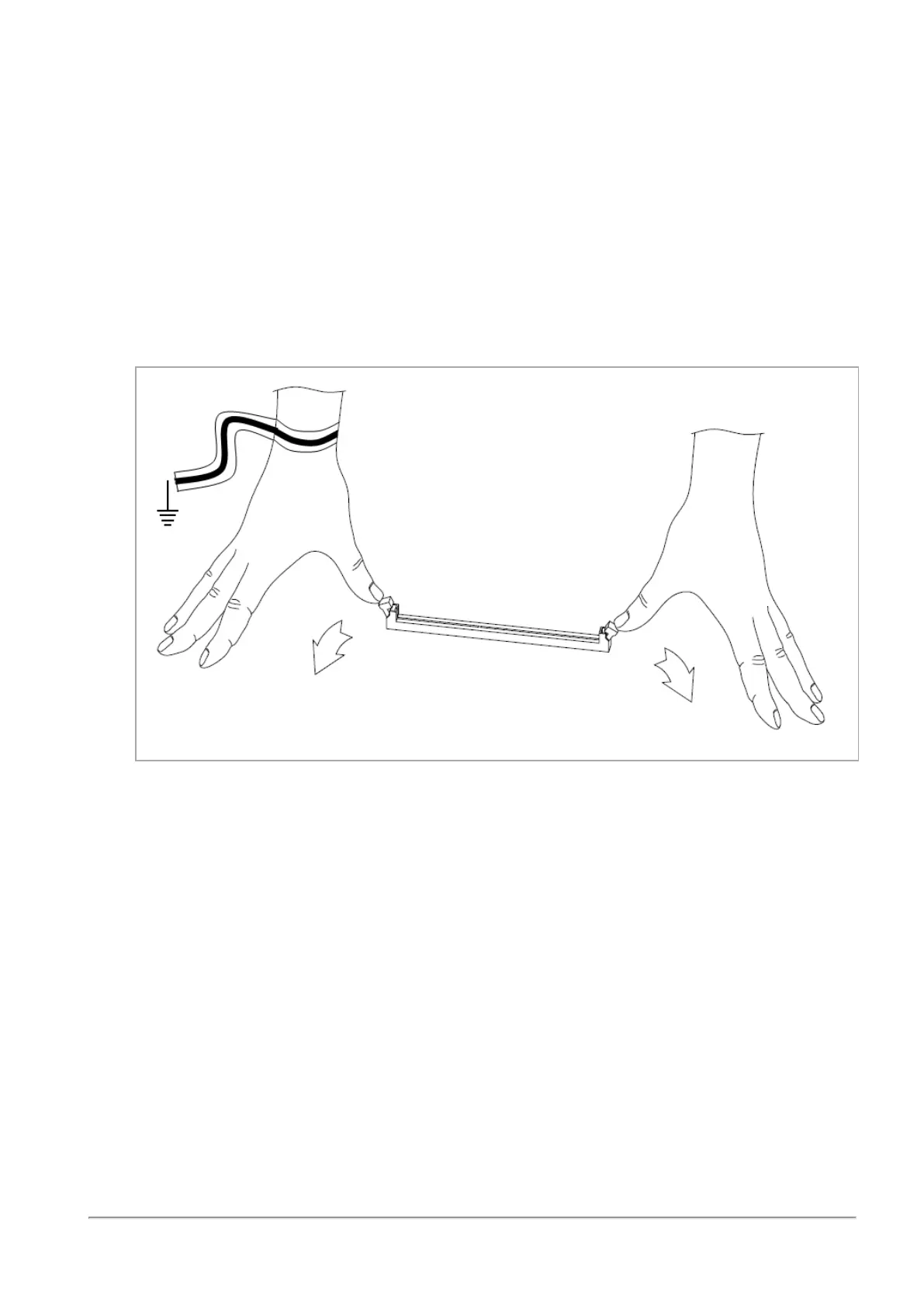
To install DIMMs in the appliance:
1.
Find the DIMM slots on the system board.
2.
Press on the two white retaining clips outward.
3.
Align the new DIMM above the socket.














 To Next Page