6000 and 7000 Appliances Installing and Removing Memory
6000 and 7000 Appliances Replacing Memory|25
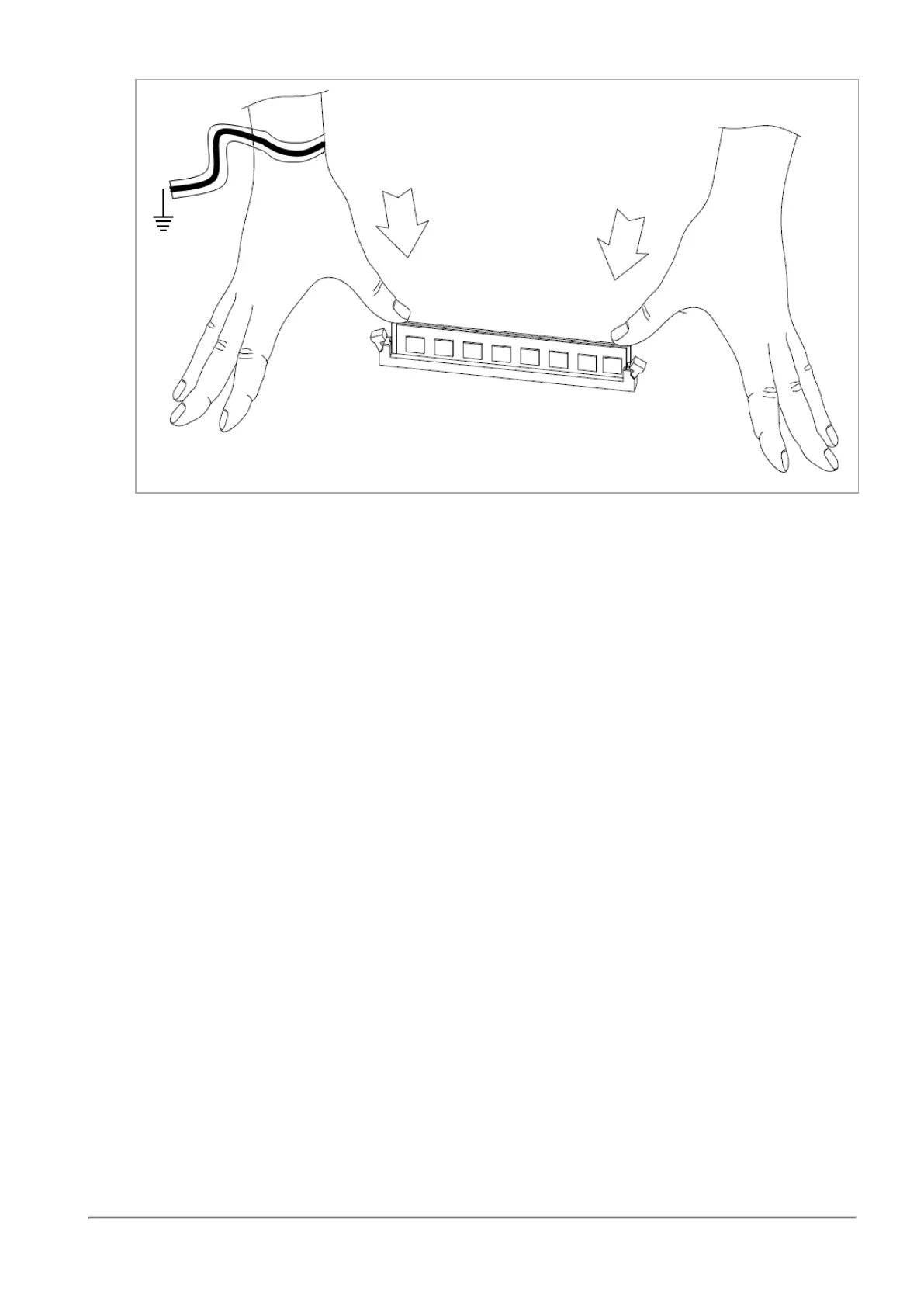
The retaining clips move into the lock position as you press the DIMM into position.
5.
Do steps 1 - 4 again for the other DIMMs.
6.
Make sure that there are no leftover parts in the appliance.
7.
Make sure the DIMM(s) are installed correctly.
8.
Replace the appliance cover without using the appliance cover screws.
9.
Connect the power cords to the appliance.
The appliance turns on. This may take a few minutes.
10.
Use the appliance cover screws to secure the cover on the appliance.














 To Next Page