6000 and 7000 Appliances Installing and Removing Memory
6000 and 7000 Appliances Replacing Memory|9
To upgrade to Use DIMMs Procedure Slots
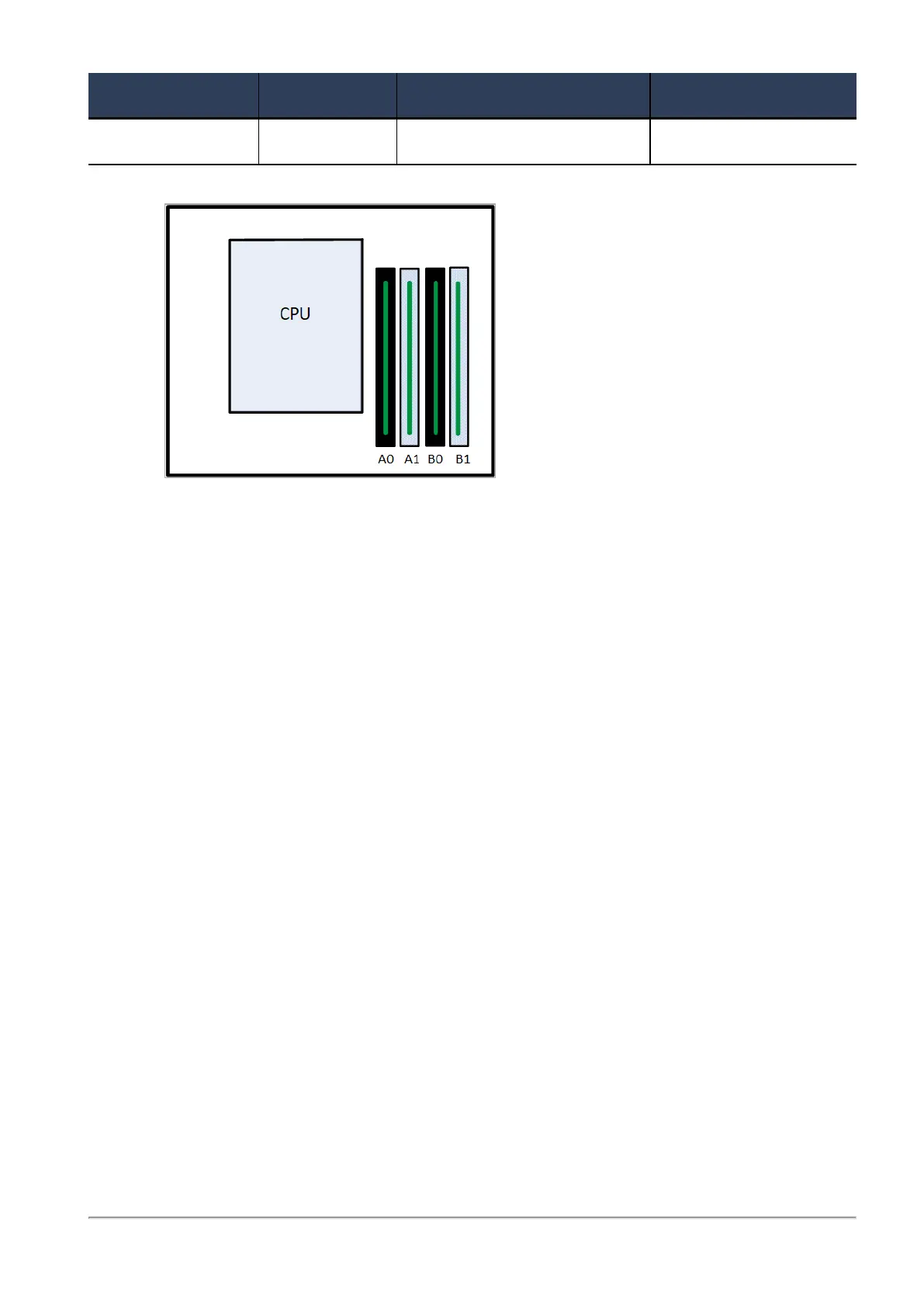
32 GB 4 x 8 GB Install four 8 GB DIMMs In all memory slots
32 GB Upgraded Configuration
Top View
(front panel of the appliance is at the bottom of the diagram)














 To Next Page