6000/7000 Appliances Hardware
6000 and 7000 Appliances Getting Started Guide|45
Lights Out Management
The Check Point Lights Out Management (LOM) card lets you use a dedicated management
channel to remotely control Check Point appliances. Lights Out Management can also work when
the appliance is turned off or not responding.
Lights Out Management is an optional feature on the 6200 Base, 6400 Base, 6500, 6600 Base, 6700
Base, 6900 Base, and 7000 Base appliances.
It is included by default with the 6200 Plus/Turbo, 6400 Plus, 6600 Plus, 6700 Plus, 6800, 6900 Plus,
and 7000 Plus appliances.
For more about using Lights Out Management, see the Lights Out Management Administration
Guide.
Dual Redundant BIOS
To ensure resilience in the event of a BIOS failure, 6000 and 7000 Appliances are equipped with
dual redundant BIOS images.
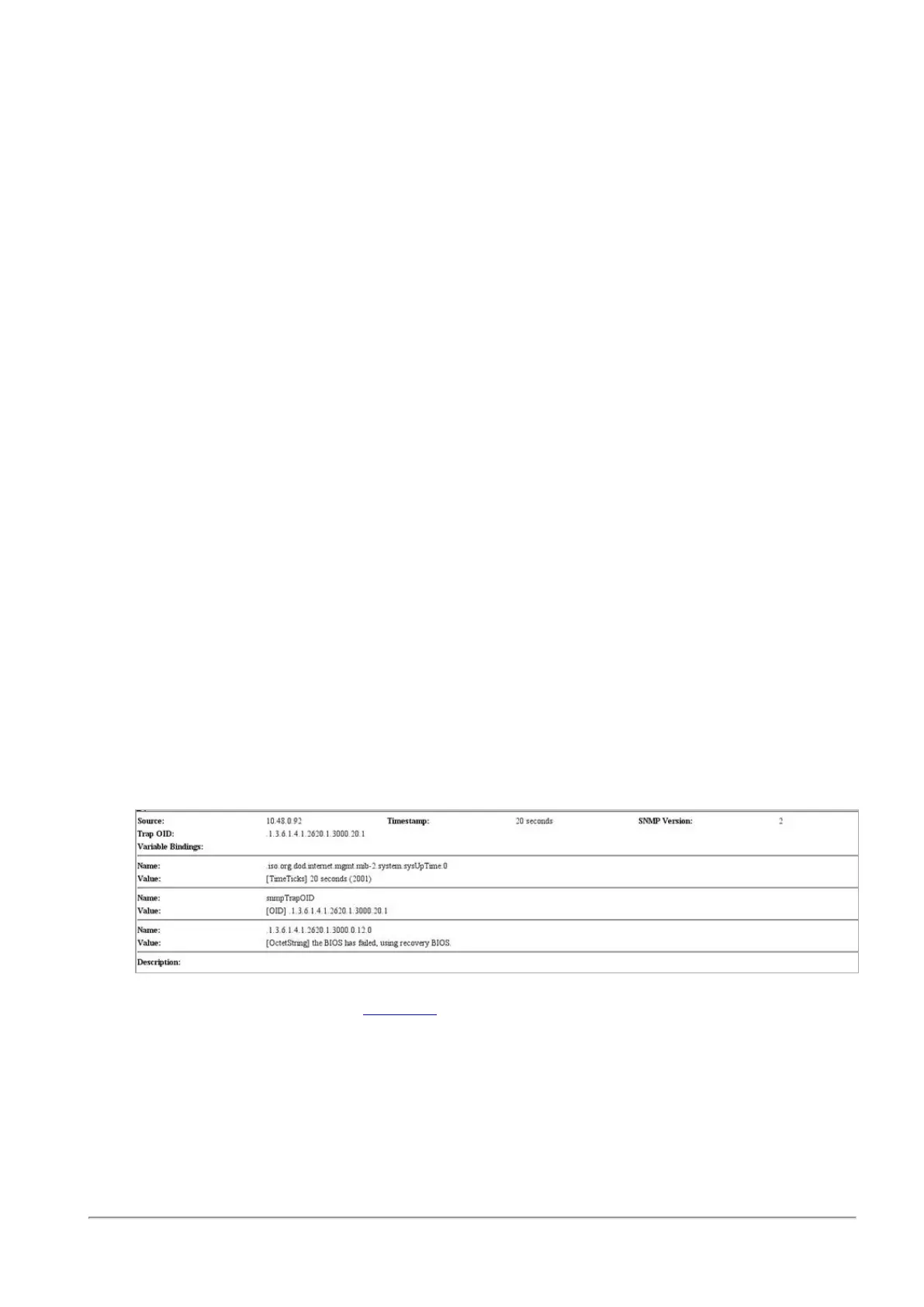
If an appliance encounters a BIOS failure, it will boot up from a recovery, read-only BIOS image
that enables full functionality of the appliance.
These notifications are shown in the event of a BIOS failure:
n The appliance's Alert LED on the front panel will blink red.
n
The Gaia WebUI Hardware Health window shows that the BIOS sensor is Invalid and its
status is Off.
n An SNMP trap message (if the biosFailure trap was configured in the WebUI or through
clish).
To recover from a BIOS failure, see sk108517 or contact Check Point support. The appliance is fully
functional until the BIOS recovery is completed.








 To Next Page