19000 / 29000 Appliances Hardware
Quantum Force 19000 and 29000 Appliances Getting Started Guide|54
n
The appliance's Alert LED on the front panel blinks red.
n
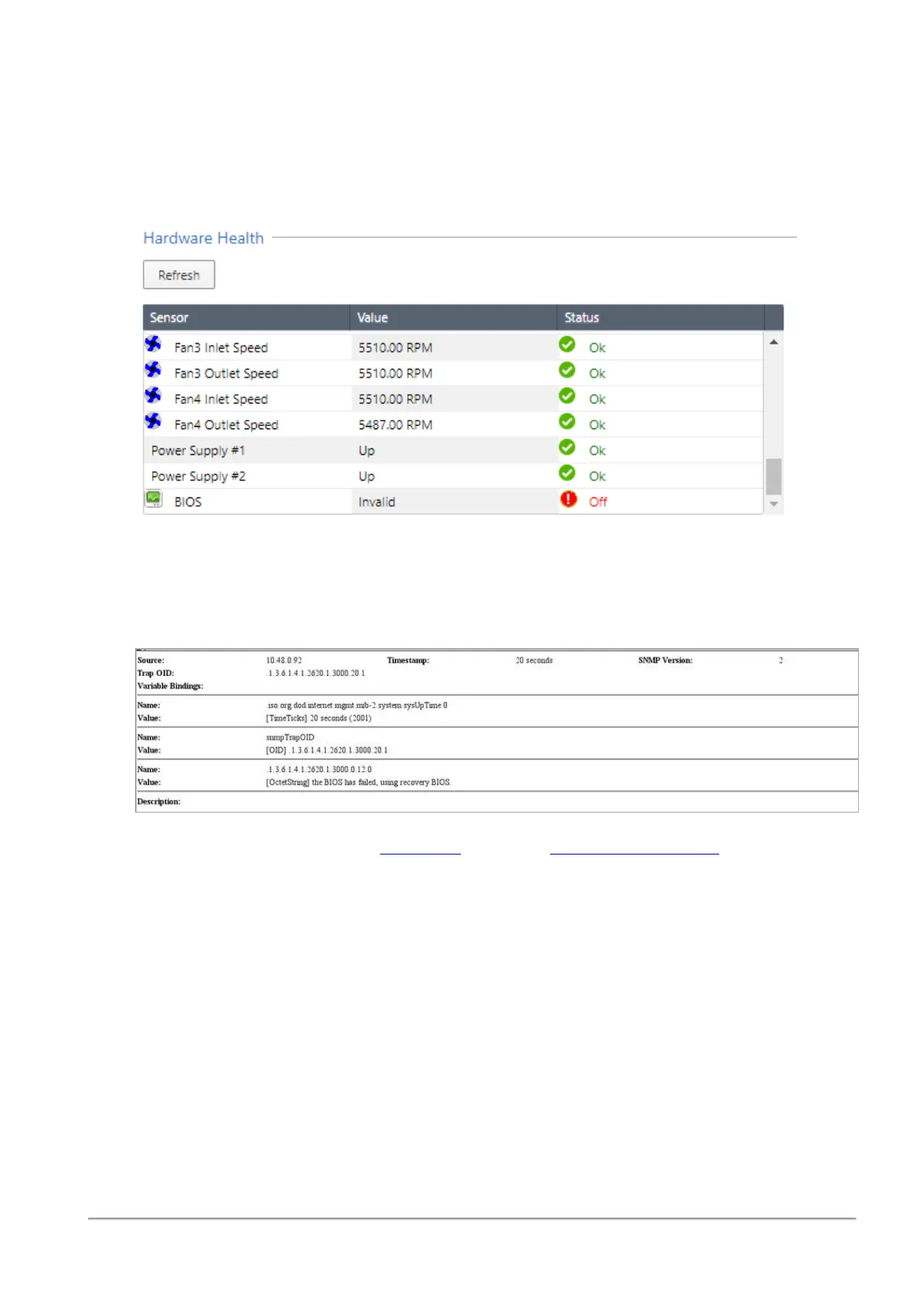
The Gaia Portal > Maintenance > Hardware Health page shows that the BIOS sensor is
Invalid and its status is Off.
Example (from a 29100 appliance):
n
An SNMP trap message is sent (if the biosFailure trap was configured in the Gaia
Portal or Gaia Clish).
Example:
To recover from a BIOS failure, see sk108517 or contact
Check Point Support
. The appliance
is fully functional until the BIOS recovery is completed. Note that it can take a few minutes for it
to boot in BIOS recovery mode.









 To Next Page