19000 / 29000 Appliances Hardware
Quantum Force 19000 and 29000 Appliances Getting Started Guide|53
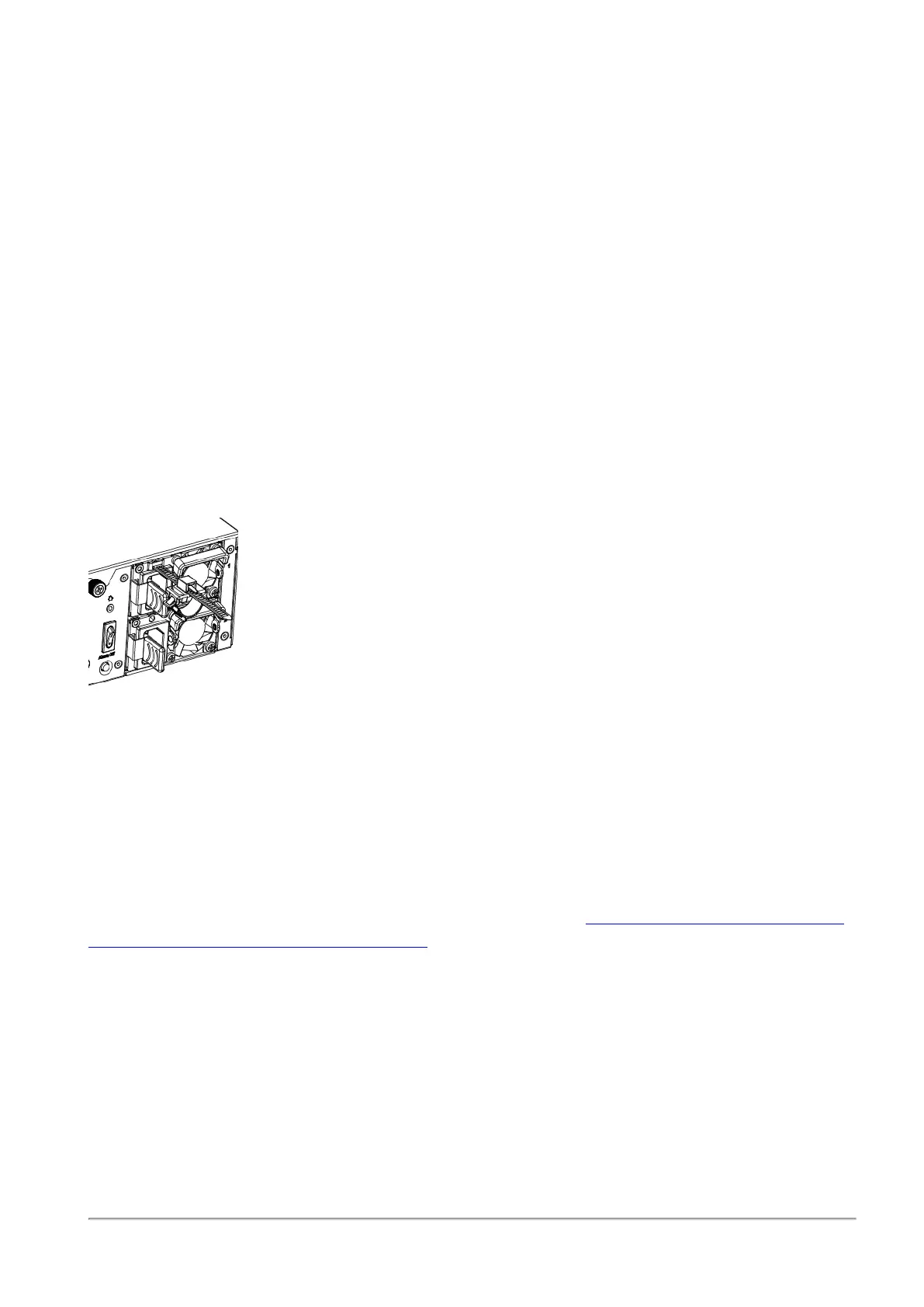
To install the power cable restraint:
1. If a power cable is connected to the power supply inlet, disconnect it.
2. Find the restraint strip slot on top of the power supply inlet.
3. Make sure that the cable loop on the restraint faces the power supply inlet.
4. Insert the restraint strip anchor into the slot until it snaps and locks.
5. Connect the power cable to the power supply inlet.
6. Pull the restraint tab to the side to move the cable loop on the restraint strip.
7. Move the cable loop until you can wrap it around the power cable as shown in the next
figure.
8. Insert the open side of the cable loop into the loop slot until it is tight against the power
cable.
9. Make sure the cable loop is secured and the power cable cannot be removed.
Lights Out Management
The Check Point Lights Out Management (LOM) card lets you use a dedicated management
channel to remotely control Check Point appliances. Lights Out Management can also work
when the appliance is turned off or does not respond. However, the appliance must be
connected to a power source.
For more information about Lights Out Management, see the
Lights Out Management (LOM)
HTML5-based Card Administration Guide
.
Dual Redundant BIOS
To ensure resilience in the event of a BIOS failure, 19200 / 29100 / 29200 Appliances are
equipped with dual redundant BIOS images.
If an appliance encounters a BIOS failure, it boots up from a recovery, read-only BIOS image
that enables full functionality of the appliance.
These notifications appear in the event of a BIOS failure:









 To Next Page