1
2
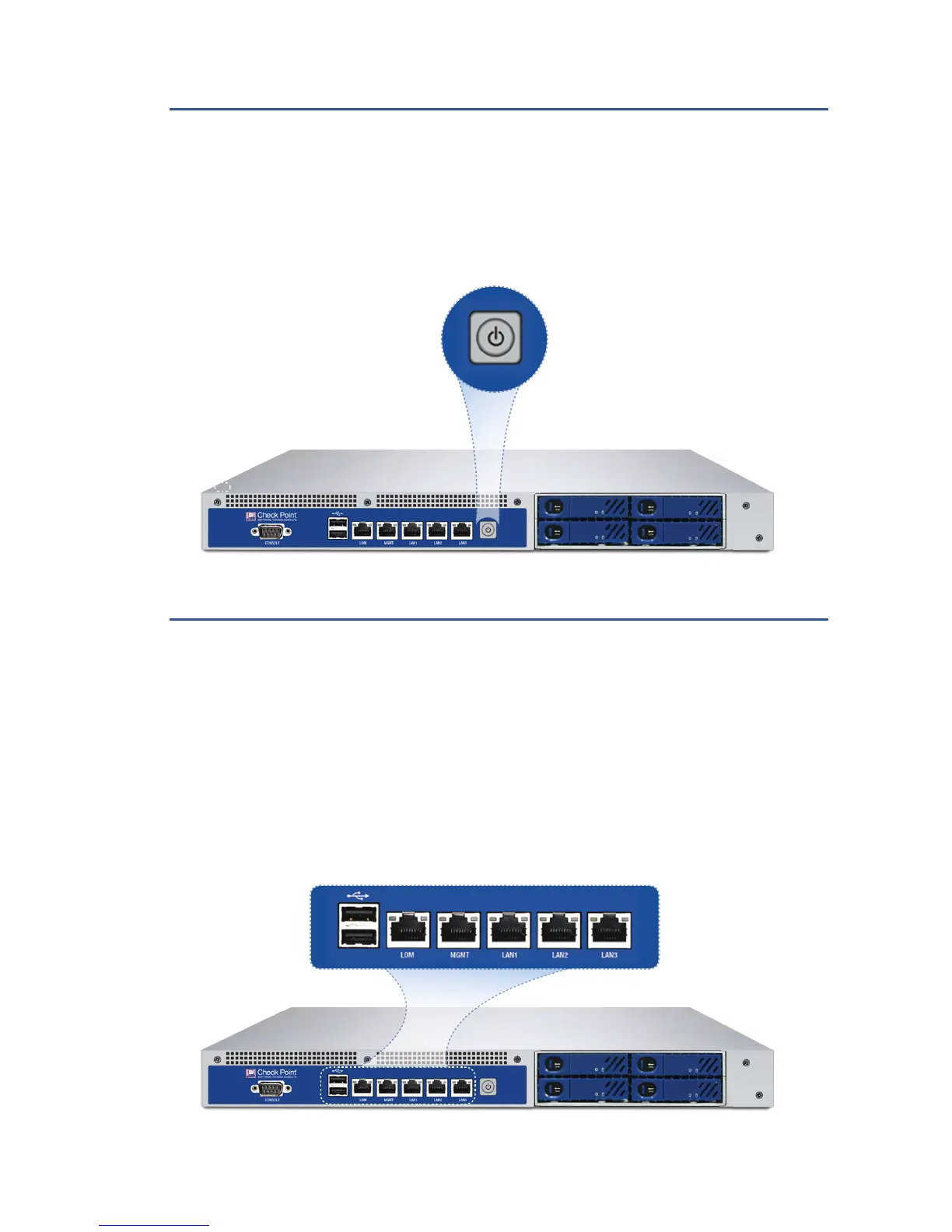
Power Up Your Check Point Smart-1 Appliance
• Connect the power cable to the power port on the Smart-1
™
appliance
rear panel and plug it into a power outlet.
• Turn the power on.
Connect Your PC for Initial Setup
• Initial setup must be done from a PC connected to the
appliance’s internal interface via the included Ethernet cable. After
completing the initial connection, the First Time Configuration Wizard
will guide you through the process of configuring the appliance.
• Before continuing, make sure your PC is configured correctly.











 To Next Page