F10 Installation Manual Rev. *60 43 of 71
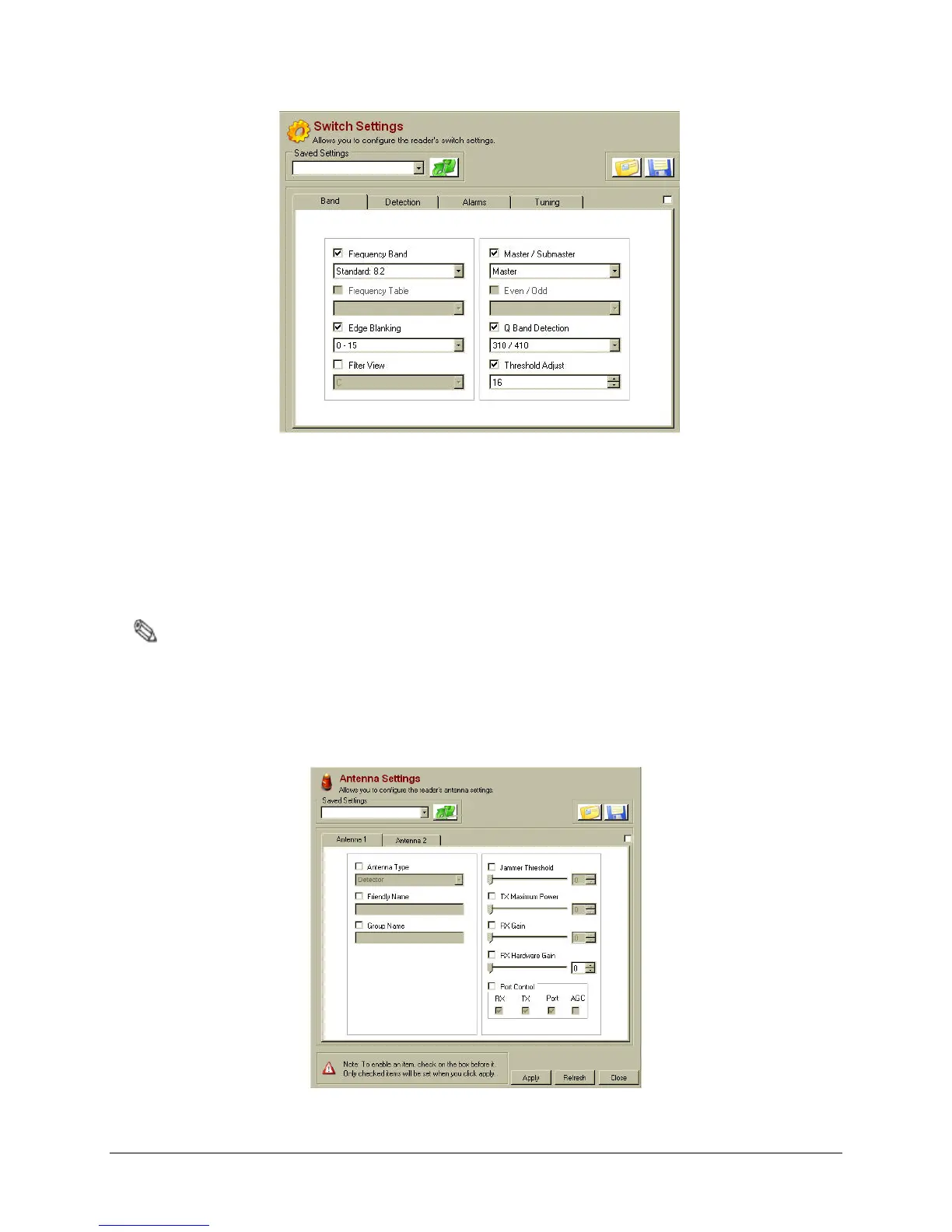
Figure 5.6 Band Tab, Switch Setting Parameters
9. Navigate to the Antenna Settings window.
10. Under each Antenna Tab, fill in the following parameters:
• Antenna Type: Set to Detector.
• Jammer Threshold: Set to 0.
• TX Maximum: Set to 31.
Note: The FCC requirement is TX=31 (same parameters as CE).
• RX Gain: Set to 31.
• RX Hardware Gain: Set to 31.
• Port Control: Check RX, TX and Port. Do not check AGC.
11. Click Apply.
Figure 5.7 Antenna Settings



 To Next Page