F10 Installation Manual Rev. *60 42 of 71
4. Click Apply.
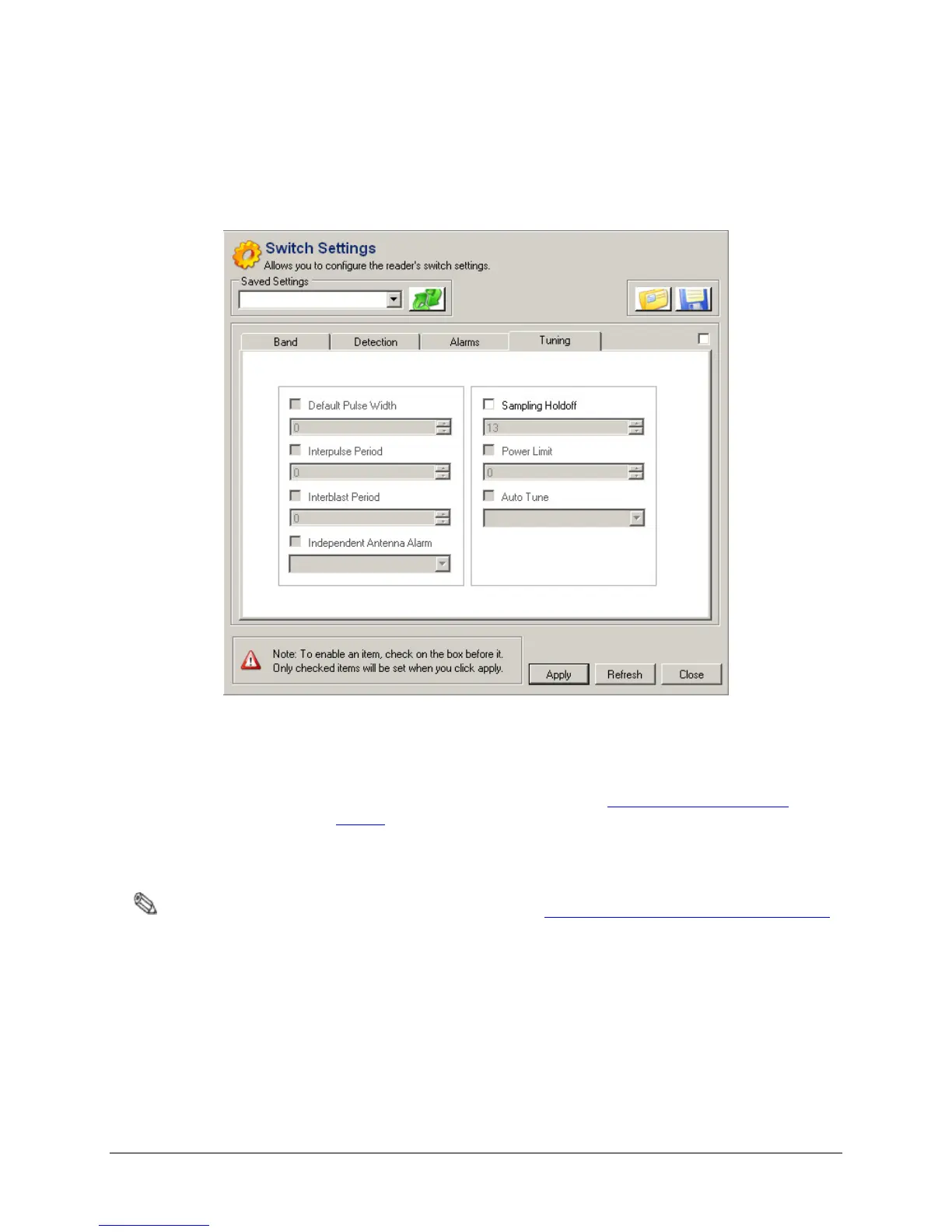
5. Under the Tuning Tab, fill in the following parameters:
• Sampling Holdoff: Set to 13.
6. Click Apply.
Figure 5.5 Tuning Tab, Switch Setting Parameters
7. Under the Band Tab, fill in the following parameters:
• Frequency Band: Set to the application required by the customer. For more
information about the choices, refer to the "
Application-Based Detection
Modes" section.
• Edge Blanking: Set to 0-15.
• Master/Submaster: Set to "Master" for any Single-System.
Note: If configuring a Multi-Electronic System, later refer to "Multi-Electronic Systems (Sync Configuration)”.
• Q Band Detection: Choose a setting based on the type of tags used by the
customer (Hard tag, 410, etc.).
• Threshold Adjust: Set to either 16 or 0.
8. Click Apply.



 To Next Page