F10 Installation Manual Rev. *60 48 of 71
.
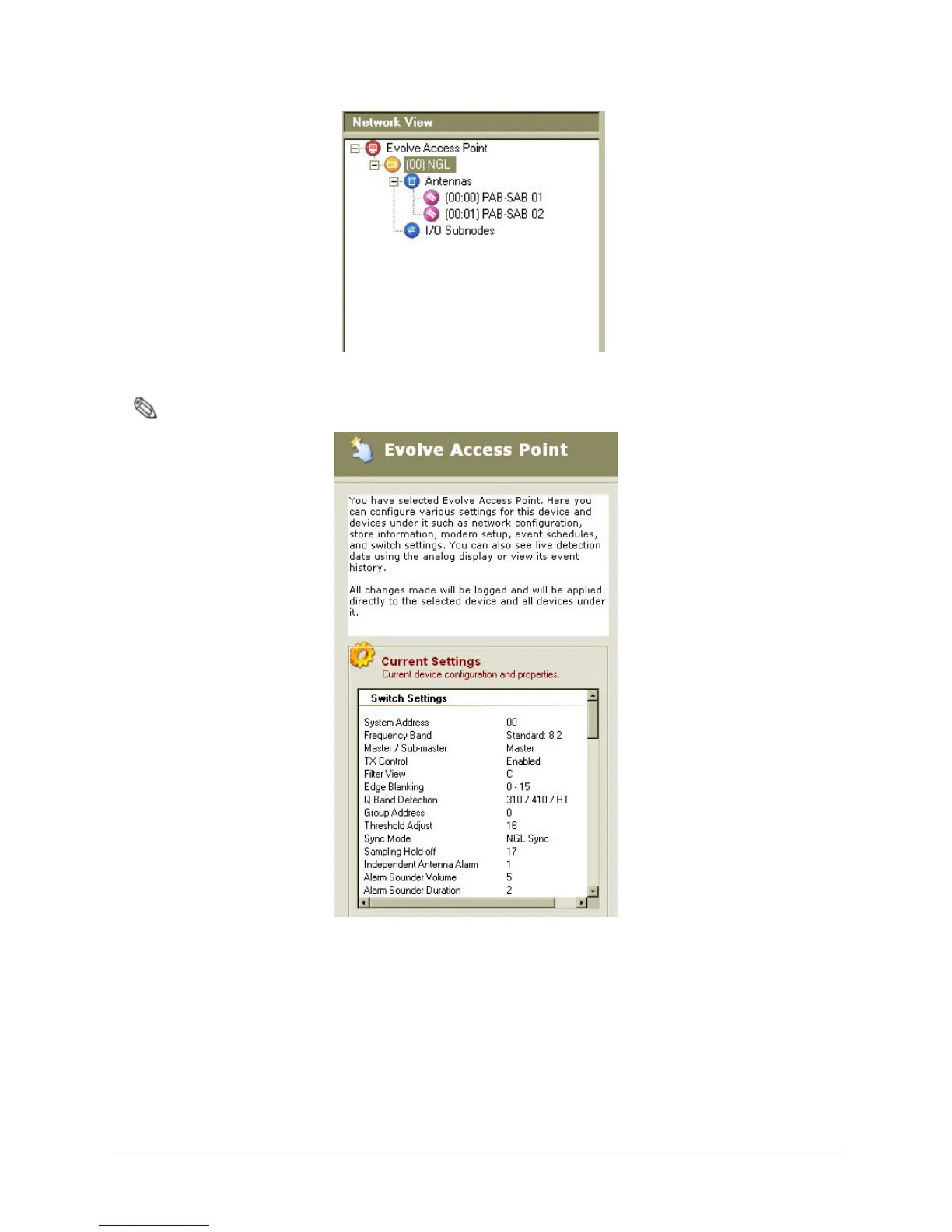
Figure 5.9 Network View of Antenna Settings
Note: Detector 1 and Detector 2 (friendly name of antenna) will be shown instead of PAB-SAB.
Figure 5.10 Current Antenna Settings
3. Navigate to the SAM screen by either clicking the SAM icon on the toolbar (shown in Figure
5.11 below) after selecting Configure > Smart Alarm Management, or by pressing F9
(shown in Figure 5.12).



 To Next Page