MANUALPC-2010 CHAPTER IV - OPERATION Page 26
8.1.4 - Clock
The clock/calendar is used for programming of daily and
weekly schedules. It keeps track of odd months and leap
years. In case of power shutdown, the backup battery
maintains power to the board. The clock needs to be reset
only in case of complete power shutoff with loss of battery
power.
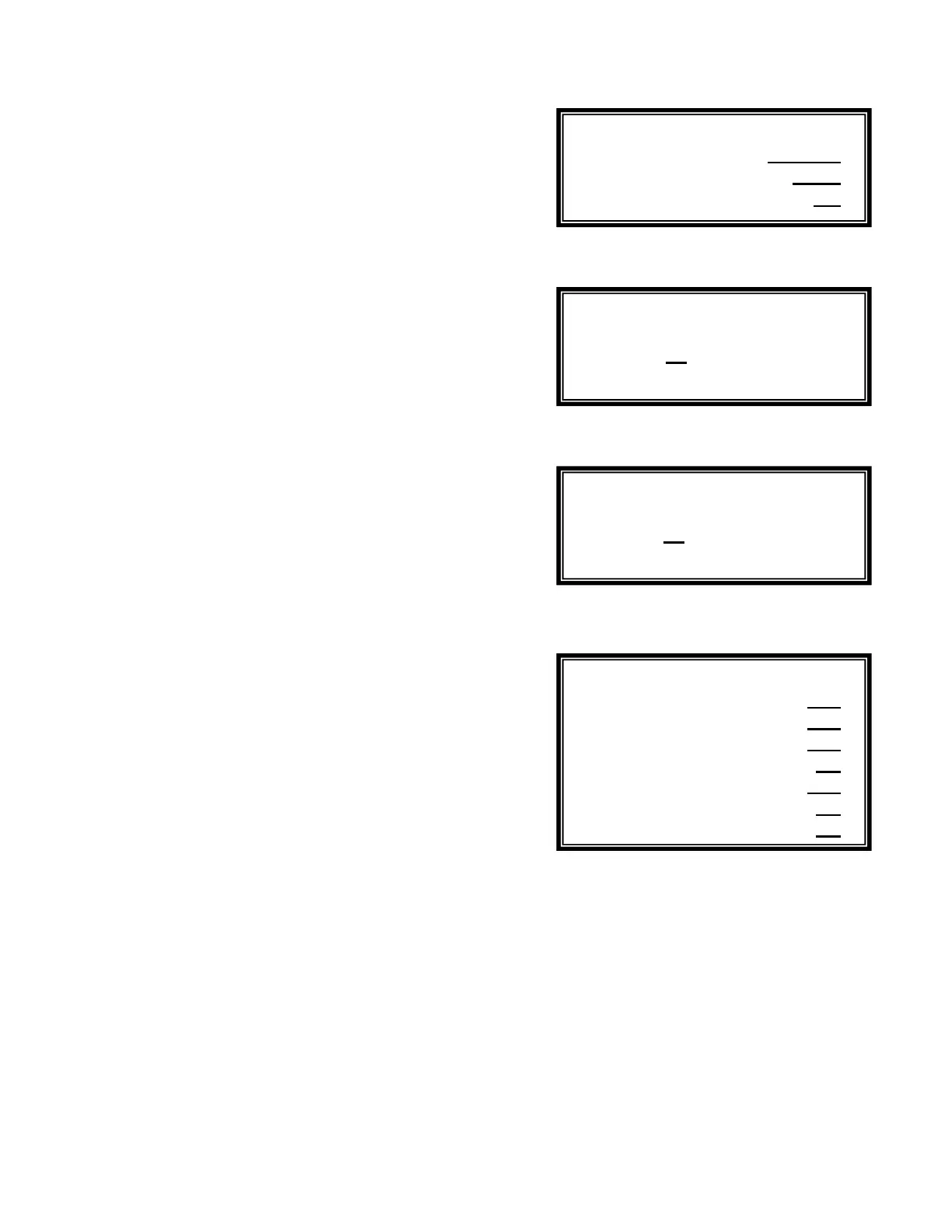
The Clock Submenu is used to set the DATE, TIME and DAY
of the week.
NOTE: The date display uses the MM/DD/YY
(Month/Day/Year) format and the time display, the
24:00 hour format.
8.1.5 - Readings
T
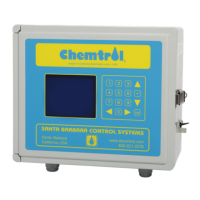
he DISPLAY HOLD parameter is used to stabilize the
readings of the sensors and to eliminate excessive random
fluctuations. It specifies the time interval over which the sensor
data is averaged before the screen is updated. It can be set
between 1 and 60 seconds with a default value of 10 seconds,
8.1.6 - Data Logging
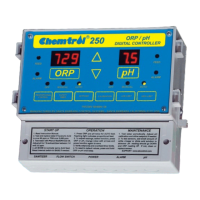
The DATA LOGGING screen selects the time interval for
storing test data in the controller memory. Intervals can be
between 1 to 999 minutes, with a default value of 60 minutes.
The memory chip can store up to 999 test results. When full,
the oldest entries are overwritten by the new ones. Therefore
the greater the interval is, the longer it takes to fill the memory.
For instance, an interval of 60 minutes (one hour) fills the
memory in 41 days. With data logging every four hours, the
memory holds 5 ½ months of data.
To avoid losing test data, remember to print it or download it to
a computer before the memory is full (see Submenu 8.2.4 -
Print Reports). After data download is completed, the Reset
function in Submenu 8.1.6 can be used to remove all data and
start with a clean slate.
8.1.7 - Model Options
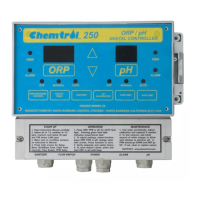
The Model Options Submenu is used to specify the functions
that are actually installed on the controller. Non-installed
functions should be set to “NO”. The Main Display Screen
then shows N/A for that function.
For demonstration purposes, it is possible to access any
function and review its features - even if it is not actually
installed on the controller - by selecting “YES” for that option.
Submenu 8.1.4.
Submenu 8.1.5
Submenu 8.1.6
Submenu 8.1.7
Date 08/10/96
Time 17:00
Day of week Mo
ORP Yes
SANITIZER Yes
pH Yes
CONDUCTIVITY No
TEMPERATURE Yes
PUMP No
FILTER No
10 seconds
Time Base:
60 minutes
Reset


 To Next Page