MANUALPC-2010 CHAPTER IV - OPERATION Page 39
5 - TEMPERATURE MENU
Operation
The Temperature Menu, or Heater Menu, is used to control the
operation of the heater with the temperature sensor. All
displays can be shown in either degrees Fahrenheit or Celsius.
The Temperature Menu screen is used to access all the
Temperature submenus for Control Mode, sensor calibration,
setpoint and alarm settings. It also displays the actual run time
for the heater and the cumulative run time since last reset to
zero.
5.1 - Control Mode
L
ine 1 shows the Control mode that is currently selected: OFF,
Manual, AUTO or Timer. To change the Control Mode, select
the first line with the UP or DOWN ARROW keys and press the
RIGHT ARROW key. The control mode screen and selection
procedures are common to all control functions. See
CONTROL Submenus, page 47.
5.2 - Display and Calibration
The second line displays the current reading of the
Temperature sensor in either temperature units.
The temperature sensor can be calibrated with 1, 2 or 3-Point
calibration for origin, slope and curvature. Press the RIGHT
ARROW key to enter the CALIBRATION Submenu. The
calibration procedure is common to all control functions. See
CALIBRATION Submenus, page 49.
5.3 - Setpoint
The SETPOINT determines the temperature level in the AUTO
control mode. To change the setpoint, press the RIGHT
ARROW key and enter the numerical value with the digital
keypad. After pressing the OK key, the SETPOINT TYPE
Submenu 5.3.1 is displayed asking whether the control is for
Heating or Cooling.
The normal (default) setting is for Heating. This means that
the heater is automatically activated when the temperature
sensor reading falls below the setpoint. If it is set for Cooling,
the cooler is activated when the temperature sensor reading is
above the setpoint.
5.4 - Low Alarm
T
he ALARM LOW value is set to generate an alarm when the
temperature reading falls below the set value. After the alarm
value is set, the ALARM OPTIONS screen is shown, asking
whether a low alarm condition should stop the heater and
activate the alarm buzzer.
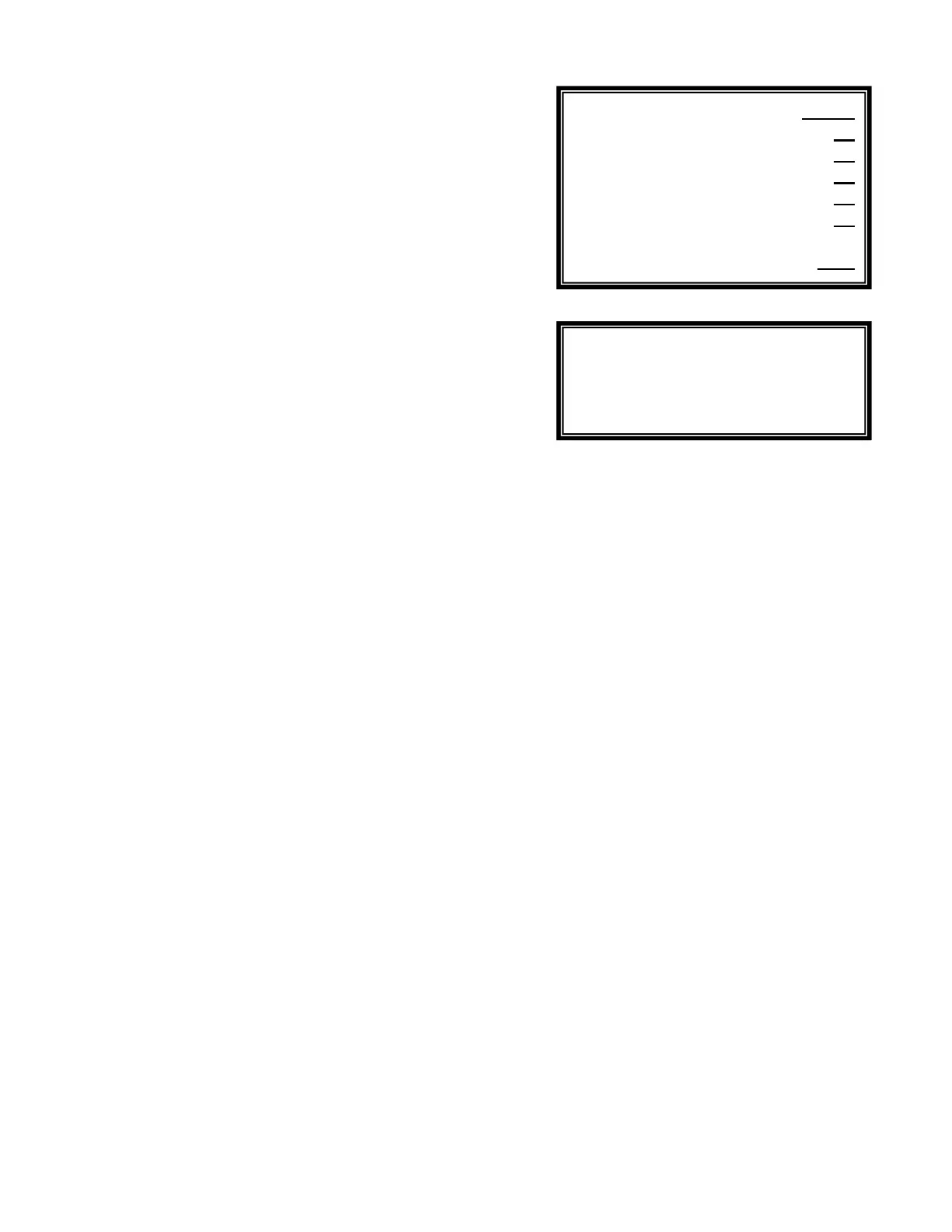
Menu 5
Submenu 5.3.1
5
.5 - High Alarm
The ALARM HIGH value is set to generate an alarm when the
temperature reading rises above the set value. After the alarm
value is set, the ALARM OPTIONS screen is shown, asking
whether a high alarm condition should stop the heater and
activate the alarm buzzer.
5.6 - Time Limit
The TIME LIMIT sets the maximum amount of time in minutes
that is allowed for continuous heating to correct a low
temperature reading. This acts as a safety feature to prevent
overheating in case of a malfunction of the heater or sensor.
When in alarm, Time Limit is reset by highlighting the value
and pressing "OK". To defeat the safety timer, enter zero (0).
5.7 - Run Time
T
he RUN TIME line displays two separate values: the amount
of running time in minutes for each current activation event and
the total run time since last reset to zero.
To reset the cumulative run time, enter zero in the far right
column. To reset only the current run time, highlight Time Limit
value and press “OK”.
5.8 - Energy Saver
The Energy Saver program is used to reduce the temperature
when the pool is not in use in order to save energy costs. It
includes a seven-day programmer for OFF and ON times and
a temperature level adjustment.
When the energy saver is on, the control temperature is
lowered.
Calibrate F 80
Setpoint F 80
Alarm Low F 70
Alarm High F 85
Time Limit min 30
Run Time 15 60
Energy Saver OFF
Heating
Cooling


 To Next Page