MANUALPC-2010 CHAPTER IV - OPERATION Page 34
2.3 - Setpoint
The SETPOINT determines the SANITIZER level that will be
maintained automatically by the controller when placed in the
AUTO control mode.
To change the setpoint, press the RIGHT ARROW key and
enter the numerical value with the digital keypad. After
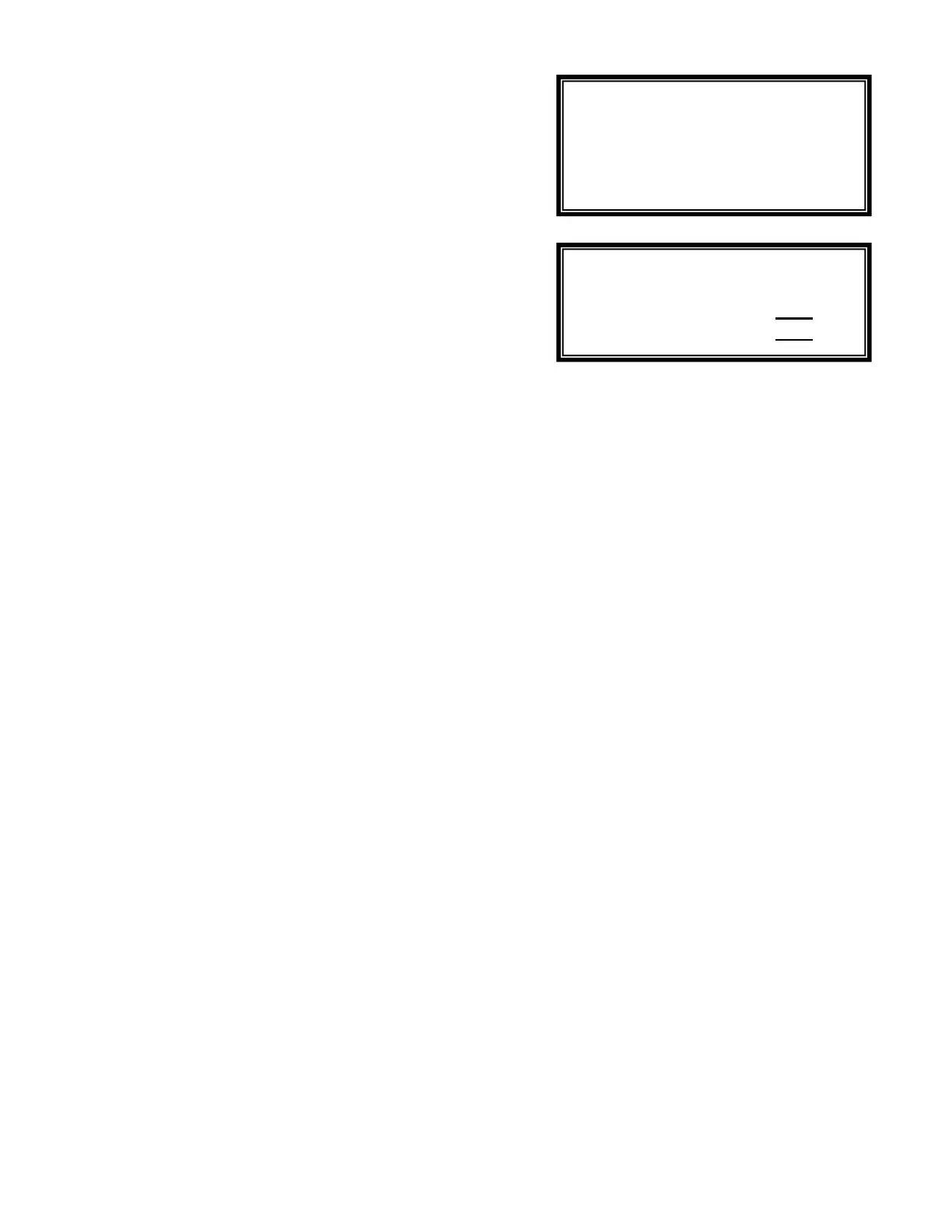
pressing the OK key, the SETPOINT TYPE Submenu 2.3 is
displayed asking whether the control is for a Sanitizer, or for
De-sanitation with a reducer, or for both.
The normal (default) setting is for a sanitizer. This means that
the oxidizer feed outlet is automatically activated when the
sensor reading falls below the setpoint. When set for a
reducer, the reducer relay is activated when the sensor reading
is above the setpoint.
2.4 - Low Alarm
The ALARM LOW value is set to generate an alarm when the
SANITIZER reading falls below the set value. After the alarm
value is set, the ALARM OPTIONS Submenu 2.4.1 is shown,
asking whether a low alarm condition should stop the feeder
and activate the alarm buzzer.
2.5 - High Alarm
The ALARM HIGH value is set to generate an alarm when the
SANITIZER reading rises above the set value. After the alarm
value is set, the ALARM OPTIONS Submenu 2.4.1 is shown,
asking whether a high alarm condition should stop the feeder
and activate the alarm buzzer.
2.6 - Time Limit
The TIME LIMIT sets the maximum amount of time in minutes
that is allowed for continuous feeding of the oxidizer to correct
a high or low SANITIZER reading. This acts as a safety
feature to prevent overfeeding in case of a malfunction of the
chemical feeder or as an alarm if the feed tank runs empty.
When in alarm, Time Limit is reset by highlighting the value
and pressing "OK". To defeat the safety timer, enter zero (0).
2.7 - Run Time
The RUN TIME displays the amount of running time in minutes
for each current activation event and the cumulative run time
since last reset to zero.
To reset the cumulative run time, enter zero in the last column.
To reset only the current run time highlight Time Limit value
and press "OK".
2.8 - Last Shock
The LAST SHOCK line shows the last date of Shock
Treatment. It is shown for display only; no adjustments can be
made to this date.
If the RIGHT ARROW key is pressed while on this prompt, the
screen for Superchlorination, De-shock and Chemical Saver
Program will be displayed.
For details on the following options, see the SHOCK and
SAVER Submenu further down in Chapter II.
2.8.1 - Superchlorination
Superchlorination refers to treatment with an elevated level of
chlorine which should be performed from time to time to
prevent the accumulation of noxious chemicals (chloramines)
or biological forms (algae, etc).
2.8.2 - Deshock
Deshock refers to the addition of a reducing agent (such as
Sodium Thiosulfate) which is used to reduce excessive
amounts of chlorine introduced during superchlorination.
2.8.3 - Chemical Saver
The Chemical Saver program is used to save chemicals by
reducing the treatment level when the facility is not used, such
as during nighttime or on weekends.
Sanitizer
De-sanitizer
Both
Feed lockout YES
Alarm buzzer YES


 To Next Page