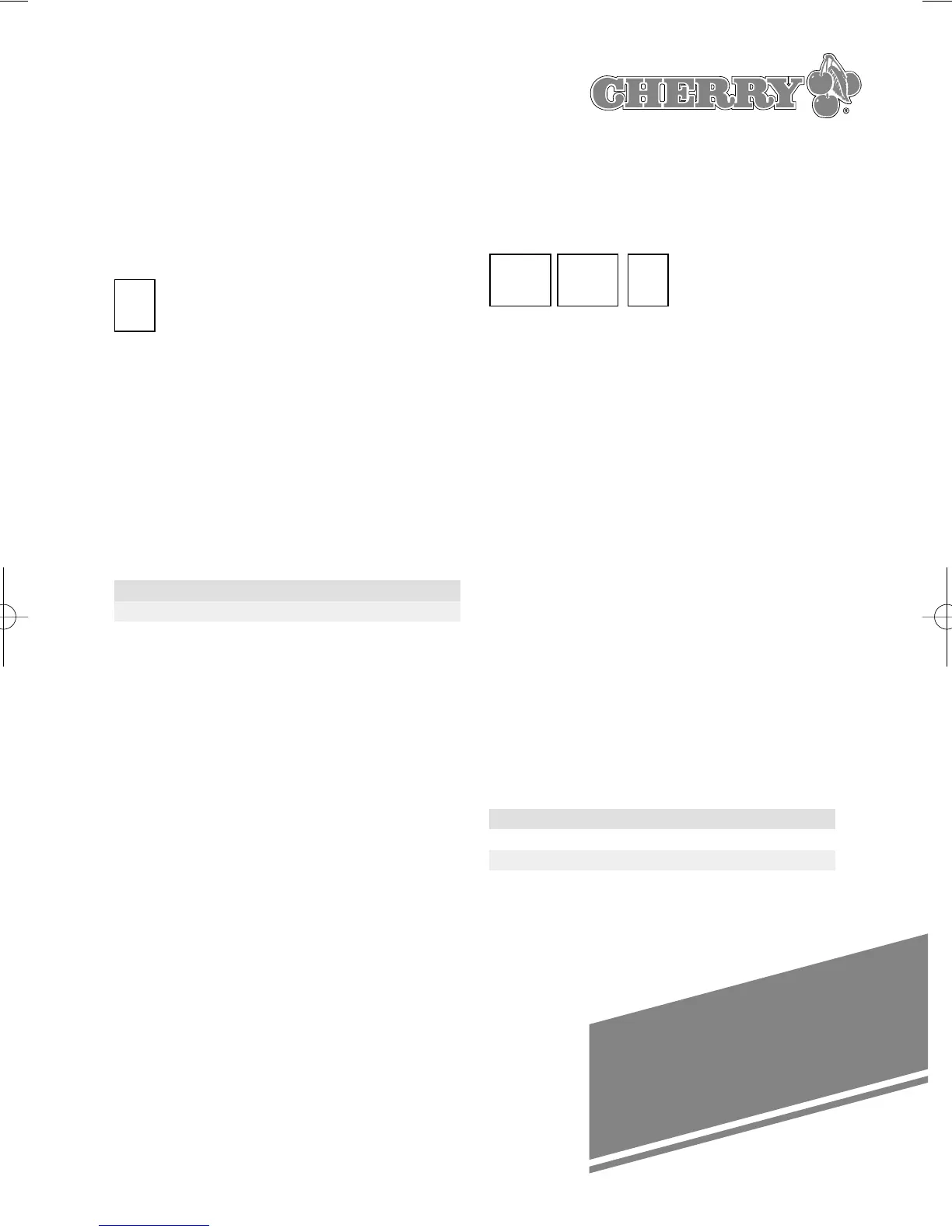
25
PF1
Alt
PF1
➪
Example: You want to output the key
sequence that is stored under PF1. Press
the following key:
Changing the storage layer
The active layer is shown at the 7-
Segment-Display. If you want to change
the layer proceed as follows:
➭ Press the layer key(Layer number is
flashing)
➭ Choose the Layer by pressing one of
the keys F1-F10 (see list).
New Layer is shown permanently.
F1 F2 F3 F4 F5 F6 F7 F8 F9 F10
1234567890
Temporarily changing the storage
layer
You can temporarily change to a higher
layer by pressing one or more of the
three mode keys in the lower left-hand
corner of the keyboard (Shift, Alt and
Ctrl). The change only remains in effect
until the depressed mode keys are
released again. The previously valid layer
is then in effect again.
The following values are possible:
Alt key: Up 1 layer
Shift key: Up 2 layers
Ctrl kay: Up 4 layers
These keys can also be combined to
advance the layer by any value between
1 and 7, e.g. Alt + Ctrl = up 5 layers.
Example: You are in storage layer “0”
and want to output the key sequence
that is stored under PF1 in layer 3.
Press the following keys simultaneous:
Setting the data transfer rate
The speed at which the stored key
sequences are transmitted to the system
can be set to any of 12 different rates to
meet the requirements of certain system
types and/or software. This is done by
delaying each code by a certain amount
of time.
To stipulate the delay time, proceed as
follows:
➭ Press the “Prog. key”: Decimalpoint
flashes
➭ Press one of the keys between
F1 and F12 to set the desired delay
time (the LED then turns off again)
➭ To exit this function press the ”Prog.
key“ again. Decimalpoint turns off.
The corresponding delay times are as
follows:
F1 F2 F3 F4 F5 F6 F7 F8 F9 F10 F11 F12
delay time (msec):
024681020305070100200





 To Next Page