
 Need help?
Do you have a question about the Cherry 8000 series and is the answer not in the manual?
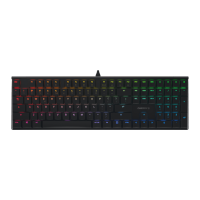
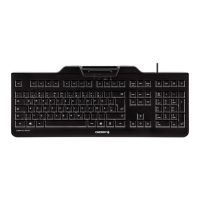
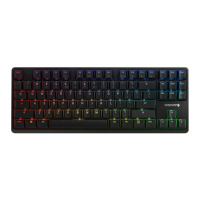
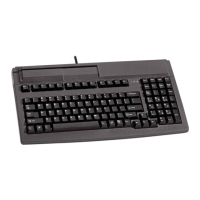
Illustrates various keyboard layouts and their features.
Overview of Cherry keyboards, their integrated features, and applications.
Details the functionality and capabilities of the integrated magnetic stripe card reader.
Explains the integrated barcode reader, supported types, and data conversion.
Describes the smart card reader's capability to read and write smart cards.
Explains the function and output codes of the keylock switch.
Details the touchpad feature as a mouse substitute on specific keyboard models.
Mentions the G 81-8308 keyboard with programmable keys.
Describes the Core Plus model with integrated smartcard terminal features.
Lists the computer system requirements for keyboard operation.
Discusses the included configuration software for managing keyboard features.
Defines header and terminator codes for data transmission.
Instructions for programming magnetic card readers and barcode units.
Guide to programming freely assignable keys on keyboards.
Demonstrates barcode and magnetic card programming scenarios.
Step-by-step guide for programming a single free programmable key.
Details programming and managing keys on the G81-8308 model.
Explains how to select and change storage layers for programmable keys.
Describes how to adjust data transmission speed via delay settings.
Provides instructions for cleaning the magnetic head.
Guides on the correct method for inserting smart cards.
Lists electrical and functional specifications of the keyboard.
 General
| Connection Type | Wired |
|---|---|
| Key Rollover | N-Key Rollover |
| Interface | USB |
| Layout | ANSI |
| Series | 8000 |
| Type | Gaming Keyboard |




 To Next Page