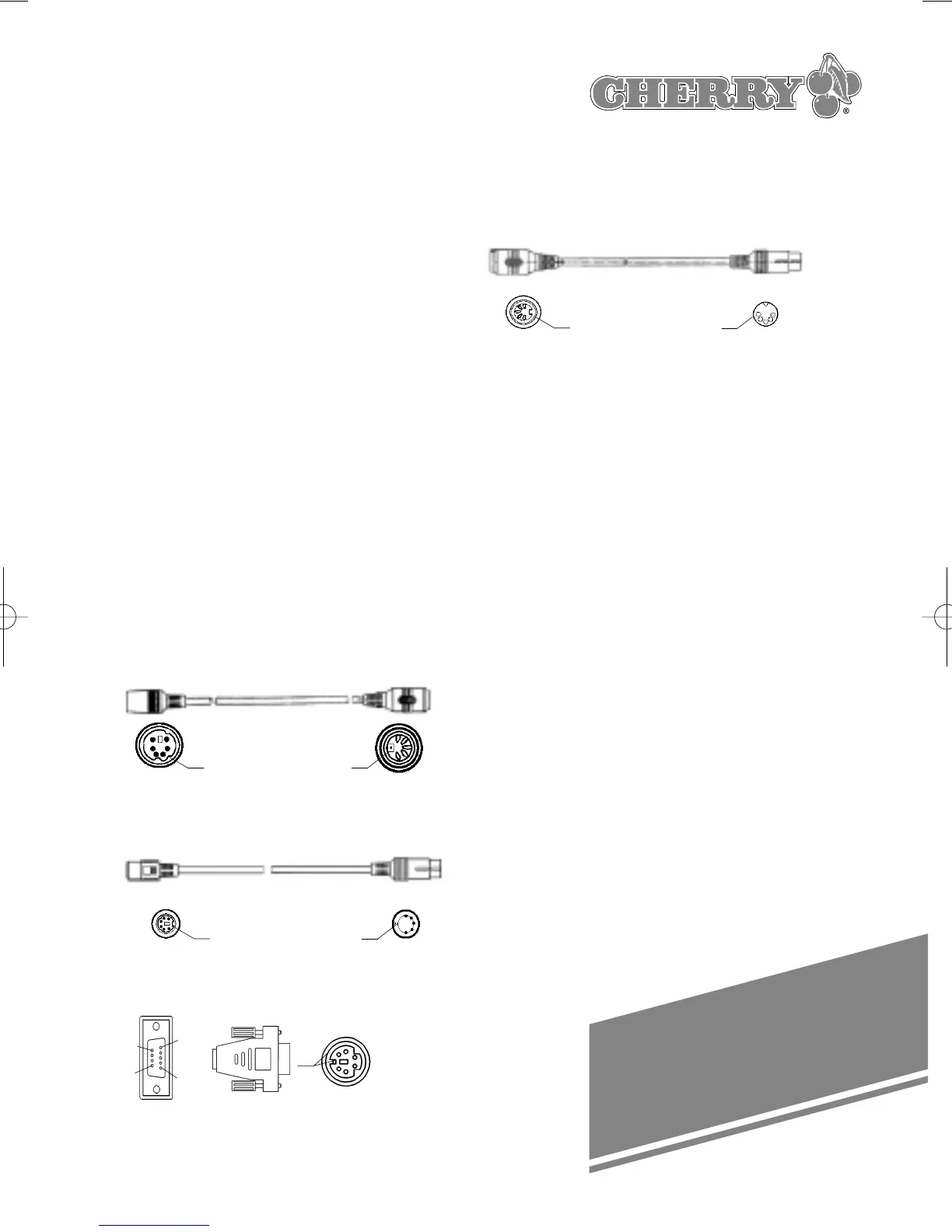
Extension lead (no. 617-0969)
Barcode wands:
infrared:
- low resolution, (no. 630-0476)
- medium resolution, (no. 630-0475)
- high resolution (no. 630-0474)
Barcode wands,
redlight:
- low resolution, (no. 630-0473)
- medium resolution, (no. 630-0417)
- high resolution (no. 630-0472)
Touchreader (no. 630-0477)
Laserscanner (no. 630-0478)
Download software:
http://www.cherry.de
Evaluation Kit for smart card terminal
G 99-1499 ZUB
31
- Entering numbers dont work:
➭ Do not use the numeric pad for
entering numbers
- The keyboard creates a ”peep” after
reading the magnetic card:
➭ To stop peeping chance the
programming mode
- If the touchpad fails to respond:
➭ Check all connections and reboot the
PC
➭ The problem could be due to
incompatible drivers. Check with your
dealer, or else download the original
Synaptics drivers form the Synaptics
website on the Internet:
http://www.synaptics.com
12. Optional accessories
Adapter 5 pin connector - 6 pin Mini DIN
connector (no. 617-0580)
Adapter 6 pin Mini DIN connector - 5 pin
DIN connector (no. 617-0848)
Adapter Touchpad PS/2, RS 232
(no. 617-1615)





 To Next Page