Key to diagram
➭ Figure page III
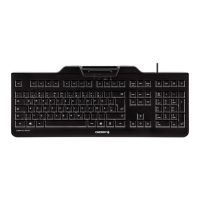
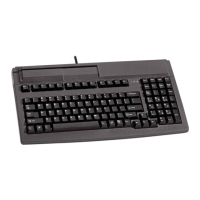
Keyboard 8000 series
Front of keyboard
➀ Vertical smart card slot (G 81-8900)
➁ Horizontal smart card slot (G 81-8901)
➂ Barcode connector, 6pol
right (Barcode 2)
➃ LEDs indicating status of keyboard
and function
➄ Keyboard cable and plug
Rear side of keyboard 8000 series
⑥ Barcode connector, 9pol
right (Barcode !)
⑦ RS 232 connector
Bottomside of keyboard 8000 series
➇ Cable channel
➈ Plug in housing cover
➉ Adjustable feet
Smart card terminal interface (RS 232)
9- pin SUB-D plug
Keyboard plug DIN or mini DIN
➭ Fold out front and back page of
manual
Keyboard 8000 series and 7000 series
Plug ins
➊ Plug in housing
➋ Locking device
➌ Bevelled edges
➍ Guide channel
➭ Figure page IV
Keyboard 7000 series
Front of keyboard
➀ Vertical smart card slot
➁ LEDs indicating status of keyboard and
function
➂ Keyboard cable and plug
Rear side of keyboard 7000 series
➃ Barcode connector, 9pol
right (Barcode 1)
➄ RS 232 connector
➅ Barcode connector, 6pol
right (Barcode 2)
Bottomside of keyboard 7000 series
➆ Cable channel
➇ Plug in housing cover
➈ Adjustable feet
➉ Smart card terminal interface (RS 232)
9- pin SUB-D plug
Keyboard plug DIN or mini DIN
2
12
11


 To Next Page