Chord Electronics
ULTIMA PRE | Manual
_
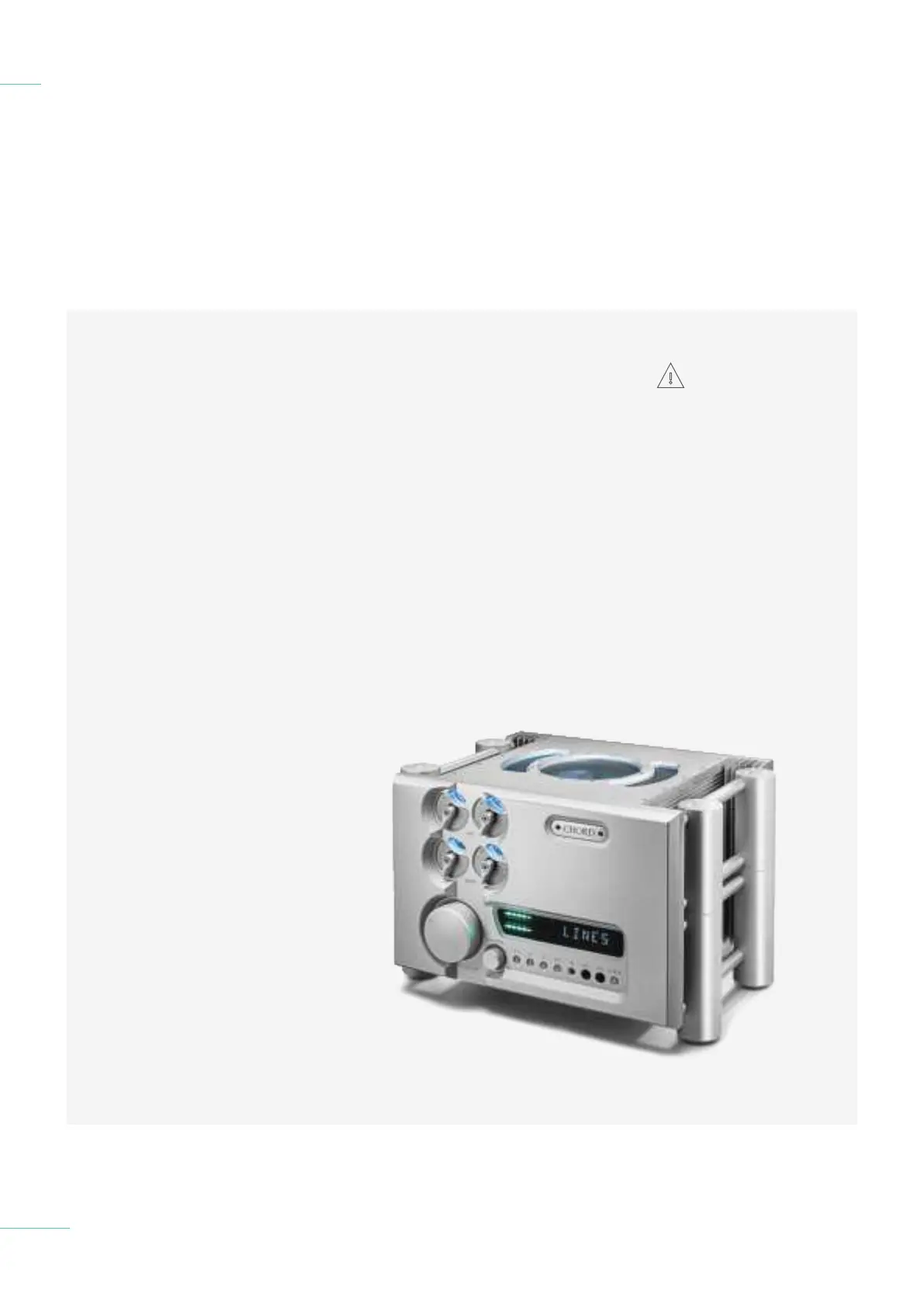
Before connecting the ULTIMA
PRE to any equipment, consult
the manufacturer’s user guide to
confirm compatibility.
When connecting the ULTIMA
PRE to any equipment, make sure
that all devices are o, including
the ULTIMA PRE.
Once connected, switch all
equipment on starting with
the source and ending with the
amplification.
Initially, operate the any
connected equipment on its
lowest gain setting and lowest
volume setting, gently increasing
to a comfortable listening level.
Never operate connected
equipment to the ULTIMA
PRE at excessive sound levels;
permanent hearing damage and
loss can occur.
The included 10 amp IEC mains
lead plugs into the ULTIMA PRE.
If the power supply is
prematurely disconnected
ULTIMA PRE may still remain
active for up to 15 seconds,
however, this may cause damage
to connected equipment.
1.1 Introduction
1.2 Protection against
liquids & heat
1.3 Dismantling & radio frequency
interference
1.4 Connecting your equipment
Connecting your equipment 1.4
Never disconnect the
power cable during
operation. Only
disconnect when ULTIMA
PRE is o. If the power cable
is disconnected during
operation there is a risk
of damage to connected
equipment.
7 // 34



 To Next Page