Wound Component EST Scanner 19035/19035-M/19035-S
Quick Start Guide
3.3 Items for Setting System Parameters
Setting Items Description
TEST CONTROL It sets the related parameters for test.
SYSTEM CONFIG It sets the system related parameters.
KEY LOCK It sets the keyboard lock function.
CHANGE PASSWORD It changes the user’s password.
CALIBRATION It sets the calibration related function.
ERROR LOG It logs the errors messages generated when
connecting with PC.
ABOUT It shows the version number.
3.4 Notices before Use & Operating Procedure
1. Before plugging in the AC power cord, make sure the power in use
matches the power indicated on the rear panel and the switch is OFF.
2. Read the precautions described in Chapter 2 carefully and keep them
in mind before power-on the Scanner.
3. Once the Scanner is powered on, it will start self-test. If any
abnormal occurs, turn off the power switch immediately and unplug
the power cord.
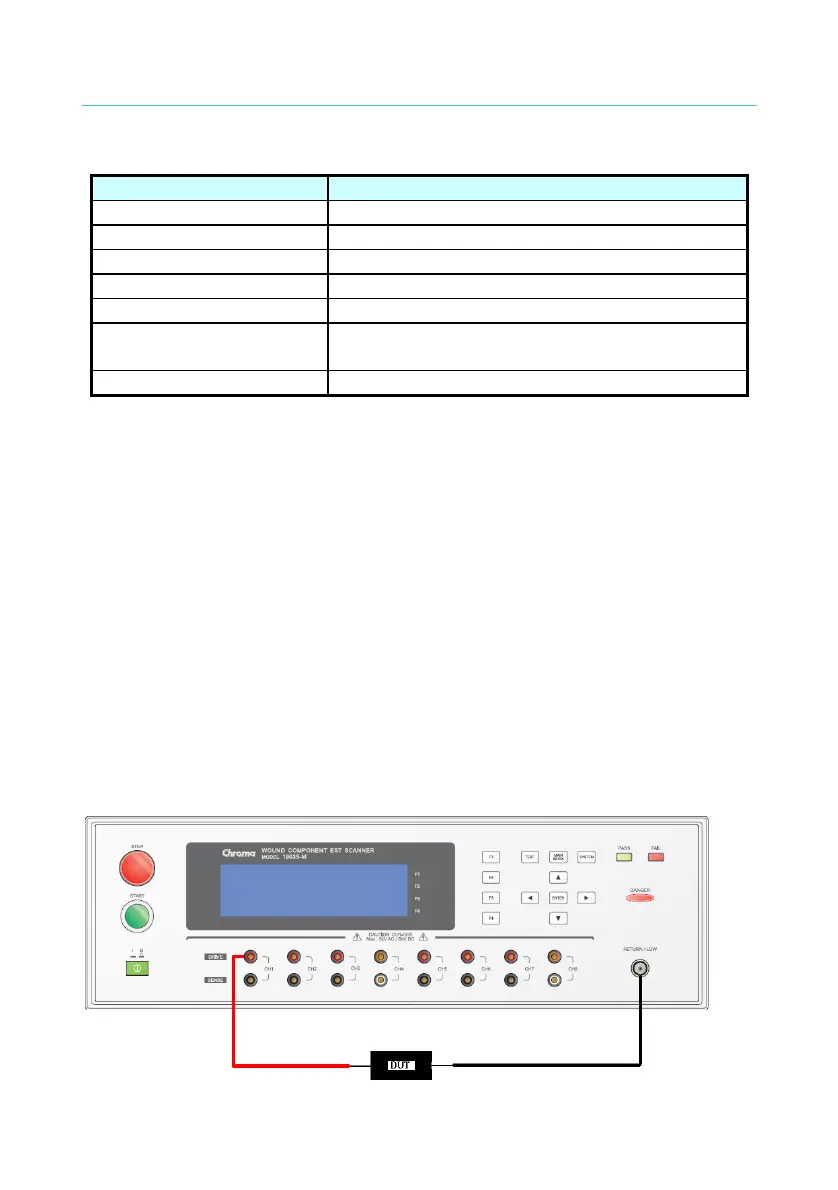
3.5 Setting 19035-M & Connecting DUT
■ Connecting diagram & setting of withstand voltage test mode
14



 To Next Page