Programmable AC Source 6460/6463/6490 User’s Manual
5. If you choose ∅1+∅2+∅3, the programmed voltage will be for all three phases.
3.2.4 The Setting of Configuration
The AC source provides the user with a lot of useful features such as Remote sensing,
External reference, etc. To use these powerful features the user must program relevant
parameters according to the needs of application using the configuration setup.
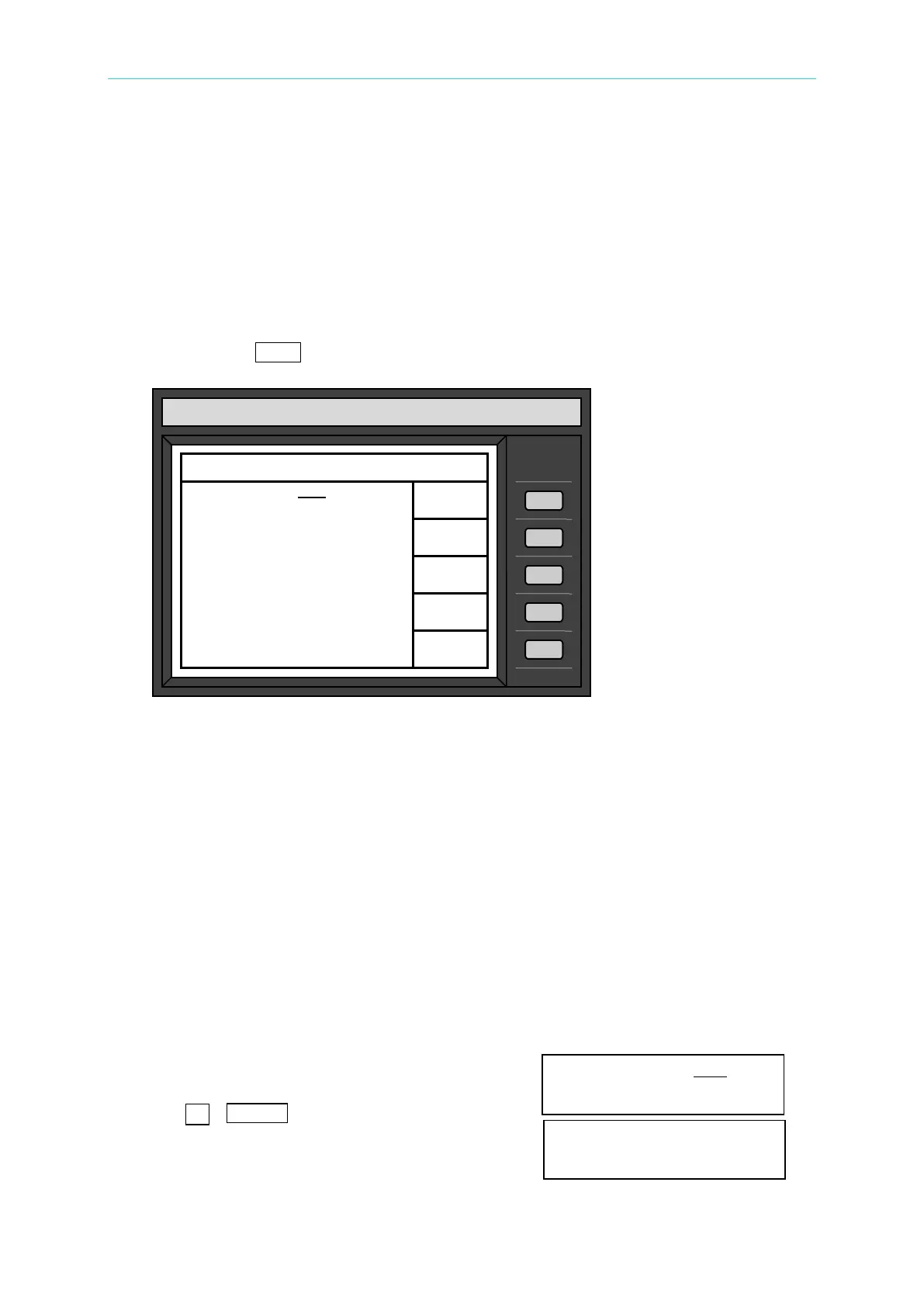
Press the soft key, CONF, the LCD displays the following picture:
3.2.4.1 External Reference
The AC source allows the user to make use of the controlled signal from external devices for
the setting of its output. The BNC connector of the external reference on the rear panel lets
the user apply DC signal to the AC source for the setting of output voltage. The output
voltage (Vout) responses linearly proportional to the controlled DC level with voltage ranging
from 0 to 10 V. Vout can be calculated using the following formula:
Vout = Vcontrol / 10 V × V range.
To set Vout to 60Vrms:
1. Select range = 300V in setup menu, apply external DC = 2V, and Vout = 60Vrms.
2. Select range = 150V in setup menu, apply external DC = 4V, and Vout =60Vrms.
The procedures of setup are shown below:
1. Move the cursor to the command of External ref. External ref. =OFF
2. Press
, ENTER to change the option from
OFF to ON. External ref. =ON
CHROMA
Model 6490
Configure setting 0000:25
Remote
sense =OFF
GPIB address =30
RS232C
Baudrate=9600 parity=NONE
Power on output status
V=300.0 F= 1000.0
QUIT



 To Next Page