Local Operation
3.2.4.7.1 The Selection of Phase Status
In 6460 there are two modes, “parallel” and “series”, for choice. In 6463, 6490 there are two
modes, “one phase” and “three phase”, for choice too. If you choose “three phase” and
press
ENTER , there will be ∅2=120.0, ∅3=240.0 appearing at the downside of the display.
They are the phase shift of ∅2 and ∅3 reference to ∅1, and can be programmed as you like.
You can easily verify the mode you are using from the headline of the output
main menu.
∅13 : “series” mode for 6460 and “3-phase” mode for 6463, 6490.
∅11 : “parallel” mode for 6460 and “1-phase” mode for 6463, 6490.
3.2.5 The Setting of Setup
The operational menu of “SET UP” manages the setups for V full range, waveform, data lock,
protections, etc. Press
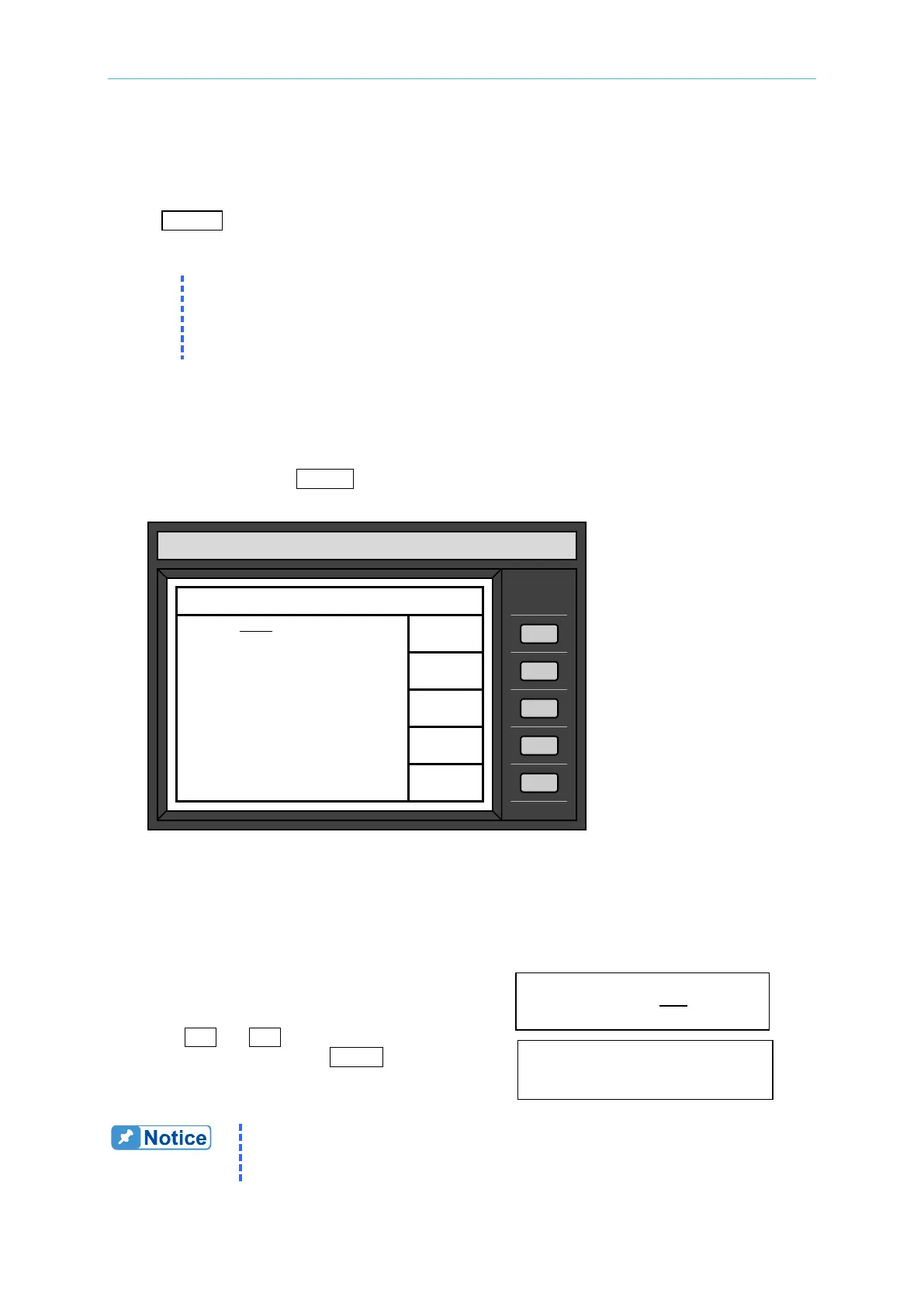
SET UP to enter into the menu of “SET UP”, and the LCD will display
as follows:
3.2.5.1 The Output Range
The AC source supplies full range of output voltage with two options of 150 V or 300 V.
To set the range of output voltage as 150 as follows:
1. Move the cursor to the command line of Range. Range = 300
2. Press
or
to change the option from
“300” to “150”, then press ENTER. Range = 150
The AC source will set output voltage as 0 V first in order to eliminate
voltage spike when range changes. Then, it will set output voltage as
set value. It may cause UUT to shut down or get bad if the output is
CHROMA
Model 6490
SETUP PARAMETERS 00:04:35
Data lock = OFF Buzzer = ON
PROTECTION
Current limit= 15.00
delay time= 0.0 sec
Voltage limit=300.0
LCD sleep time= 60 min
QUIT



 To Next Page