Programmable AC Source 6460/6463/6490 User’s Manual
active, and range changes.
3.2.5.2 The Data Lock
The AC source allows the user to lock data entries, so the pre-defined parameters can be
protected from being modified by an unauthorized person.
The procedures for the setting of data lock are shown below:
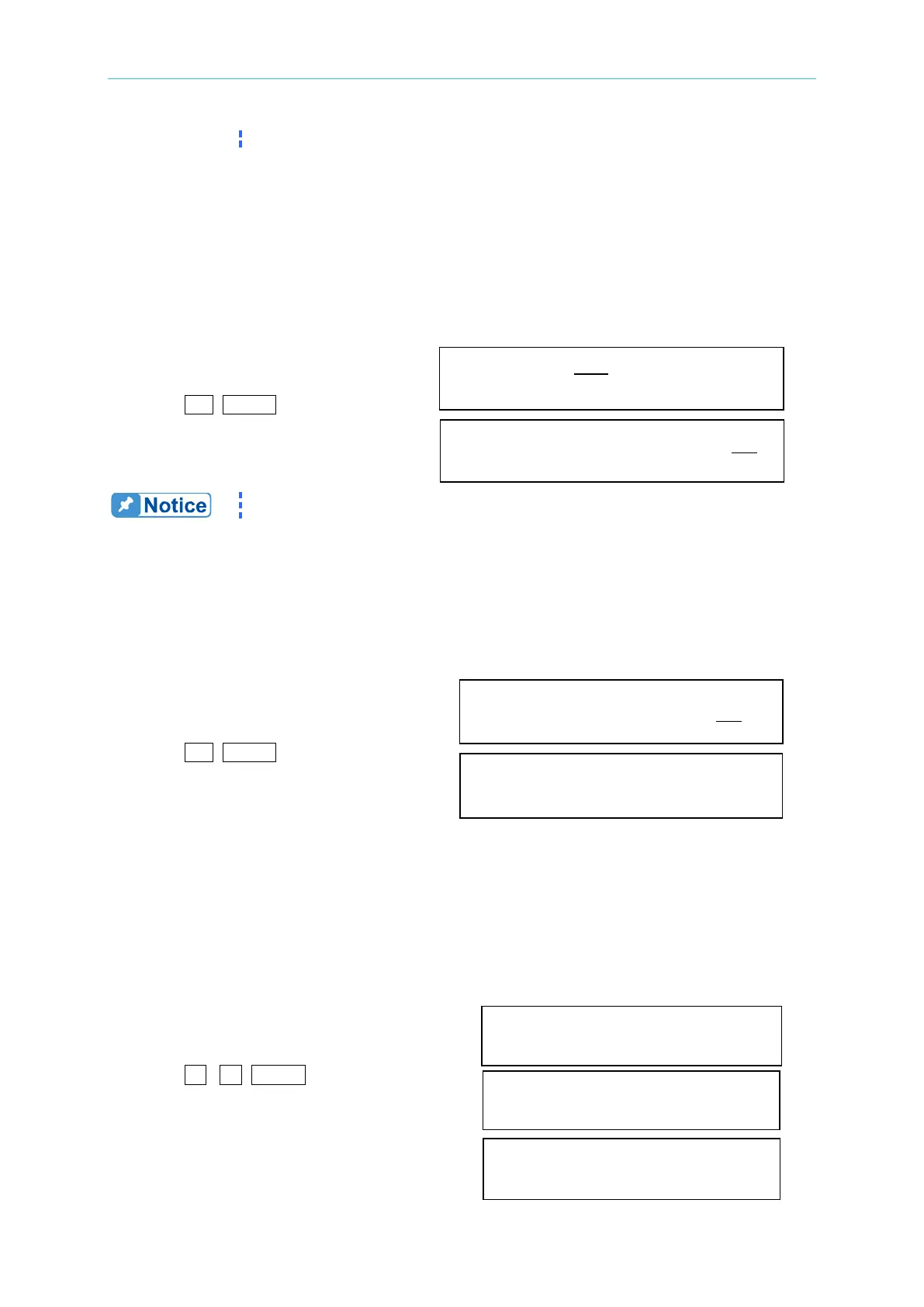
1. Move the cursor to the command line
of “Data lock”. Data lock = OFF Buzzer = ON
2. Press
, ENTER to change the
option from OFF to ON.
Data lock = ON Buzzer = ON
The user must select OFF to unlock.
3.2.5.3 The Setup of Buzzer
The buzzer of the AC source beeps when the user presses the keypad on the front panel, or
turns the PRG knob. If the user does not need it, turn it off.
To turn off the buzzer as follows:
1. Move the cursor to the command line
of “Buzzer=”. Data lock = off Buzzer = ON
2. Press
, ENTER to change the
option from ON to OFF. Data lock = off Buzzer = OFF
3.2.5.4 Protection
Limitation of output RMS current, output voltage, and delay time are the parameters for
triggering overload protection. The discussion of protection/limitation in this subsection is
about user-programmable protection, not hardware protection.
The procedures for setting Current limit = 20A, Delay time = 1 sec., and Voltage limit = 250V
are described below:
1. Move the cursor to the command line
of “Current limit=”. Current limit= _15.00
2. Press 2 , 0 , ENTER to change the
value to “20.00”. Current limit=20.00
3. The cursor moves to the command line
of “delay time=” automatically. delay time= _0.0 sec



 To Next Page