Local Operation
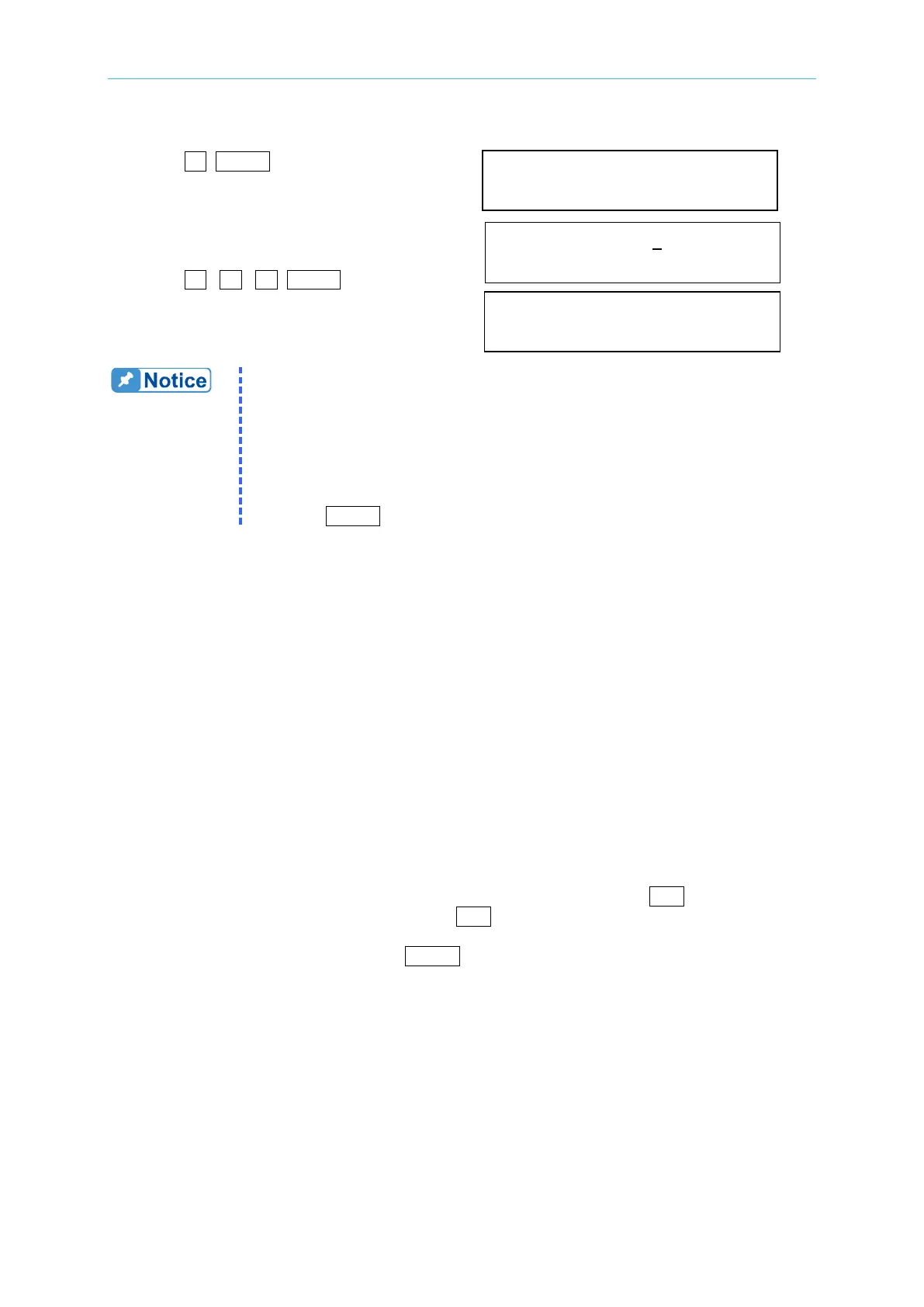
4. Press 1 , ENTER to change the value to
“1.0”. delay time= 1.0 sec
5. The cursor moves to the command line
of “Voltage limit=” automatically. Voltage limit = 150.0
6. Press 2 , 5 , 0 , ENTER to change the
value to “250.0”.
Voltage limit =250.0
1. Delay time is valid for eliminating transient current spike, which is
useless in voltage protection.
2. Current limit ranges from 0 to 100 in step of 0.01 A.
Delay time ranges from 0 to 100 in step of 0.1 sec.
Voltage limit ranges from 0 to 300 in step of 0.1 V.
3. The output of the AC source will be disabled when protection is active,
and will remain so even the condition is released. The user has to
press ENTER for over two seconds to reset the AC source.
3.2.5.5 The Saving/Recalling
Please refer to 3.2.4.5 and 3.2.4.6 for related information.
3.2.5.6 The SYSsetting
This function is reserved for maintenance and factory testing only.
3.3 Applications
3.3.1 The Execution of Output
In the main operational menu of output, the user can press the soft key RUN to enable the
execution of output. When the user presses RUN, the LCD will change from “Output
status=PAUSE” to “Output status=RUN”, and the command string of the original “RUN” will
change to “PAUSE” (Push the soft key
PAUSE to disable output when output is in “RUN”).
The following example of LCD indicates the states when the user toggles the output between
“RUN” and “PAUSE” by the soft key. If the output is inactive, the LCD will show as follows:



 To Next Page