Programmable AC Source 6460/6463/6490 User’s Manual
3. The cursor moves automatically to the
setting position of “parity”.
Press ▲ , ▼ or turn RPG to select
“ODD”, then press ENTER .
The options of baud rate are 2400/4800/9600/19200. The options of
parity are EVEN/ODD/NONE.
3.2.4.5 The Saving
To save all of the system data as follows:
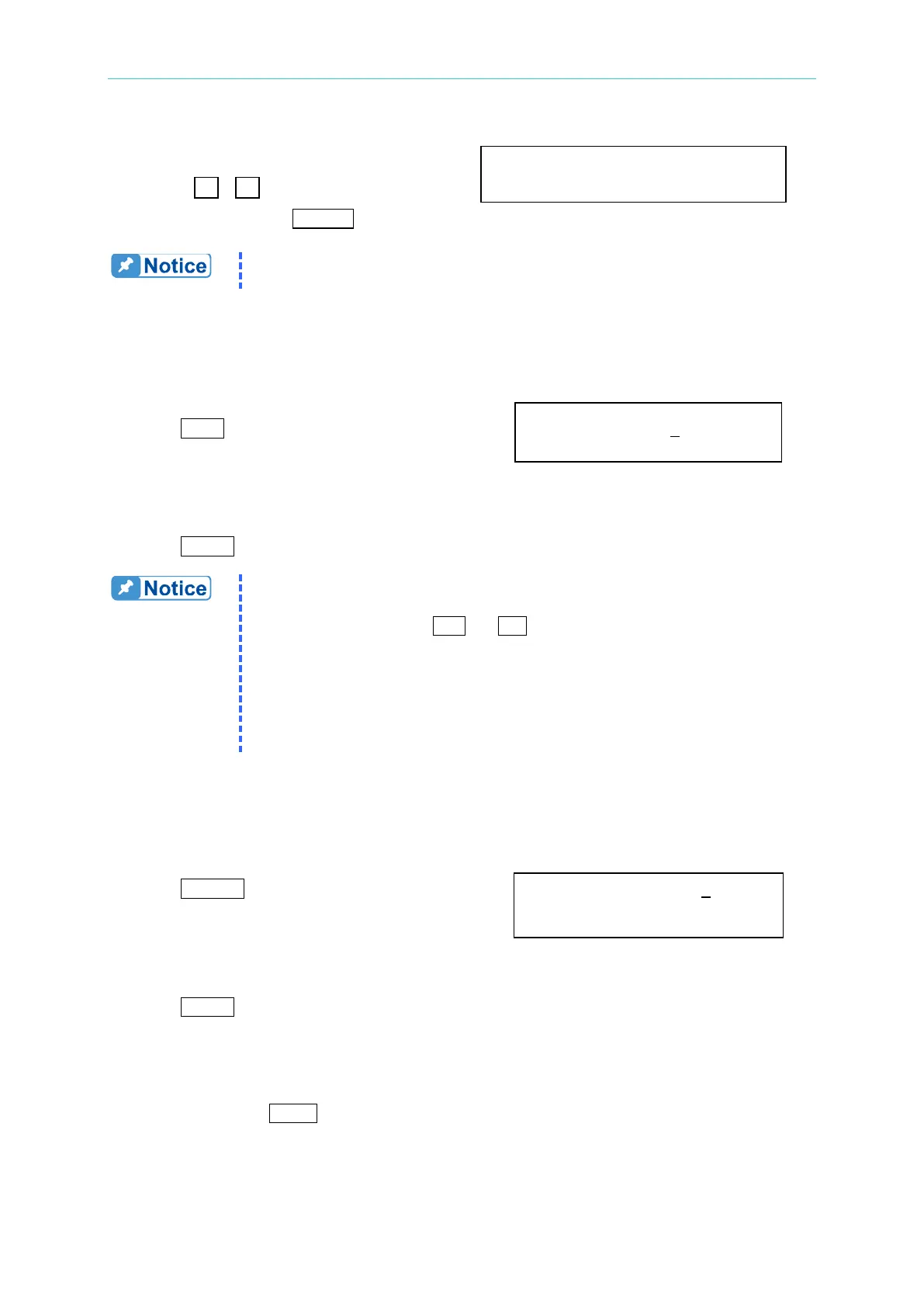
1. Press SAVE, and the LCD displays as right. Save to group 0
2. Press the numbers from 0 to 2 on the numeric
keypad to select a desired memory group.
3. Press ENTER to confirm it.
1. Selection of memory group is programmable by pressing the numeric
keypad only. Other methods, including the turning of rotary knob
and the pressing of
or
, are invalid when the user tries to
program a memory group to be “Saved” or “Recalled”.
2. The AC source provides three memory groups: 0, 1, and 2. The
memory group 0 keeps power-on defaults. The setups saved into
the memory group 0 will be recalled automatically when the AC
source is powered on again while those saved into other memory
groups must be recalled manually.
3.2.4.6 The Recalling
To recall the system data as follows:
1. Press RECALL, and the LCD displays Recall from group 0
as right.
2. Press the numeric keypad to select a desired
memory group.
3. Press ENTER to confirm it.
3.2.4.7 More
Press the soft key of MORE to enter into another display to select output phase and the
waveform.
Baudrate=19200 Parity=ODD



 To Next Page