Programmable AC Source 6460/6463/6490 User’s Manual
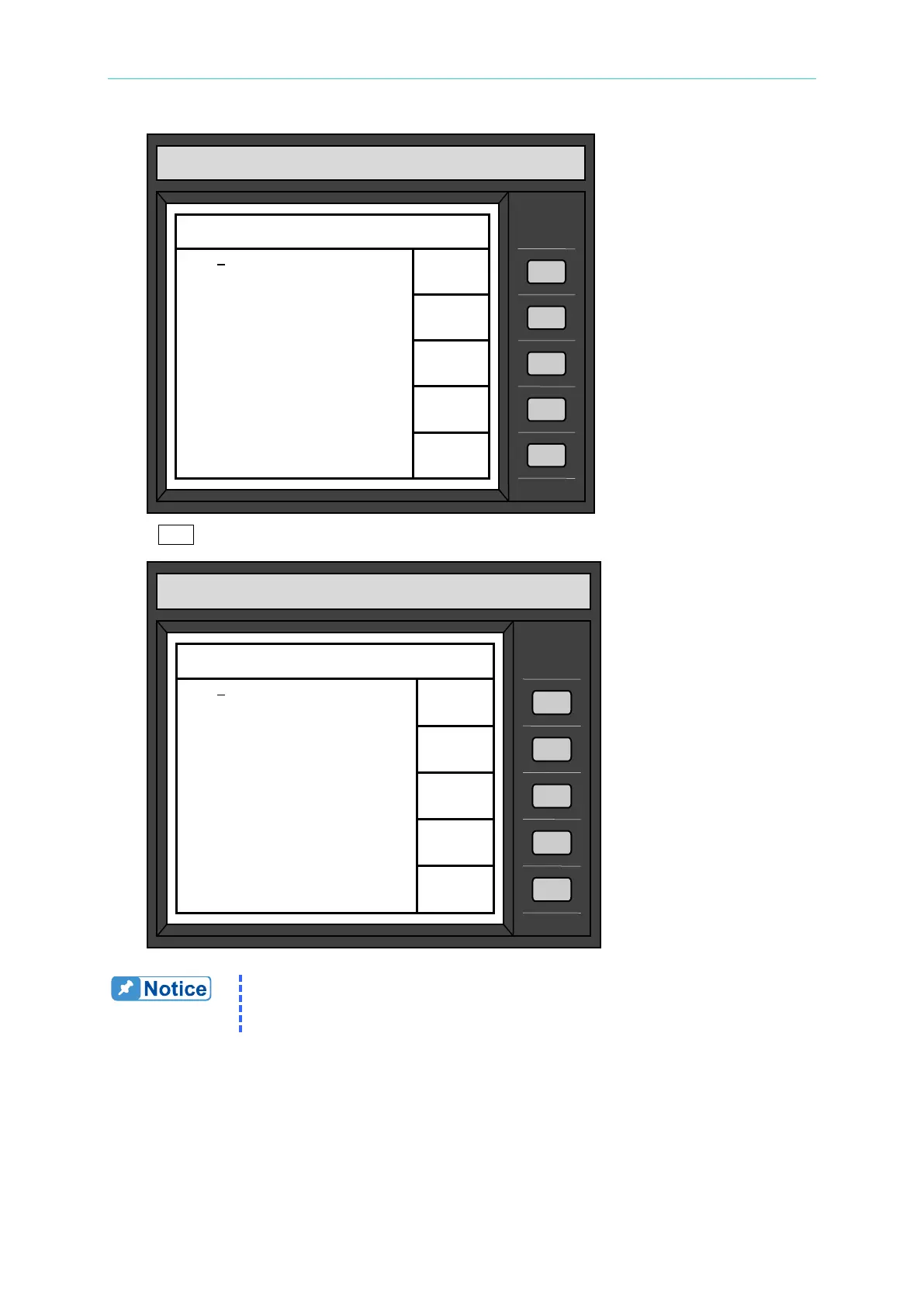
Press RUN to enable the active output, and the LCD will show as follows:
The user may observe the measured values of the measurable items
under Output Measurements on the lower part of the LCD. For detailed
description of the measurement please refer to section 3.4.
3.4 Measurement
The AC source can measure the actual performance of a load connected to it without using an
extra measuring instrument. When the AC source is active, it measures the V, I, F, P, etc. of
CHROMA programmable AC source
Model 6490
OUTPUT
SETTING
150V
Φ11
41
Output relay=ON
Output status=PAUSE
Output Measurements
V1 = 0.02 V2 = 0.02
I1 = 0.02 I2 = 0.01
P1 = 0.11 P2 = 0.08
V3 = 0.08 F = 60.00
I3 = 0.01 PF1 =----------
P3
= 0.05
CF1 =---------
RUN
CHROMA programmable AC source
Model 6490
OUTPUT
SETTING
150V
Φ11
10
Output relay=ON
Output status=RUN
Output Measurements
V1 = 100.00 V2 = 99.79
I1 = 0.04 I2 = 0.06
P1 = 1.90 P2 = 1.52
V3 = 99.89 F = 60.00
I3 = 0.02 PF1 = 0.521
P3 = 0.79 CF1 = 0.281
PAUSE



 To Next Page