Programmable AC Source 6460/6463/6490 User’s Manual
(It is the default setting from the factory for all the measurement items.)
2. Display the readings in a continuous way, or display a single measurement per
trigger by turning rotary knob, or pressing ▲ or ▼ key (Leave “continuous”
unchanged).
If the user selects “single”, he may use TRIG for measurement by manual trigger.
3. Move the cursor to the first display item.
Number: 1 in front of V means the display 1.V = 0.02
position of measurement function.
4. Turn the rotary knob clockwise, or press
and the measurement functions will
change one by one in the following order:
V => P => I => CF => PF => F => Ptot => empty => (return to V)
1. Turn the rotary knob counterclockwise or press
, the item will appear in
reversely order.
2. The option “empty” means that nothing is displayed for a corresponding item.
5. Select a desired measurement function, and press ENTER to confirm. The cursor moves
to the second column automatically.
6. You can select the phase ∅1, ∅2 (or ∅3 for 6463, 6490) by turning the rotary knob and
pressing
ENTER to confirm. The cursor moves to the next item of the first column.
When you return to the main menu, these measurement items will be displayed on the
lower half of the screen as shown by the above sample.
If the user selects more than three items, the odd items will be displayed on the
left column, and the even items on the right one. If the selected items are less
than or equal to three, they will be listed with only one column in enlarged
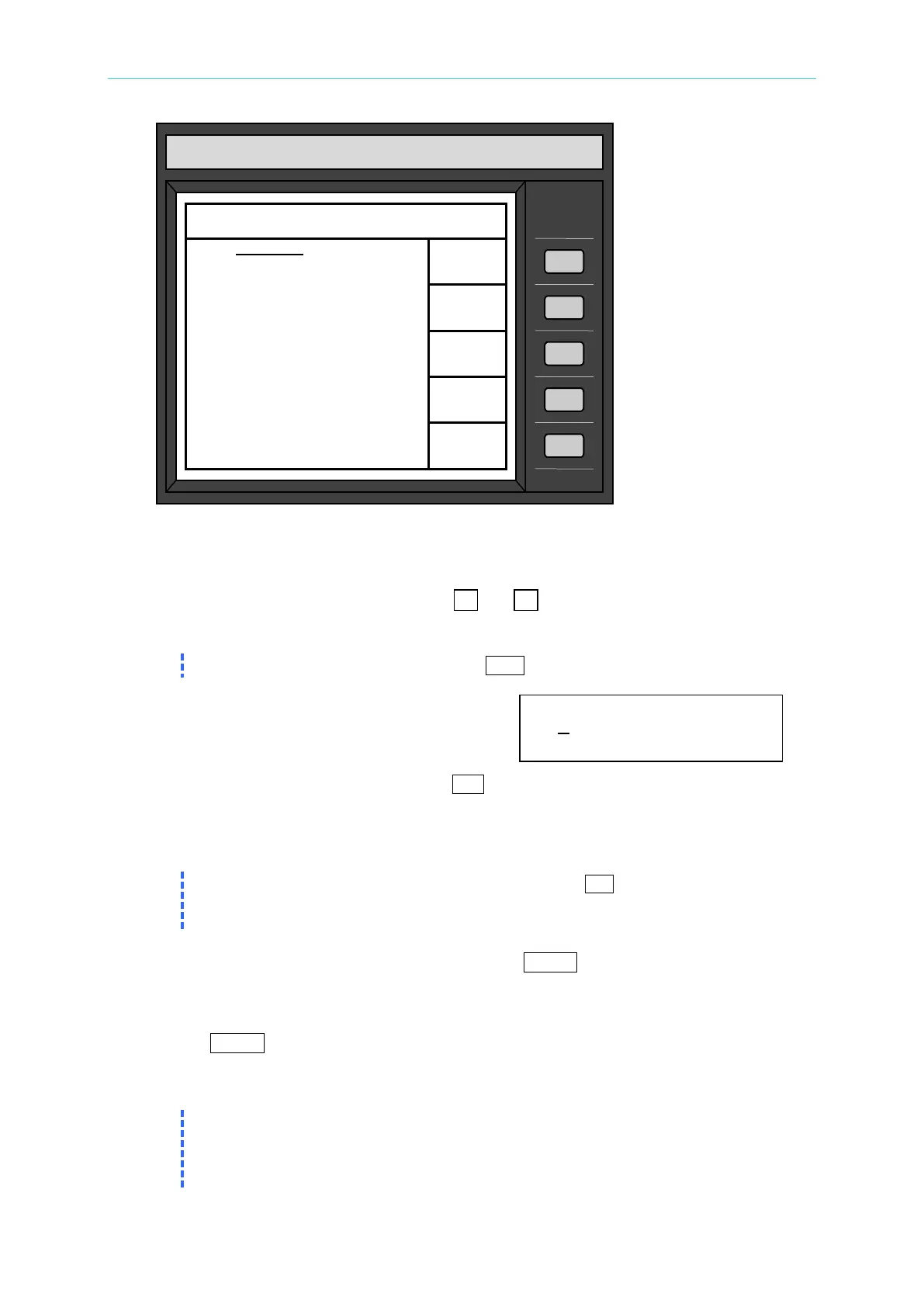
CHROMA programmable AC source
Model 6490
MEASUREMENT DISPLAY 00:00:21
1. V = 0.04 Φ1
2. V = 0.02 Φ2
3. I =- 0.01 Φ1
4. I = 0.01 Φ2
5. P = 0.00 Φ1
6. P = 0.11 Φ2
7. V = 0.13 Φ
8. F = 0.00
9. I = 0.00 Φ3
= 0.000 Φ1
= 0.08 Φ3
=------------- Φ
QUIT



 To Next Page