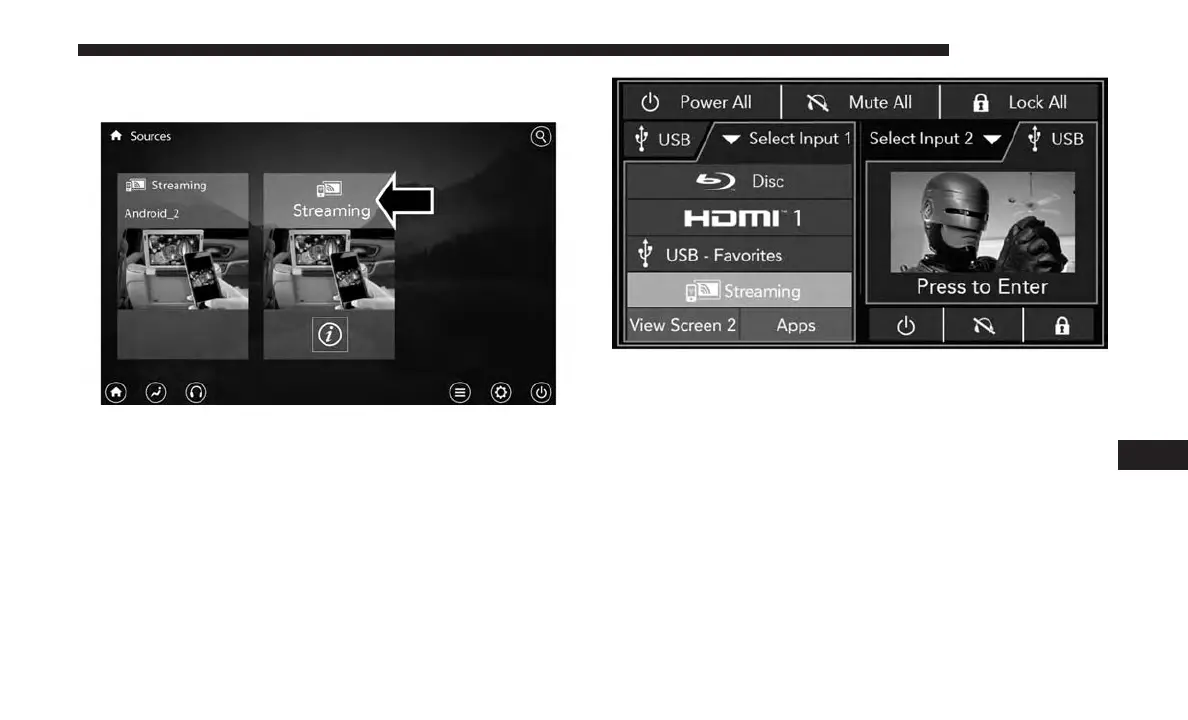
Choose the Wireless Streaming Source Card on your rear
Uconnect Theater touchscreen.
The first row passengers can also access wireless streaming
by choosing the source in the Uconnect Theater menu on
the front Uconnect touchscreen.
NOTE: For system compatibility, consult your device’s
owner’s manual or www.uconnectphone.com to see if your
device supports wireless streaming technology compatibil-
ity. Apple devices do not support this feature.
To link your device to the rear Uconnect Theater touch-
screens:
1. Enable your device’s Wi-Fi.
2. Select the Wireless Streaming feature on your device.
The name of this feature is device dependent and could
include: mirror, cast or smart view.
Wireless Streaming Source Card
Streaming Source On Front Uconnect Touchscreen
10
MULTIMEDIA 655















 To Next Page