NOTE: Refer to your device’s user manual or www.ucon-
nectphone.com for further information.
3. Select the Pacifica Wireless Network from the list of
available networks on your device.
4. When prompted by an Authentication Screen, press
Accept on the touchscreen to begin wireless streaming
on your device. If prompted, verify that the code on the
rear touchscreen and the device match.
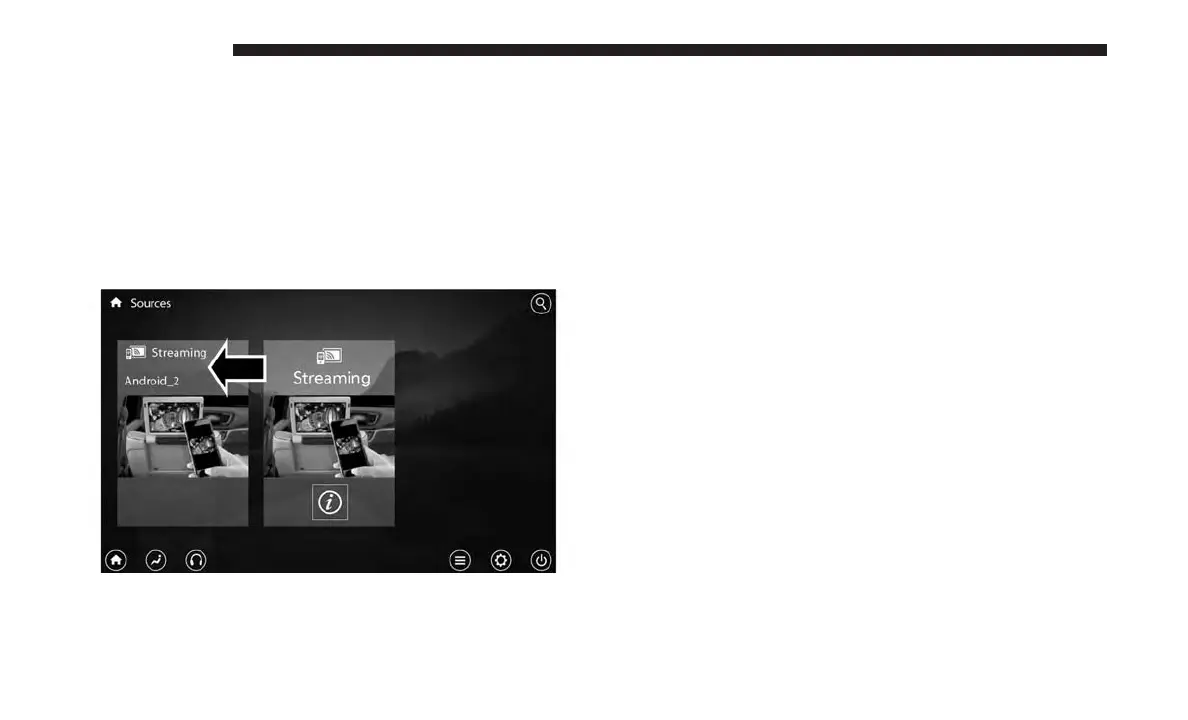
Your phone will be added as an additional source card on
the Uconnect Theater touchscreens.
NOTE: The Authentication Screen will appear on both rear
touchscreens. The touchscreen screen on which “Accept” is
selected will be the primary controller for the wireless
streaming session.
NOTE:
• Some devices will allow you to control your device
through the Uconnect Theater rear touchscreens. They
will react to your selections from the touchscreen and be
represented on your device as well. When supported,
the Uconnect Theater task bar will appear at the top and
bottom of the Uconnect Theater touchscreen, framing
your streaming device.
• Devices that do not support this feature will not respond
to Uconnect Theater touchscreen but can still be con-
trolled using the streaming device.
Settings
Below is a list of the settings available for the Wireless
Streaming feature of your Uconnect Theater system:
Streaming Device Source Card
656 MULTIMEDIA















 To Next Page