21
Account Management
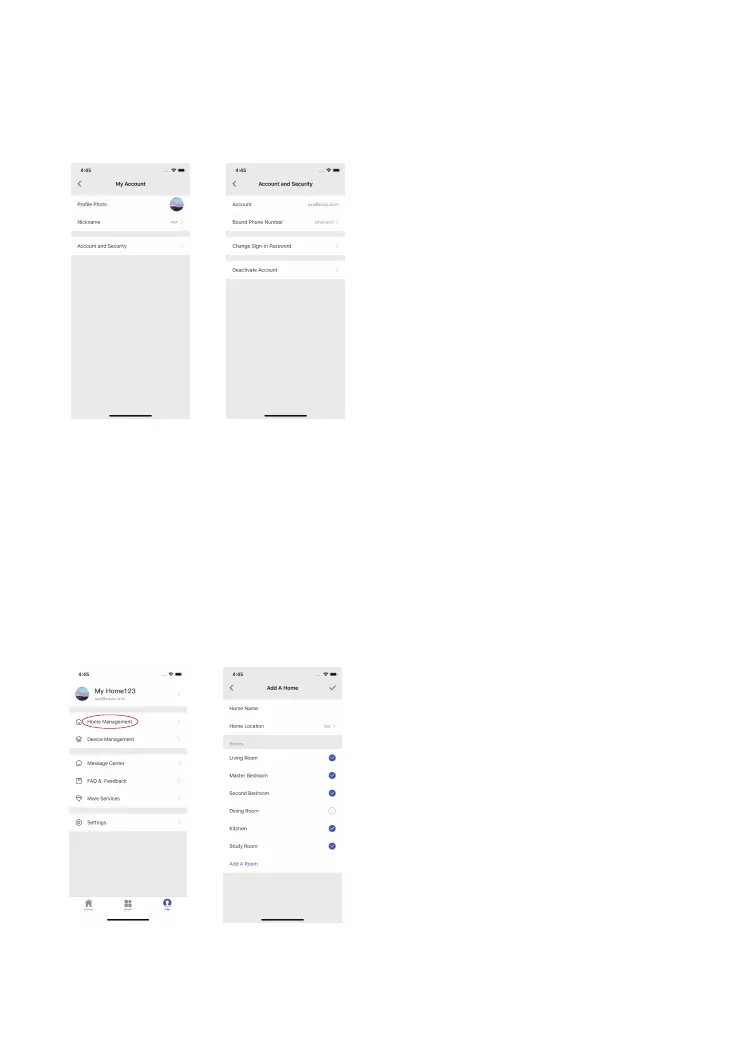
Tap the portrait on the main page to enter the account management, where you can
change your prole photo, add nickname and check your account and security related
items like changing sign-in password and delete your account.
Home Management
Tap [Me] on the main page and tap [Home Management] to add home name, home
location, add room(s) to your home and add member to your home.
There are two memberships of users.
Administer (Full Access)
The accounts who are set as administers cannot delete and transfer the home.
User (Read Only)
The accounts who are set as users can edit the name of the device(s) and receive alerts;
re-sharing the device(s) to other users or changing the settings are not permitted.



 To Next Page