03
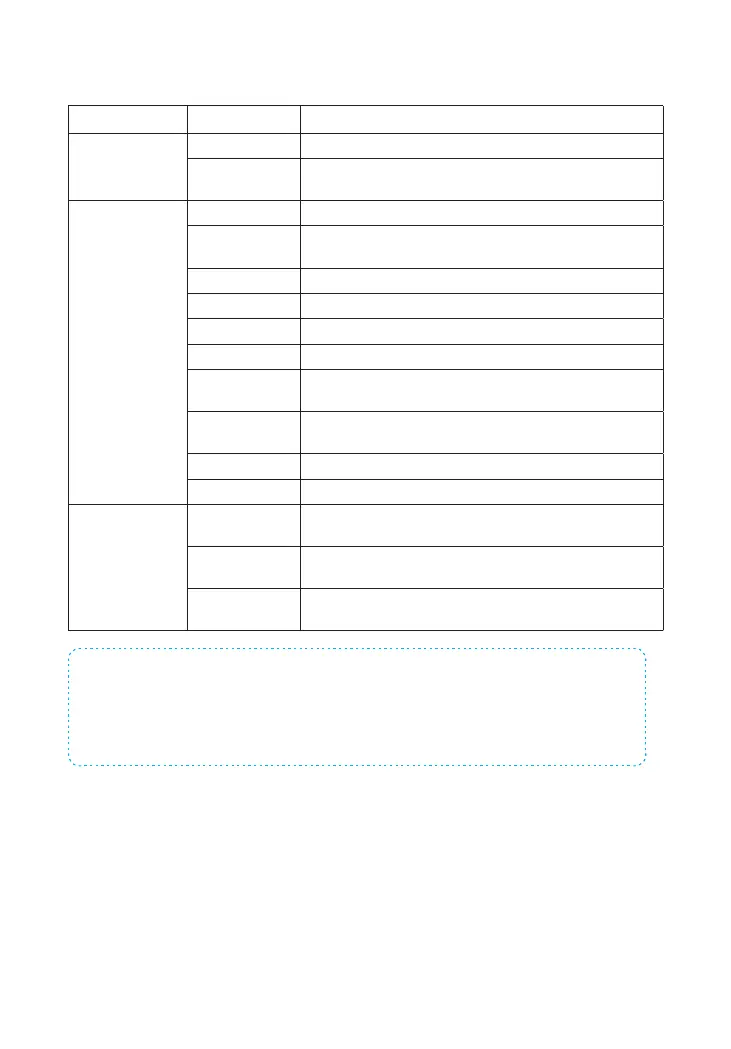
Description of Indicator Lights
Indicator Light Status Meaning
Wi-Fi Indicator
Light
Blinking Searching for Wi-Fi network
Solid Yellow
Booting up after power on or Cellular network is
connected, but the system is using the WiFi network.
Status Light
White Powered on
Blinking White
Hub is in low battery condition. Please connect with AC
power.
Blue Home mode
Green Disarm mode
Red Arm mode
Blinking Red Alarm/panic mode
Alternating Red
and Blue
The hub is in AP Mode or SIM Card Cong Mode.
Alternating Red,
Green and Blue
The hub is in Accessory Pairing Mode.
Off Hub is not powered on, or not powered with the adapter.
Off No SIM card or Cellular has been deactivated on the App
Cellular Indicator
Light
Blinking (3 times
per second)
Cellular network is connected and the system is using the
Cellular network.
Blinking (once
per second)
Searching for the Cellular network
Off
No SIM card or Cellular has not been activated on the
App.
Note: The hub must be always being connected to AC power in order to maintain a WiFi
connection. When AC power is lost, the speaker will beep for 30 seconds and the Hub will
stay online for 2 minutes; long enough to send out push notications to users alerting them
of the power disconnection. The system will remain active and continue to monitor during a
power outage. If the system is armed, it will activate its onsite alarm if a sensor is triggered.
How to identify if the system is working through WiFi or Cellular?
Working through WiFi: The WiFi indicator is steady on.
Working through Cellular: The WiFi indicator and the Cellular indicator blink quickly.



 To Next Page