28
Step 3: To test the detector press the test button on the back. It will enter and remain
in testing mode (detect once every 10 seconds) for 3 minutes. Walk into the view of
the detector and look for a red light. The LED indicator will blink when movement is
detected.
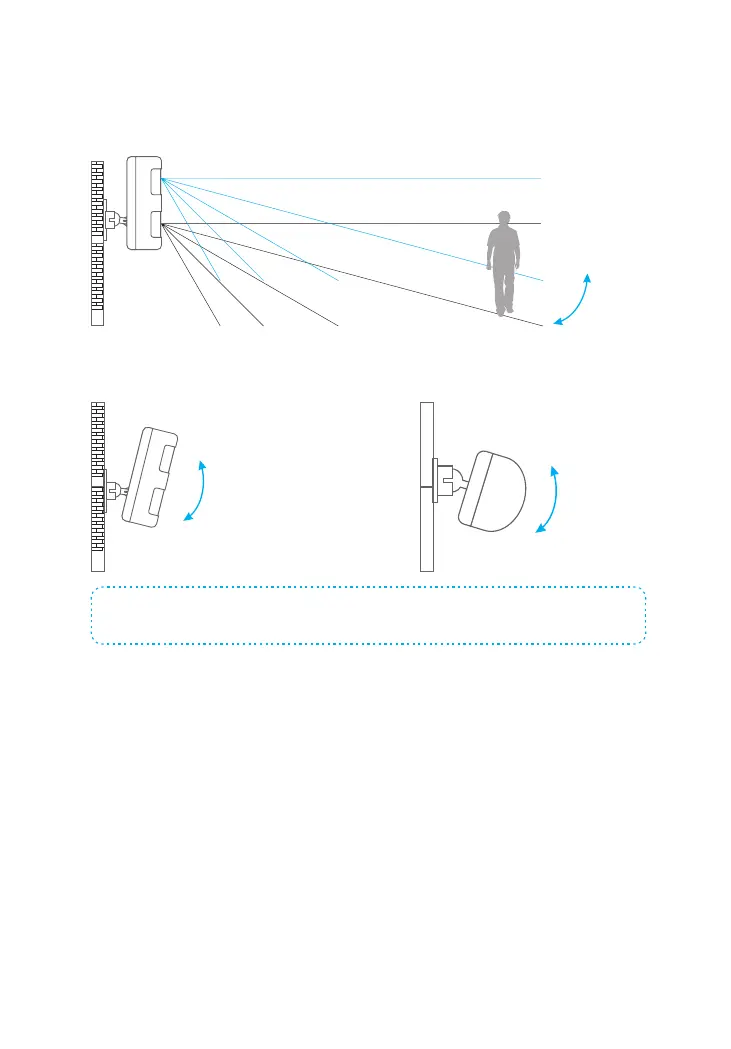
Step 4: Adjust the angle of your unit.
Note: If pet-immune function is applied, please do not adjust the angle up or down, but keep it
parallel with the wall.



 To Next Page