CIARA Astro SN-6310
- 20 -
1.5.6 Solving keyboard and mouse problems
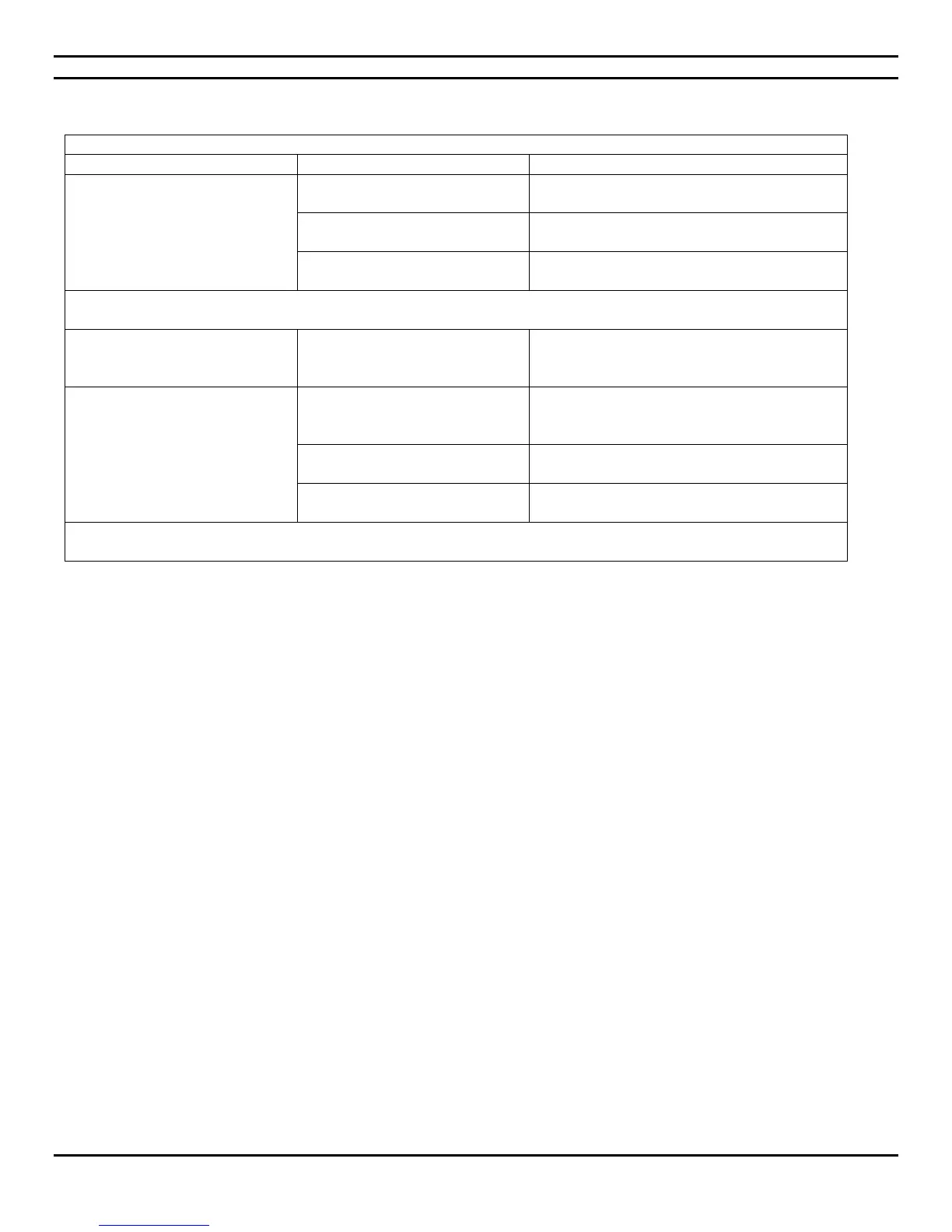
Solving keyboard and mouse problems
The micro PC does not recognize
keyboard commands and typing.
Keyboard connector is not
properly connected.
Connect keyboard correctly
Contact CIARA so that we may proceed to
repairs.
Micro PC is in Last State mode.
Press the power button to resume from Last
State mode.
CAUTION : When attempting to resume from Last State mode, do not hold down the power button for more than four
seconds. Otherwise, the micro PC will shut down and you will lose your data.
Cursor will not move using the
arrow keys on the keypad.
The Num Lock key may be on.
Press the Num Lock key. The Num Lock light
should not be on if you want to use the arrow
keys.
Mouse does not respond to
movement or is too slow.
Mouse connector is not properly
plugged into the back of the
micro PC.
Contact CIARA so that we may proceed to
repairs.
Micro PC is in Last State mode.
Press the power button to resume from Last
State mode.
CAUTION : When attempting to resume from Last State mode, do not hold down the power button for more than four
seconds. Otherwise, the micro PC will shut down and you will lose your data.


 To Next Page