1.1 Battery
The scanner is powered by two AA batteries or AAA alkaline batteries. The batteries can
support the scanner work continuous for 60 hours, or read 56000 barcodes (read an EAN-13
barcode per 5s).
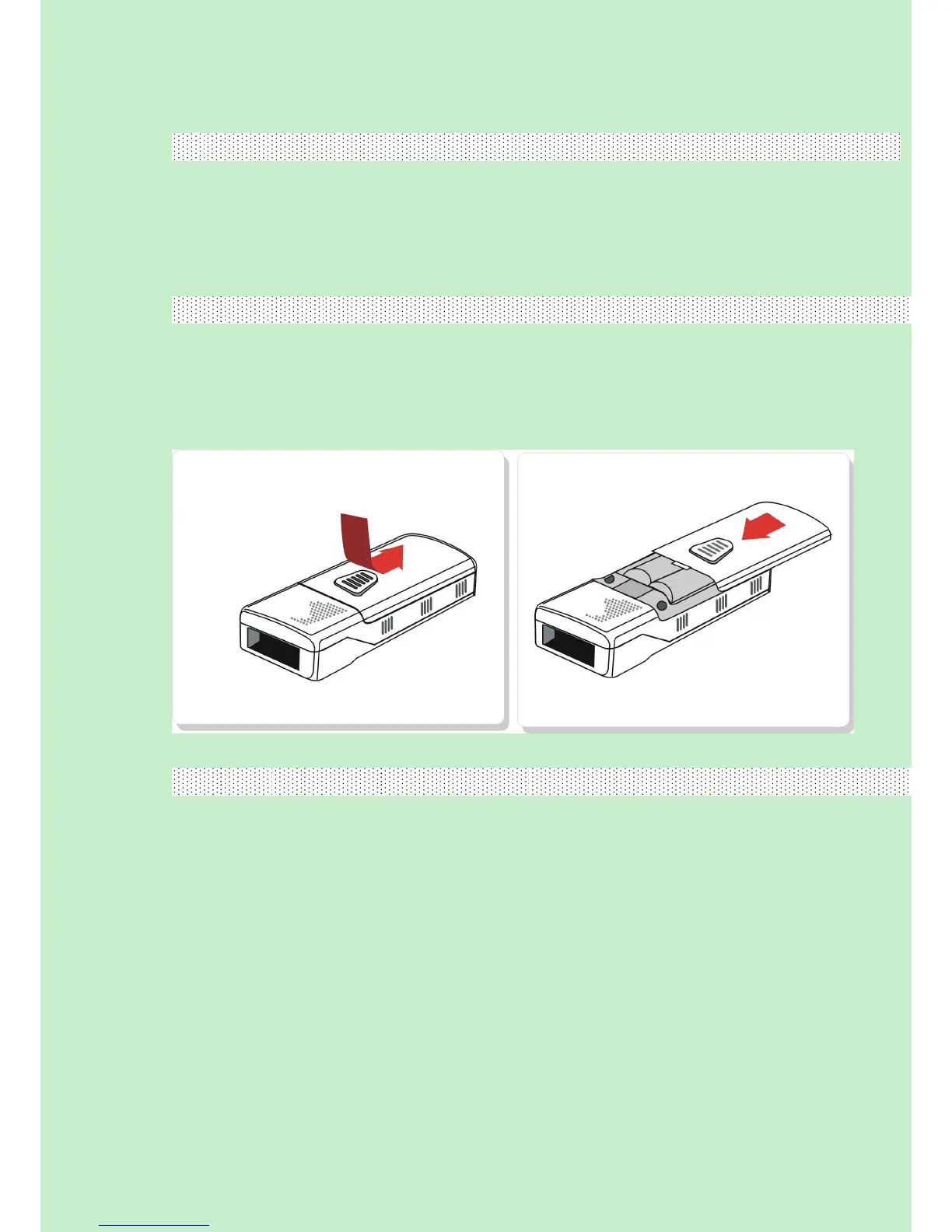
1.1.1 Mounting the battery (charging)
1) Hold the scanner face down in one hand.
2)Press the back case and push like picture.
3) put in the batteries.
4)close the back case.
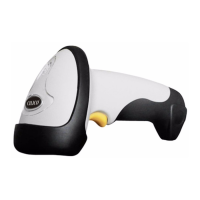
1.1.2 How to operate CT20 Barcode Scanner
Turn on the scanner
Press the Power key for about 2 seconds. The scanner will respond with a long beep (high
tone), and its LED indicator is flashing.
Turn off the scanner
Press the Power key for about 3 seconds. The scanner will respond with two short beeps
(high tone) and the LED indicator is turn off.



 To Next Page